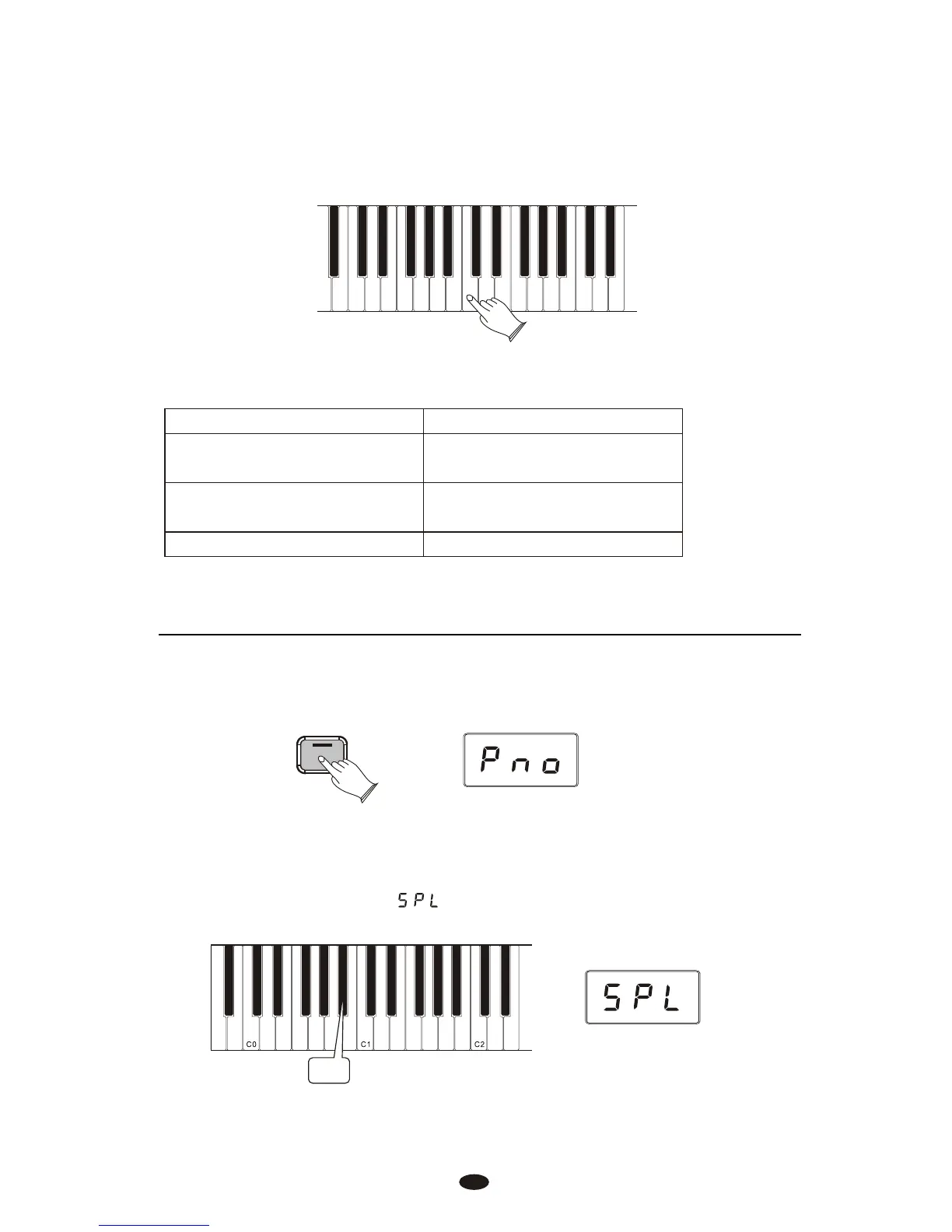
Press any key on the keyboard between C0 and C7 to select the Split Point.
(The split point cannot be set lower than C0.)
The default values for Split Mode are:
Default Split Point: Eb3
Default Voices: 7. Upright Bass (L Hand),
0 Grand Piano (R Hand)
MIDI Transmit Channel: Left Hand Voice on MIDI
Transmit Channel +1
Default Volume Level: 127
1.Left Hand Voice Volume:
Press the [Voice/Function] button to enter Edit Mode.
Press the Bb0 key to assign the Data Control knob to control the Split Voice
(Left Hand Voice) volume.
The LED display will show:
Bbo
Voice / -
Function
14
To Independently Control Volume Levels of Left Hand and Right Hand Voices:



 To Next Page