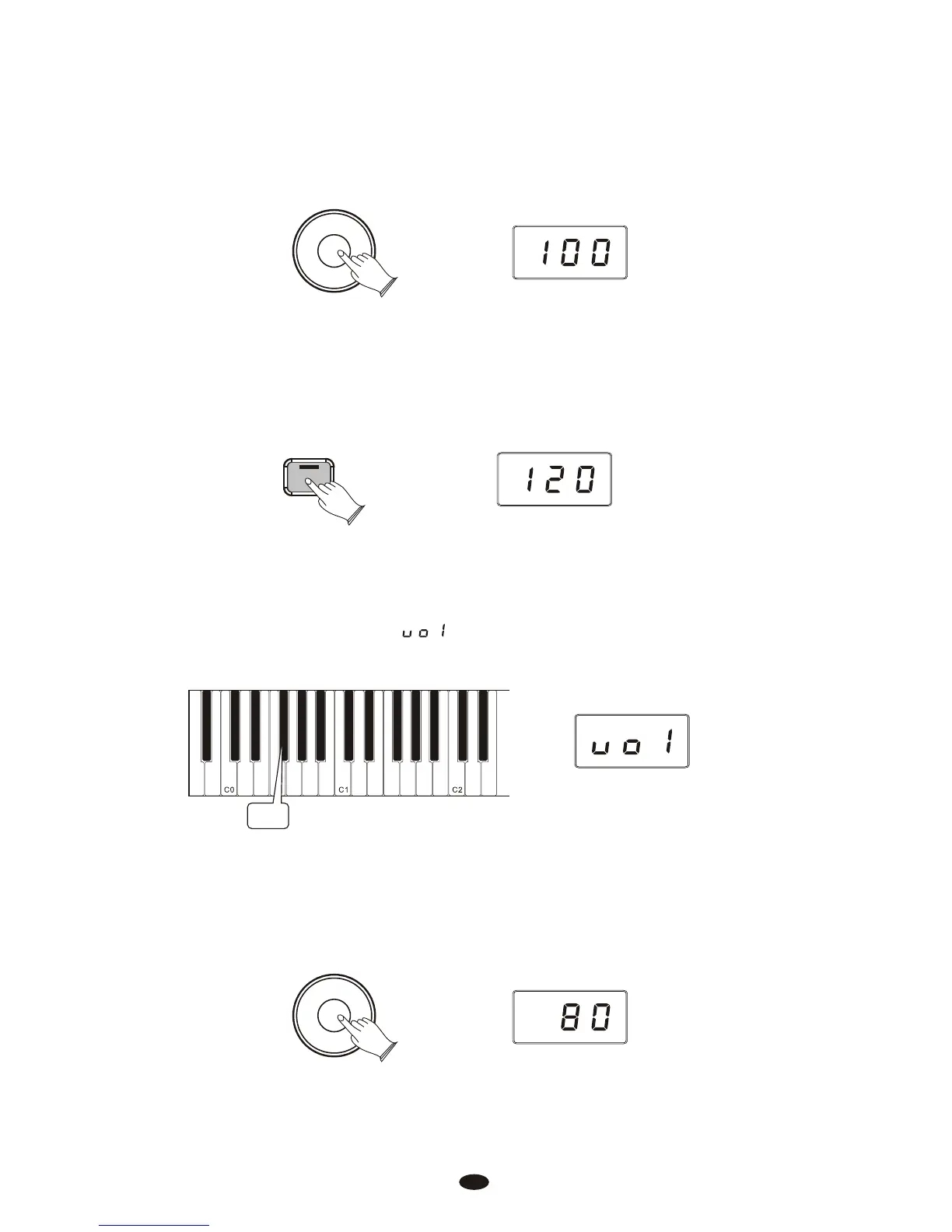
Use the Data Control knob to select a Split Voice volume level between 0
(minimum) and 127 (maximum). You can play as you do this to hear the volume
change.
Data Control
[Assignable]
2.Right Hand Voice Volume:
Press the [Voice/Function] button to enter Edit Mode.
Voice / -
Function
Press the F#0 key to assign the Data Control knob to control the Right Hand
Voice volume.
The LED display will show:
F#0
Use the [Data Control] knob to select a Right Hand Voice volume level between
0 (minimu m) and 127 (maximum). You can play as you do this to hear the volume
change.
Data Control
[Assignable]
15



 To Next Page