106
System
Chapter 12
Setup
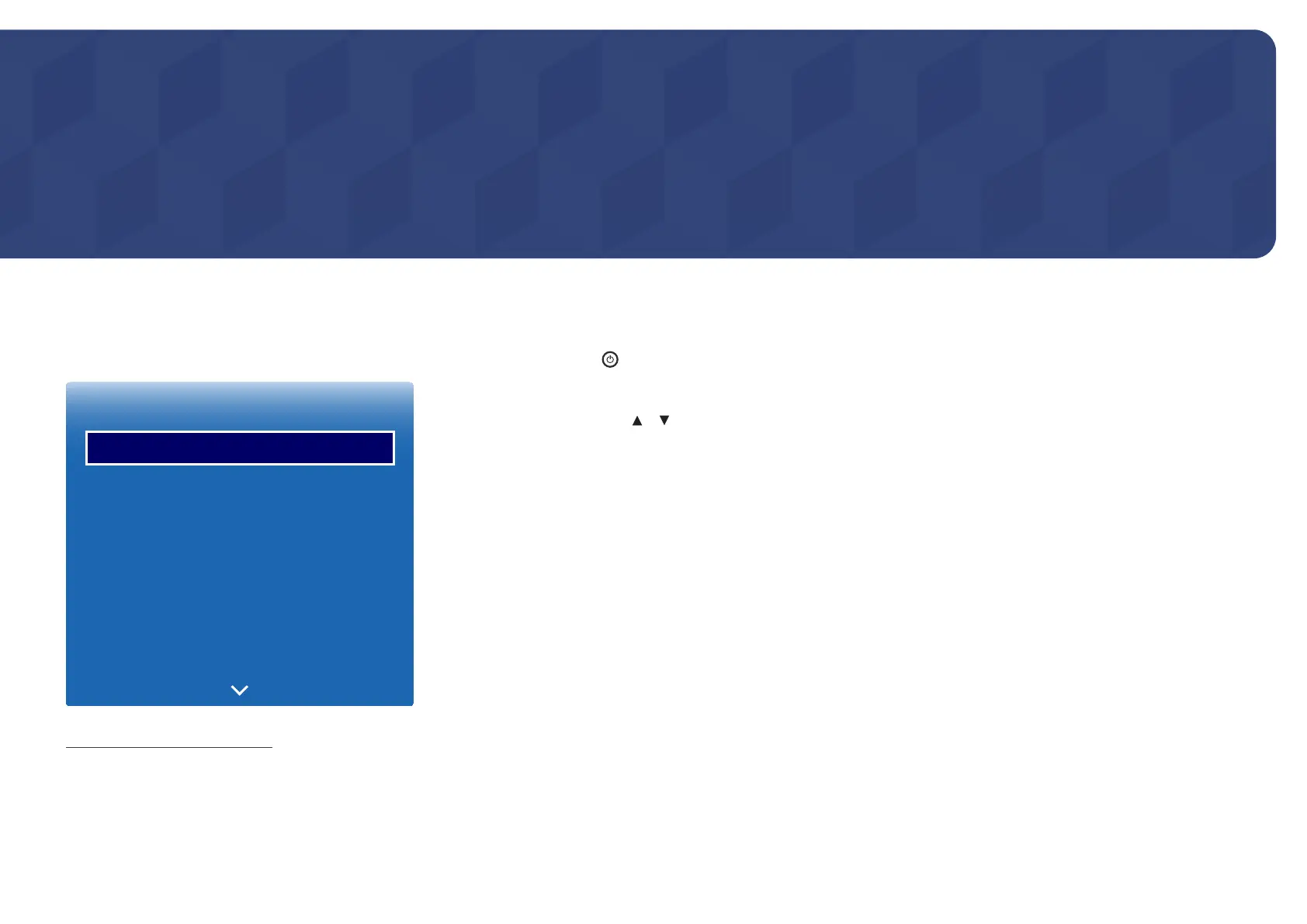
MENU m → System → Setup → ENTER E
System
Setup
Menu Language
Multi Control
Time
Eco Solution
Auto Protection Time
Screen Burn Protection
English
O
-
The displayed image may differ depending on the model.
Initial settings (Setup)
After powering on the product for the first time, configure basic settings such as the language, channel and time.
Press the
button. Setup is available only when Source is set to TV.
1
Selecting a language
Press the
or button, and then press the
E
button. Specify the OSD menu language.
2
Regional Settings
Select your region to optimise the system.
―
The displayed image may differ depending on the model.
3
Channel Source
TV input source setup.
Set Channel Source to Set-top box to display the Source options.
-
Aerial / Set-top box / No TV(Signage Only)
4
Auto Tuning
This feature automatically searches and configures broadcast signals connected to the product.
To configure settings later, press the Stop button.
―
Auto Tuning does not appear if Set-top box or No TV(Signage Only) is selected.













 To Next Page