69
The Guide provides an overview of each digital channel's Programme lineup. You can check the programme schedules and set
up a Schedule Manager.
―
The information in the Guide is for digital channels only. Analogue channels are not supported.
You can press the colour keys on the remote to access optional functions.
Quick Navigation
Search channel information quickly.
Schedule Manager
Access the Schedule Manager function.
You can view information on the Schedule Manager.
Guide
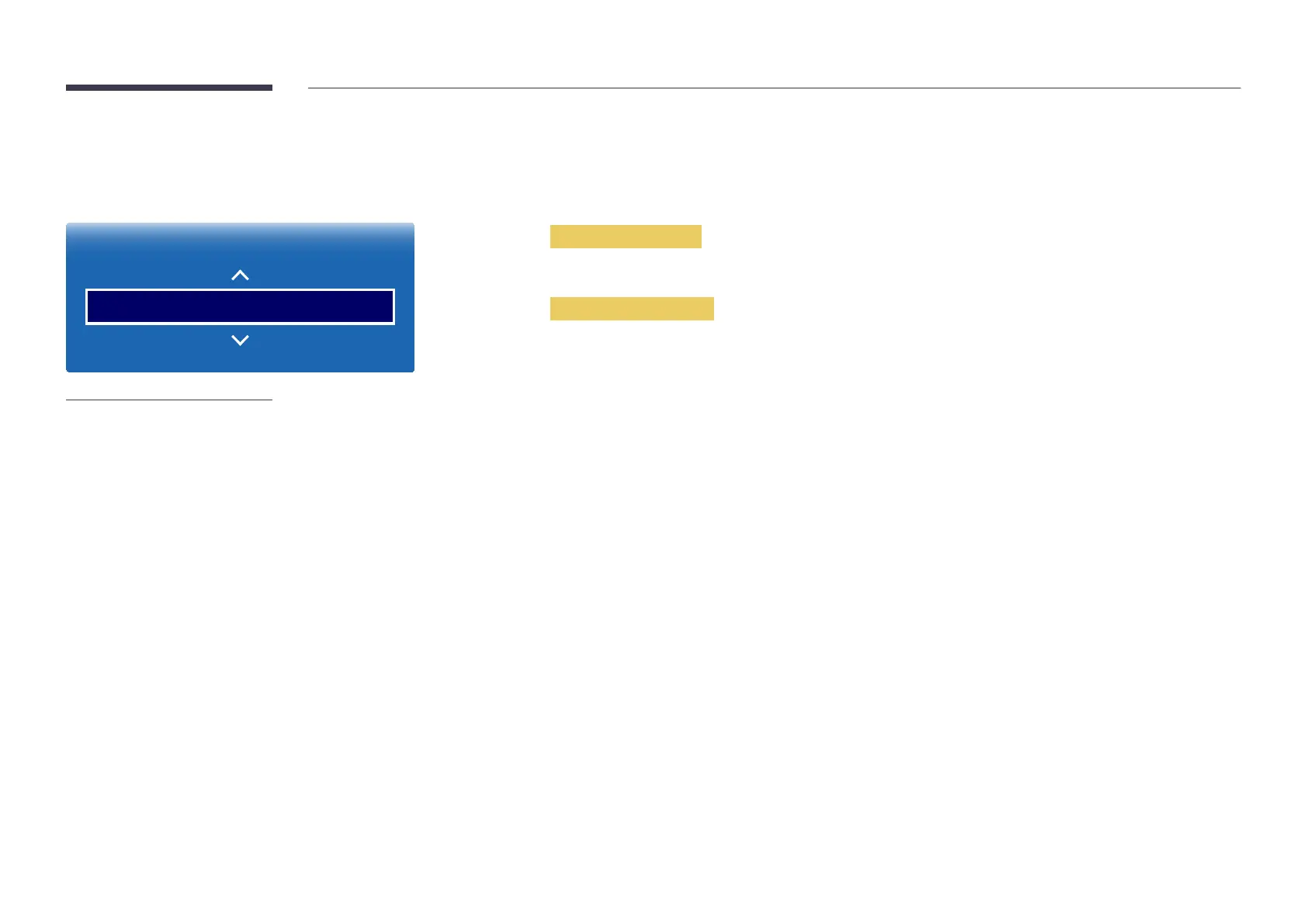
MENU m → Broadcasting → Guide → ENTER E
Broadcasting
Guide
-
The displayed image may differ depending on the model.
-
Available in TV mode only.













 To Next Page