58
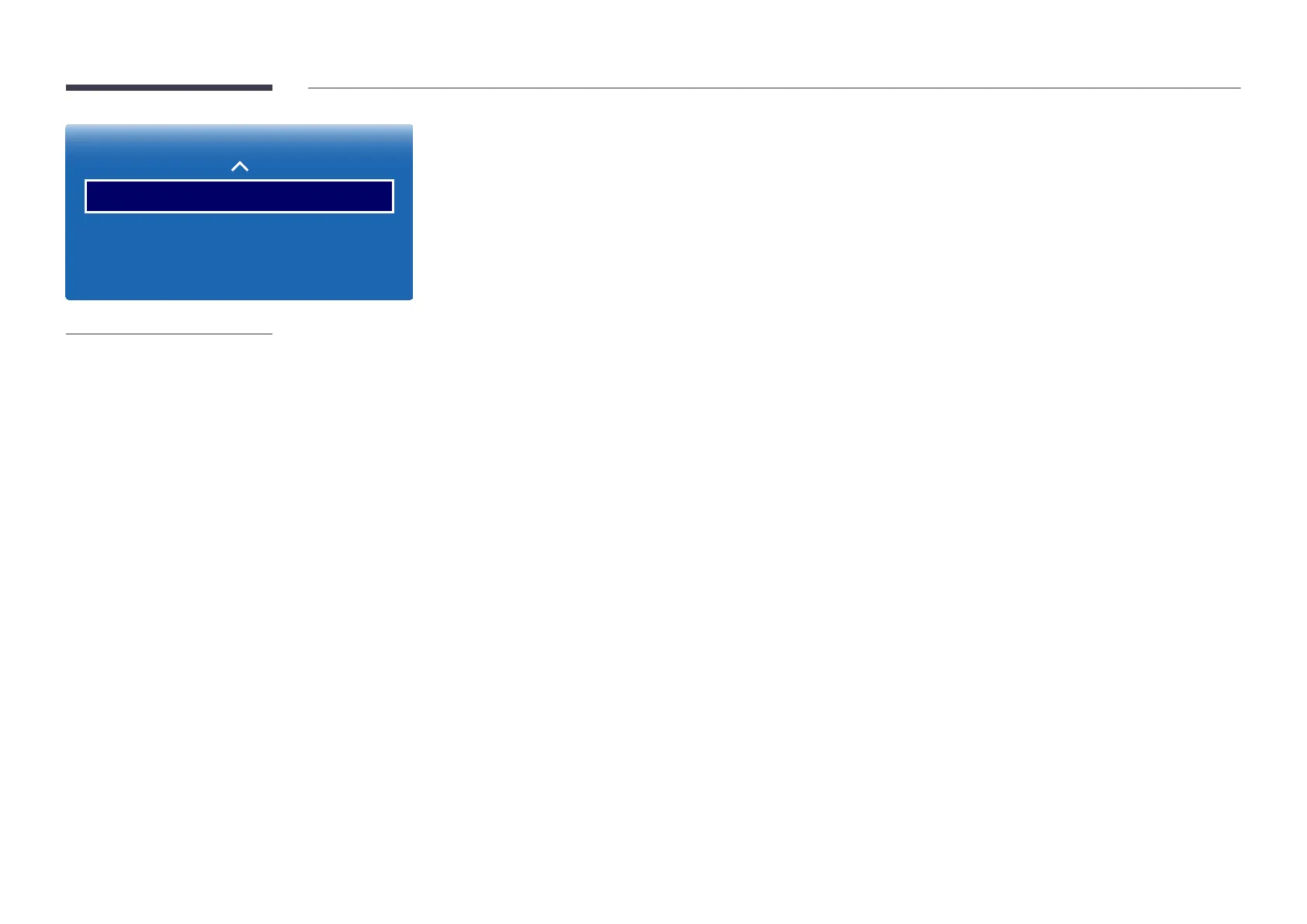
Picture Options
HDMI Black Level
Film Mode
Dynamic Backlight
Normal
O
O
-
The displayed image may differ depending on the model.
HDMI Black Level
Selects the black level on the screen to adjust the screen depth.
•
Normal / Low
―
Available only in HDMI (PC connection), mode (AV Timing : 480p, 576p, 720p, 1080i, 1080p).
Film Mode
This mode is suitable to view movies.
Sets the product to automatically sense and process film signals from all sources and adjust the picture for optimum quality.
•
Off / Auto1 / Auto2
―
Available in TV, AV.
Dynamic Backlight
Automatically adjust the backlight to provide the best possible screen contrast under the current conditions.
•
Off / On













 To Next Page