45
Backlight / Contrast / Brightness /
Sharpness / Colour / Tint (G/R)
MENU m → Picture → ENTER E
·
·
·
·
·
·
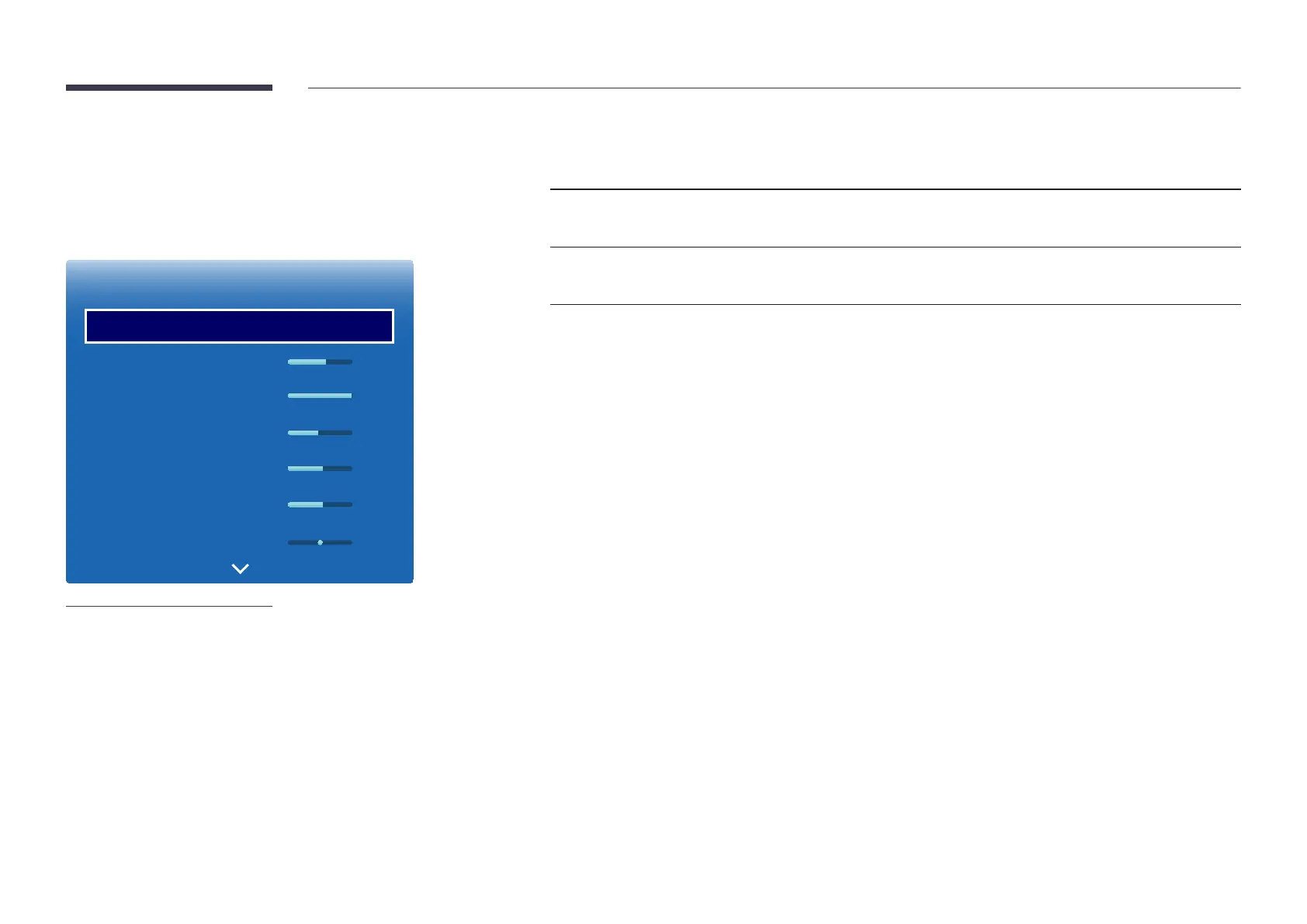
Picture
Picture Mode
Backlight
Contrast
Brightness
Sharpness
Colour
Tint (G/R)
Standard
55
100
45
50
50
G50 R50
-
The displayed image may differ depending on the model.
Your product has several options for adjusting picture quality.
Input source Picture Mode Adjustable options
PC, HDMI (when a PC is connected) Information, Advertisement Backlight / Contrast / Brightness /
Sharpness
AV, HDMI, TV Dynamic, Standard, Movie Backlight / Contrast / Brightness /
Sharpness / Colour / Tint (G/R)
―
When you make changes to Backlight, Contrast, Brightness, Sharpness, Colour or Tint (G/R), the OSD will be adjusted
accordingly.
―
You can adjust and store settings for each external device you have connected to an input on the product.
―
Lowering picture brightness reduces power consumption.













 To Next Page