117
To reduce the possibility of screen burn, this unit is equipped with Pixel Shift screen burn prevention technology.
Pixel Shift moves the picture slightly on the screen.
The Pixel Shift Time setting allows you to programme the time between movements of the picture in minutes.
Pixel Shift
Minimize image retention by finely moving pixels horizontally or vertically.
•
Pixel Shift (Off / On)
-
Horizontal: Sets how many pixels the screen moves horizontally.
-
Vertical: Sets how many pixels the screen moves vertically.
-
Time: Set the time interval for performing the horizontal or vertical movement, respectively.
―
Horizontal, Vertical and Time are enabled only when Pixel Shift is set to On.
Available Pixel Shift Settings and Optimum Settings.
Available Settings Optimum Settings
Horizontal (pixels) 0 ~ 4 4
Vertical (pixels) 0 ~ 4 4
Time (minute) 1 min ~ 4 min 4 min
―
The Pixel Shift value may differ depending on the product size (inches) and mode.
―
Displaying a still image or a 4:3 output for an extended period of time may cause image retention. This is not a defect in the
product.
―
This function is not available in the Screen Fit mode.
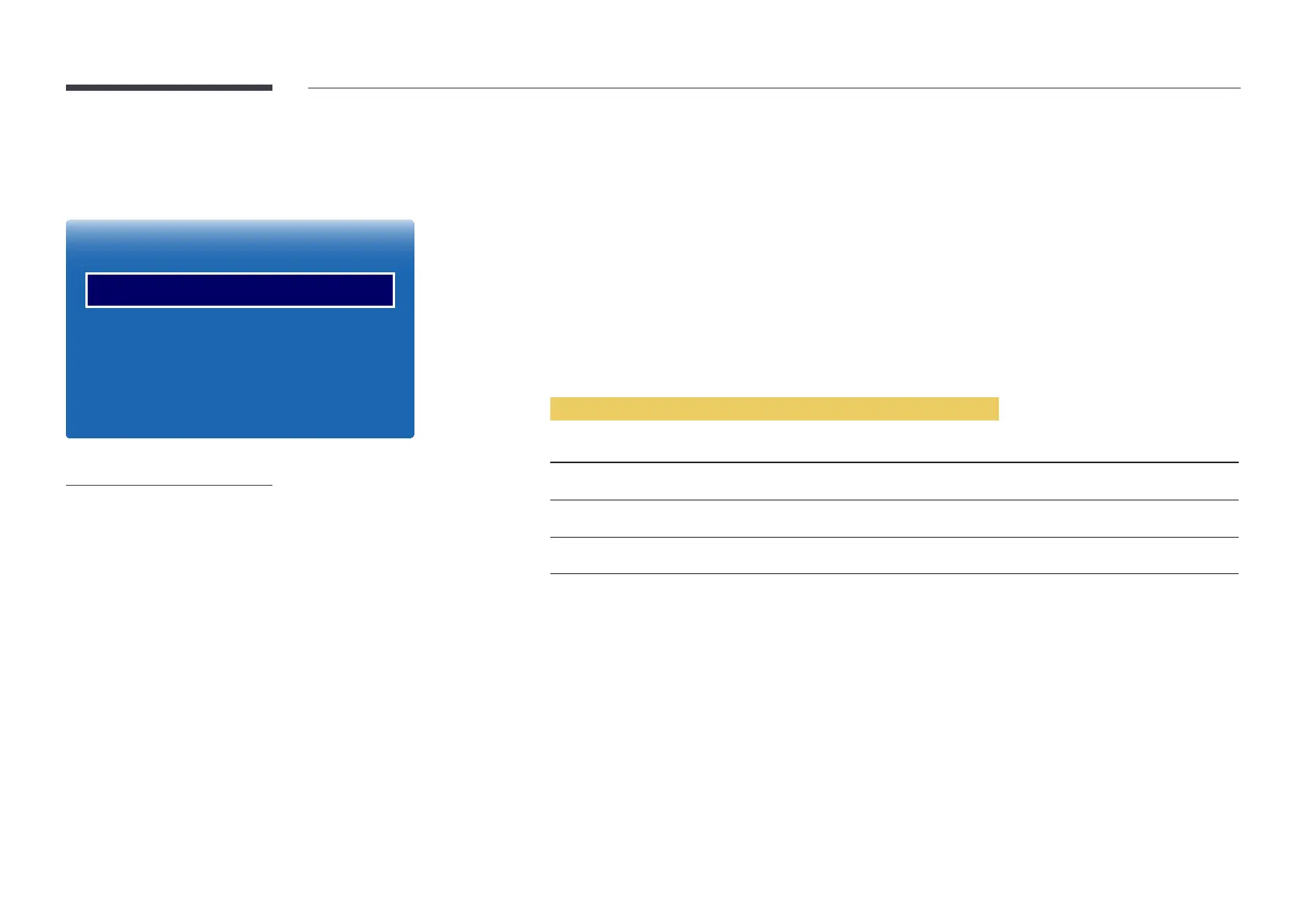
Screen Burn Protection
MENU m → System → Screen Burn Protection → ENTER E
Screen Burn Protection
Pixel Shift
Timer
Immediate display
Side Grey
O
O
O
O
-
The displayed image may differ depending on the model.













 To Next Page