65
Broadcasting
Configure the Broadcasting settings for the product.
Displayed menus may vary depending on the region.
Chapter 07
Auto Tuning
MENU m → Broadcasting → Auto Tuning → ENTER E
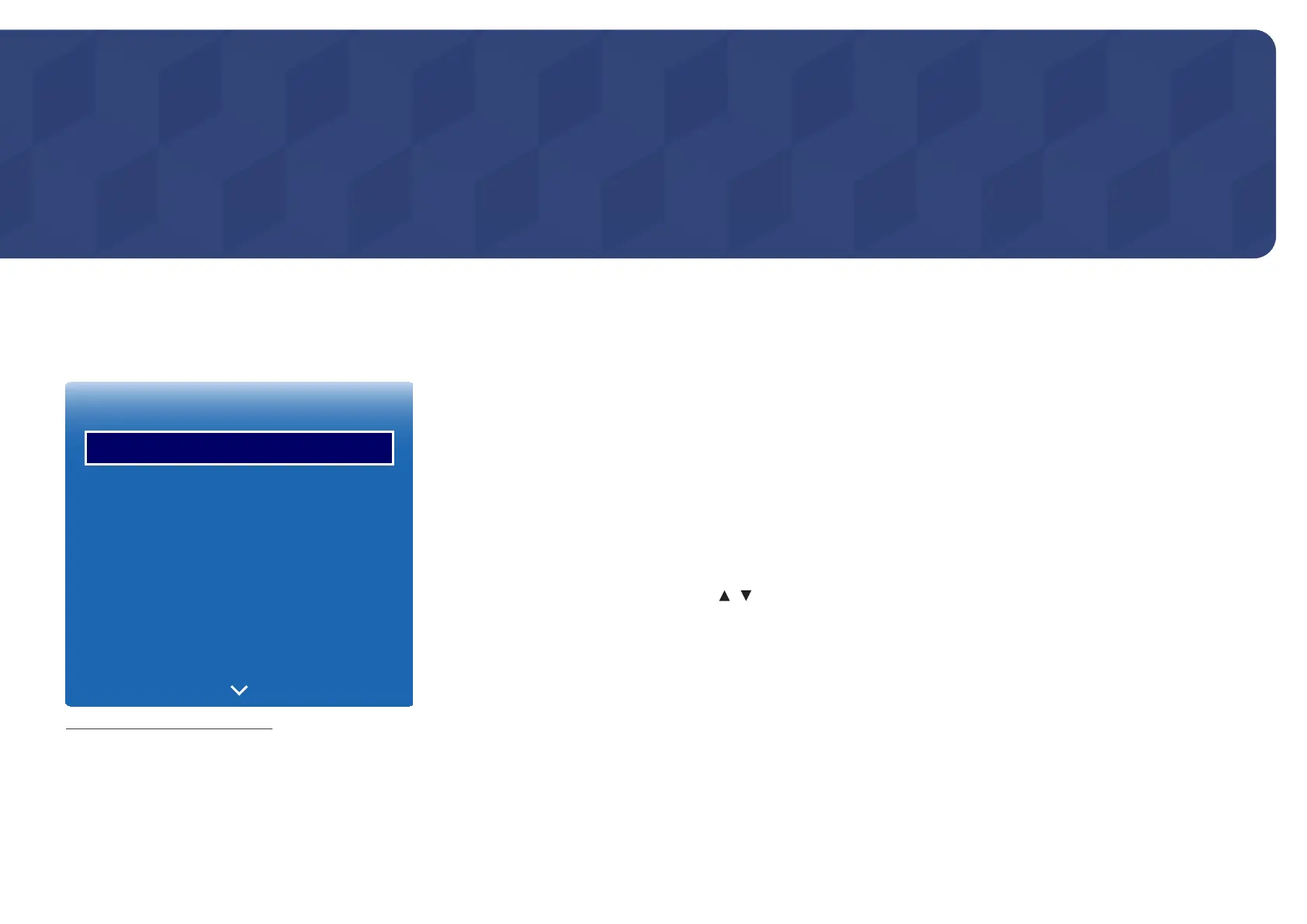
Broadcasting
Auto Tuning
Channel List
Guide
Schedule Manager
Edit Channel
Edit Favourites
Channel Settings
-
The displayed image may differ depending on the model.
-
Available in TV mode only.
The Auto Tuning function memorise all channels that are available over the aerial or through your cable system and adds
them to the Channel List.
Auto Tuning
To start Auto Tuning, follow these steps:
1
Push MENU m → Broadcasting → Auto Tuning → ENTER E on your remote. The Auto Tuning screen appears.
2
On the Auto Tuning screen, select the source of your product signal.
―
Air: If your product is connected to an antenna choose Air, and then press ENTER E. The product will automatically
start memorizing channels.
―
Cable: If your product is connected to a cable outlet, choose Cable, and then press ENTER E. Go to Step 3.
―
Select Digital & Analogue, Digital or Analogue to scan for channels.
3
Sets Search Mode using / buttons. When done, select Scan, and then press ENTER E. The product will start
memorizing channels.
―
Channel memorization can take up to 45 minutes, depending on your cable system.
―
Memorise channels are added to the Added Ch. list. These are the channels you will see when you use the channel buttons
on your remote.













 To Next Page