56
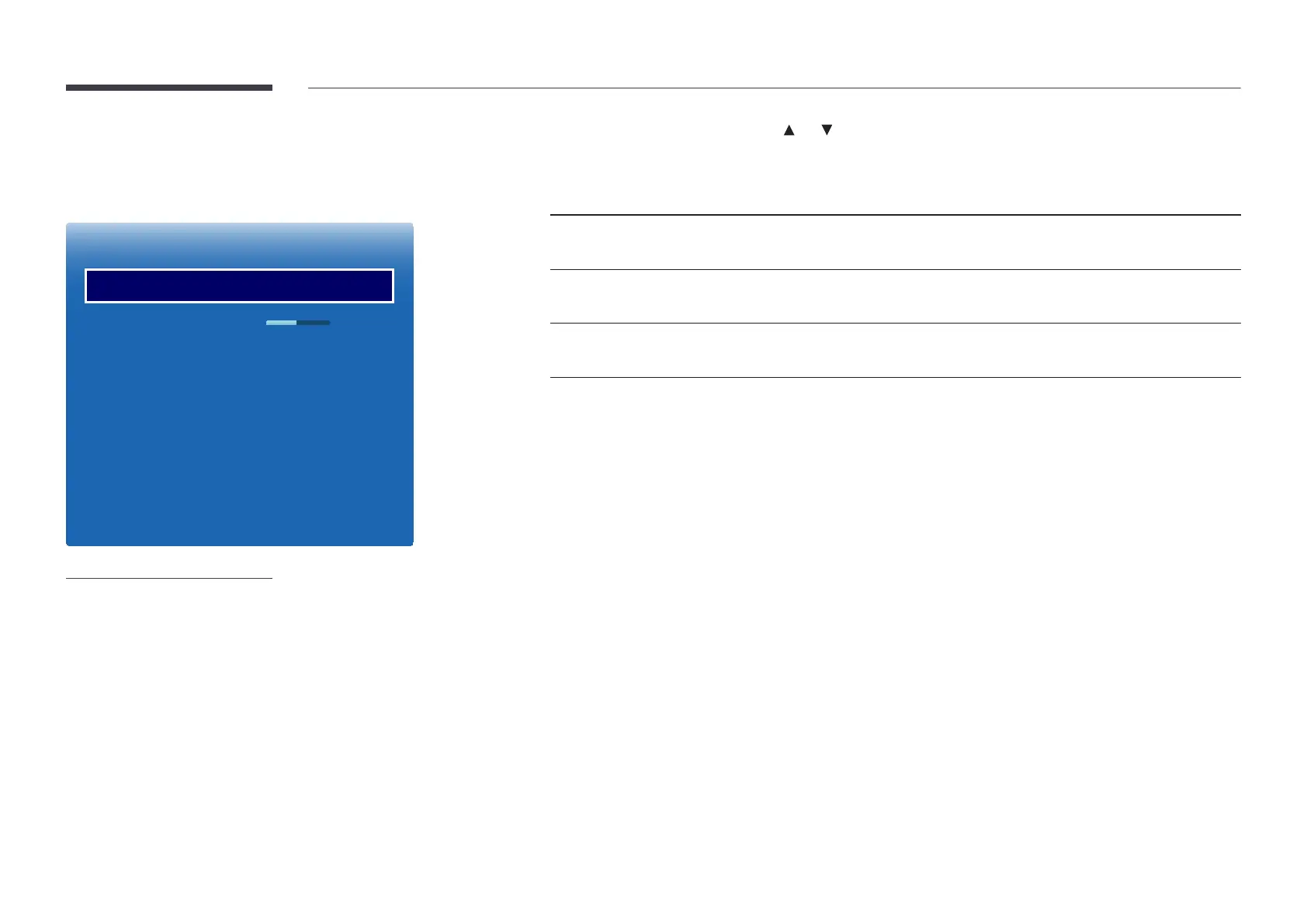
Picture Options
MENU m → Picture → Picture Options → ENTER E
Picture Options
Colour Tone
Colour Temp.
Digital Clean View
MPEG Noise Filter
HDMI Black Level
Film Mode
Dynamic Backlight
O
10000K
O
O
Normal
O
O
-
The displayed image may differ depending on the model.
Select an option using the and arrow keys, and the press E.
Use the arrow keys to change the setting, and then press E.
Input source Picture Mode Picture Options
PC, HDMI
(when a PC is connected)
Information, Advertisement Colour Tone / Dynamic Backlight
HDMI Dynamic, Standard, Movie Colour Tone / Digital Clean View / MPEG Noise Filter /
HDMI Black Level / Dynamic Backlight
TV, HDMI (1080i), AV Dynamic, Standard, Movie Colour Tone / Digital Clean View / MPEG Noise Filter /
Film Mode / Dynamic Backlight













 To Next Page