44
Screen Adjustment
Configure the Picture settings (Backlight, Colour Tone, etc.).
-
The layout of the
Picture
menu options may vary depending on the product.
Chapter 05
Picture Mode
MENU m → Picture → Picture Mode → ENTER E
Select a picture mode (Picture Mode) suitable for the environment where the
product will be used.
Different Picture Mode options are displayed depending on the current input
source.
·
·
·
·
·
·
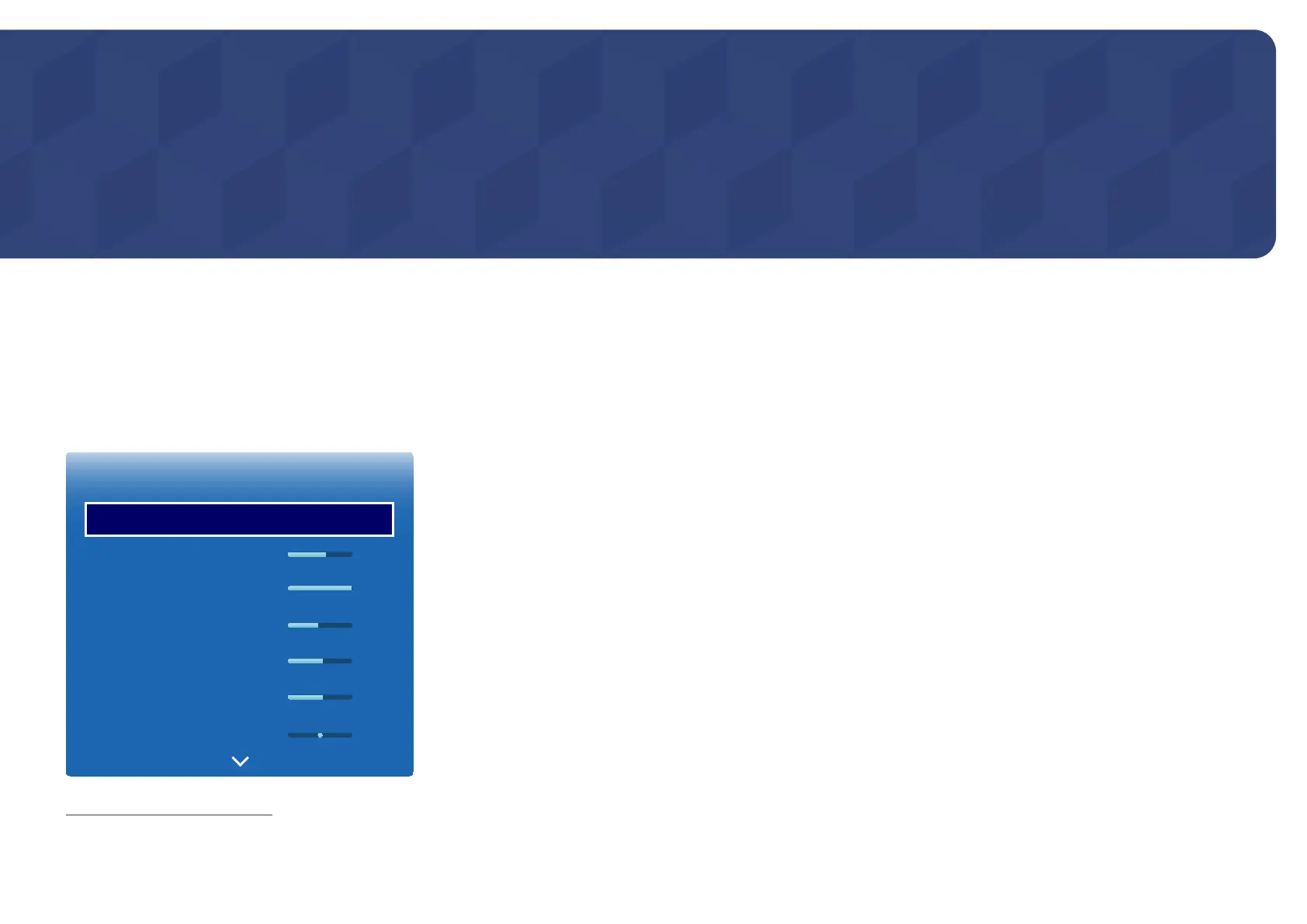
Picture
Picture Mode
Backlight
Contrast
Brightness
Sharpness
Colour
Tint (G/R)
Standard
55
100
45
50
50
G50 R50
-
The displayed image may differ depending on the model.
If the input source is PC or HDMI (when a PC is connected)
•
Information: This mode reduces eye fatigue and is suitable for displaying information to the public.
•
Advertisement: This mode is suitable for displaying video content and indoor/outdoor advertisements.
―
These options can be selected only when Edit Name is set to PC.
(SOURCE → Source → TOOLS → Edit Name → ENTER E)
If the input source is TV, HDMI or AV
•
Dynamic: This mode is suitable when the ambient light is bright.
•
Standard: This mode is generally suitable for any environment.
•
Movie: This mode reduces eye fatigue.













 To Next Page