20
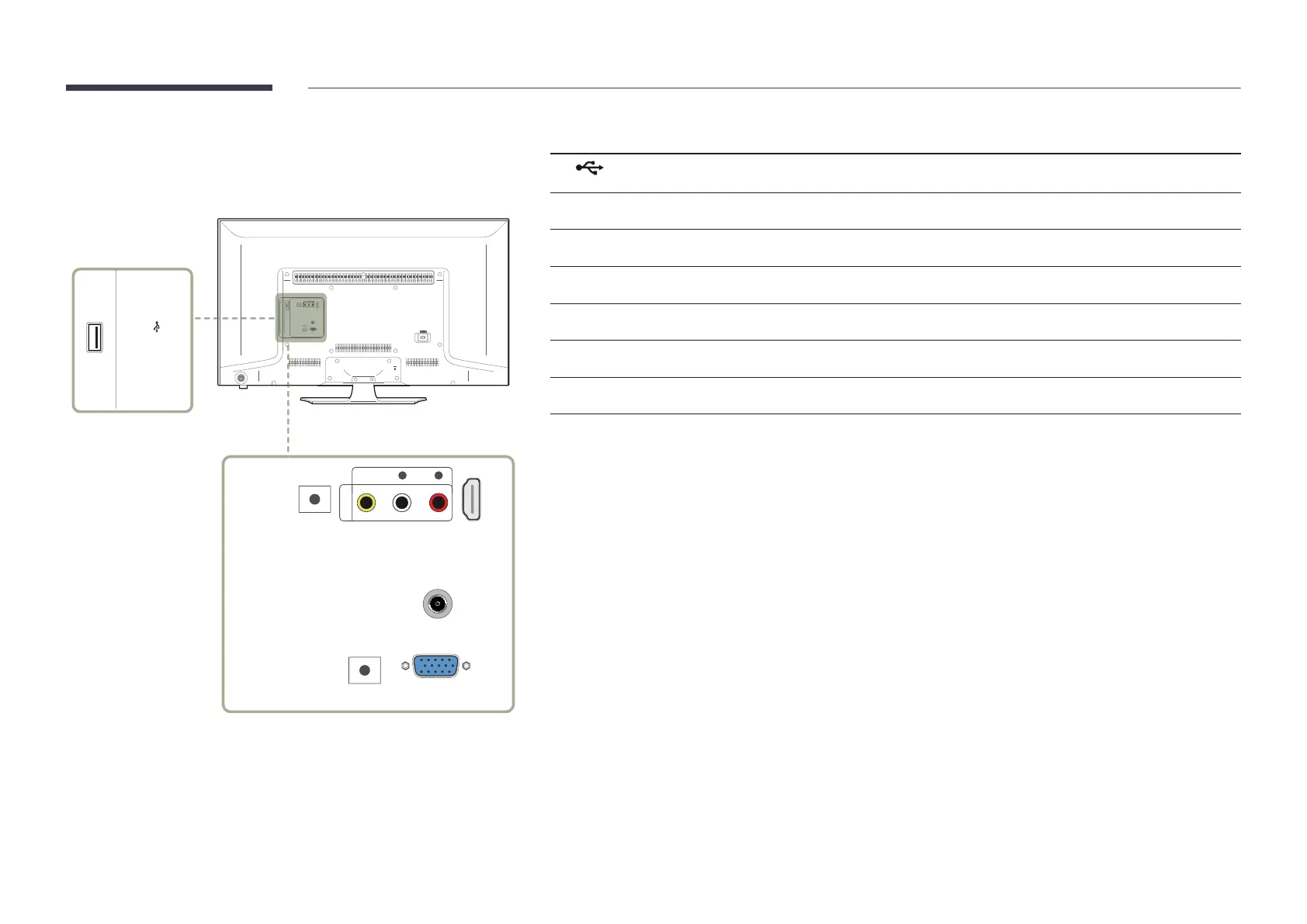
Reverse Side
―
The colour and shape of parts may differ from what is shown.
Specifications are subject to change without notice to improve quality.
USB (
5V 0.5A)
/ CLONING
ANT IN
AUDIOL R
VIDEO
AV IN
HDMI IN
(DVI)
RS232C IN
RGB / DVI
AUDIO IN
RGB IN
AUDIOL R
VIDEO
AV IN
HDMI IN
(DVI)
RS232C IN
RGB / DVI
AUDIO IN
RGB IN
Port Description
USB (5V 0.5A) / CLONING
Connect to a USB memory device.
RS232C IN
Connects to MDC using an RS232C adapter.
AV IN VIDEO / L-AUDIO-R
Connect to an external device using a video or Audio cable.
RGB / DVI AUDIO IN
Receives sound from a PC via an audio cable.
HDMI IN (DVI)
Connects to a source device using a HDMI cable or HDMI-DVI cable.
ANT IN
Connect to an antenna cable.
RGB IN
Connects to a source device using a D-SUB cable.













 To Next Page