23
A B C D
SUBT.
CLOCK
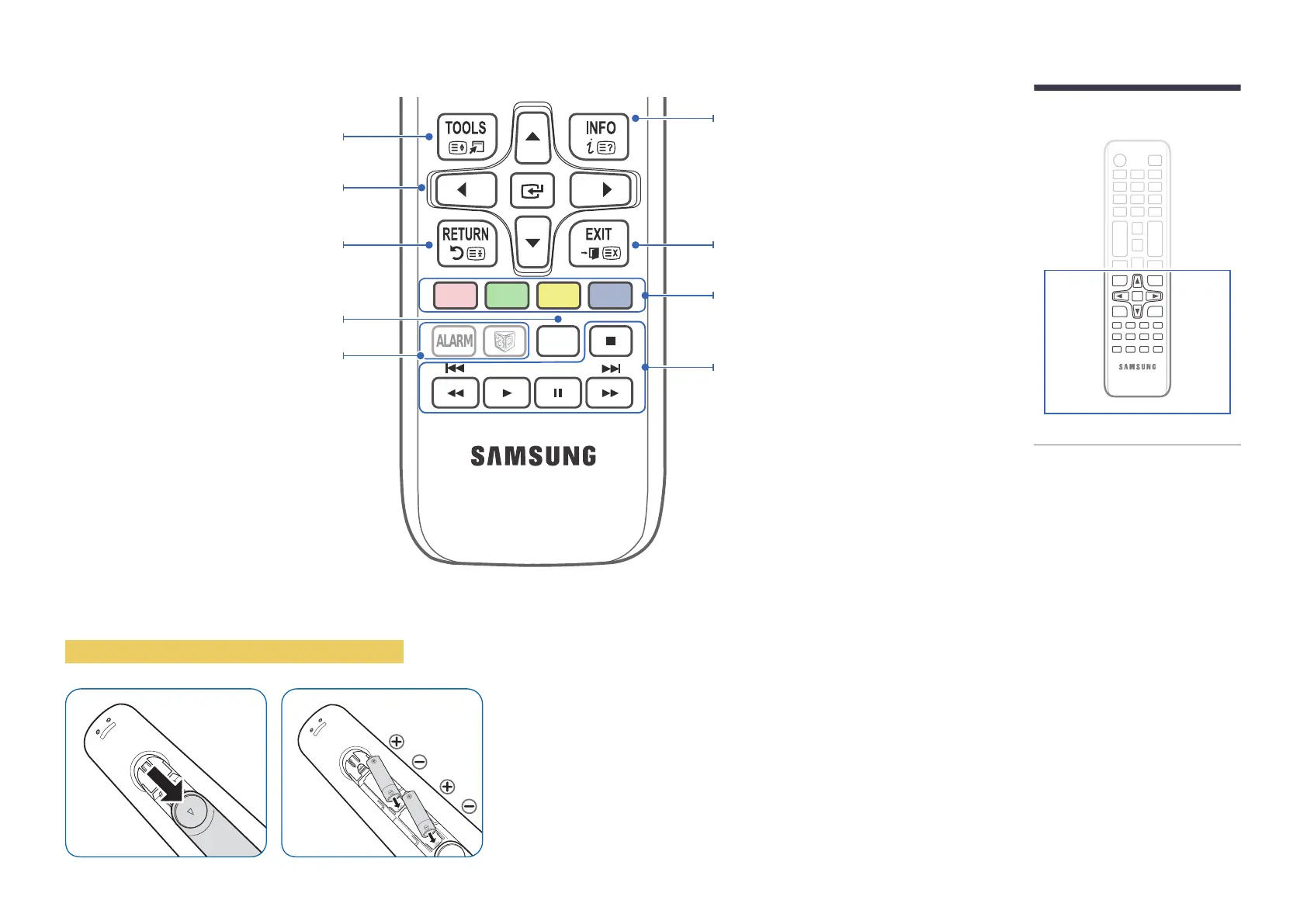
Press to display information on the TV screen.
CLOCK: When you press INFO key in standby
mode, TV screen displays the time.
Exit the menu.
Play photos, videos or music.
Quickly select frequently used functions.
Return to the previous menu.
Remote control button functions may
differ for different products.
To place batteries in the remote control
Not Available.
Use TTX secondary function.
Configure the subtitle and audio
description options.
―
Insert 2 AAA batteries, making sure to align the positive and negative polarities
correctly.
Select on-screen menu items and change menu
values.













 To Next Page