71
Adding a Gadget
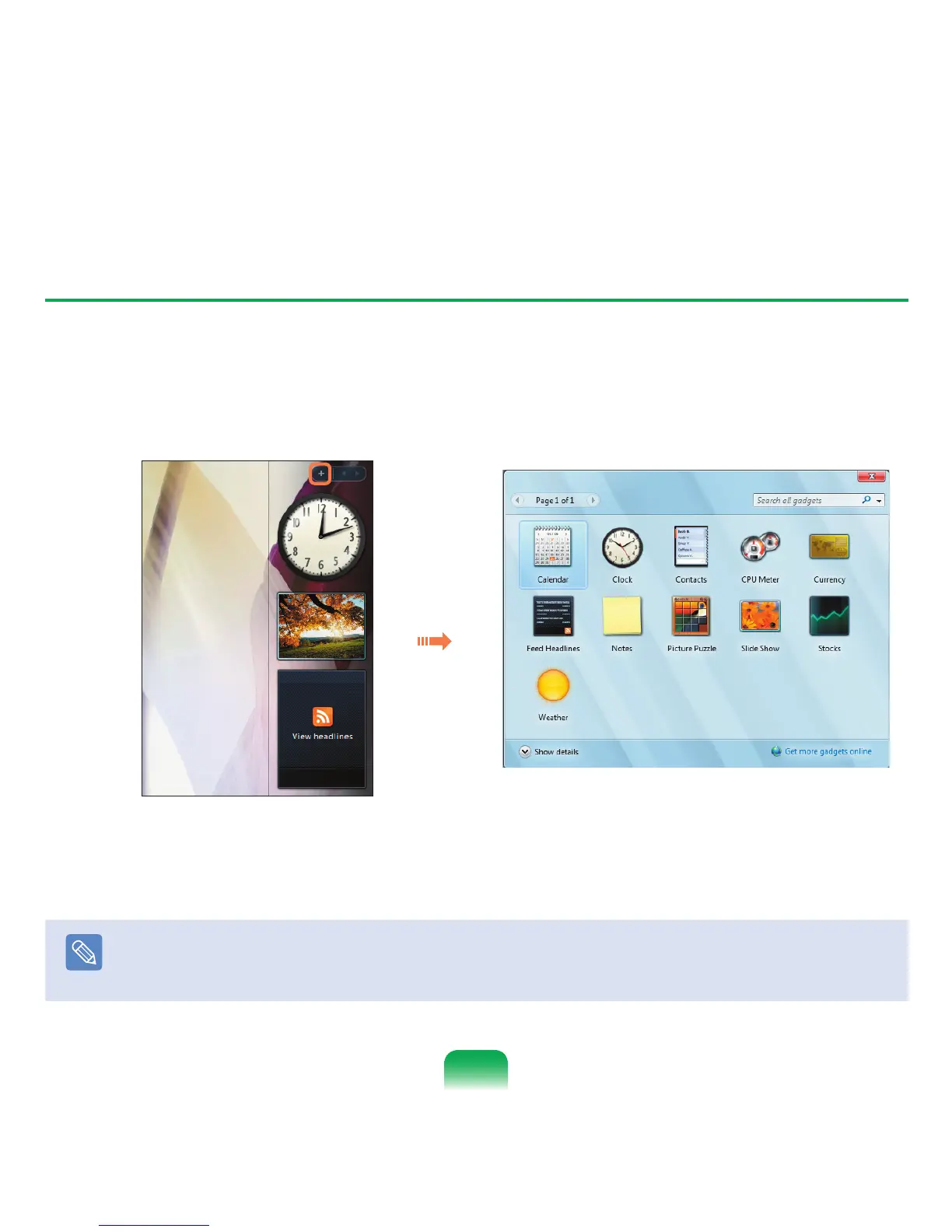
You can find a gadget in the Gadget Gallery and add it to the Sidebar.
1
If you click the + at the top of the Sidebar, the Gadget Gallery opens.
2
If you double-click on a gadget, the gadget is added to the Sidebar.
Note
■
You can move a gadget to another location by dragging it with the mouse.
Not only can you move a gadget onto the Sidebar but also out of the Sidebar.
■
If you place the mouse pointer over a gadget, the close and option buttons appear.



 To Next Page