72
Exiting the Sidebar
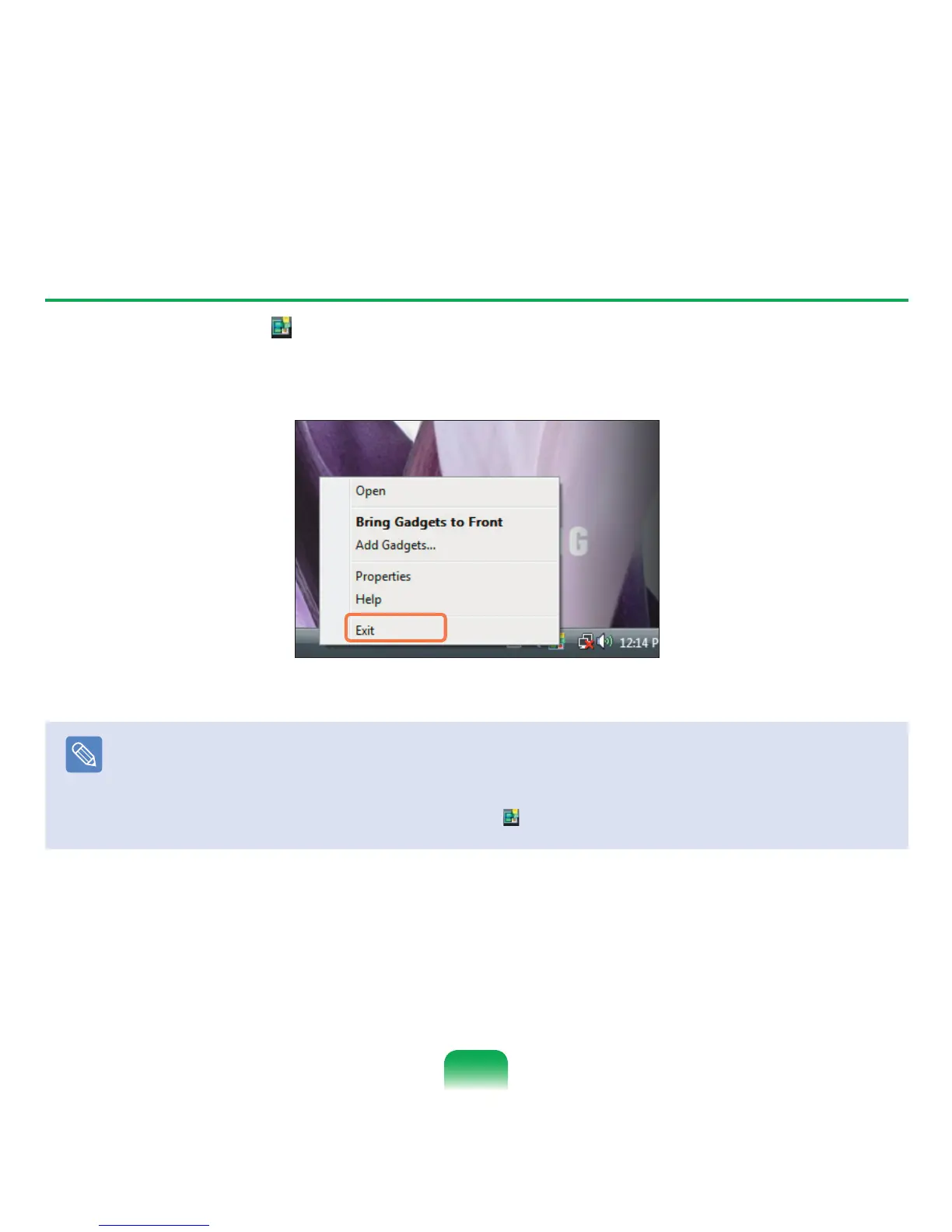
Right-click on the Sidebar icon ( ) in the System Tray with the clock on the taskbar and select
Exit to exit the Sidebar.
Note
Closing the Sidebar
■
Even if you close the Sidebar, the Sidebar continues running in the System Tray in the clock area, though it is not displayed
on the Desktop.
■
To close the Sidebar, right-click over the Sidebar on the Desktop and select Close Sidebar.
To open the Sidebar again, right-click on the Sidebar icon (
) in the System Tray with the clock on the taskbar and select
Open.



 To Next Page