106
Auto Protection Time
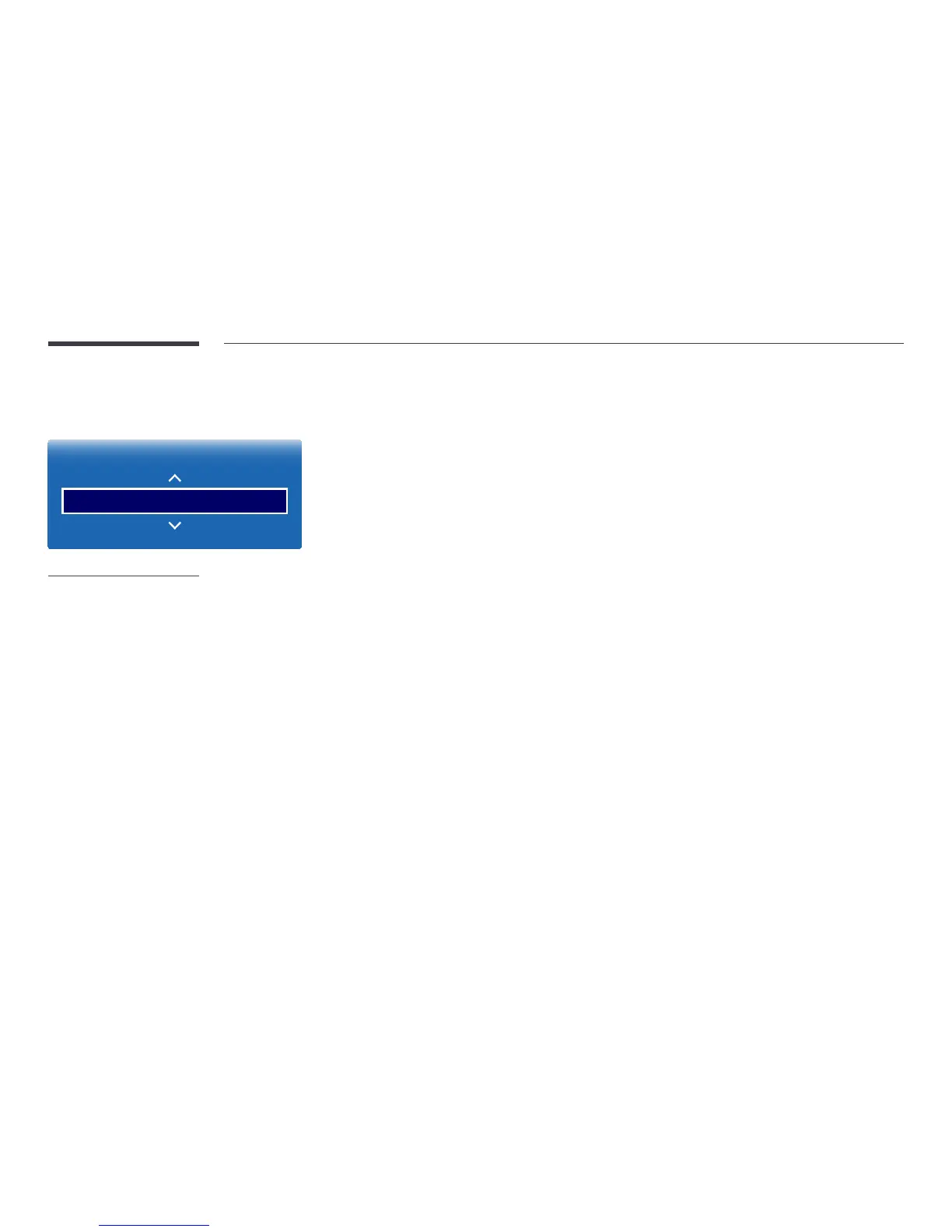
MENU m → System → Auto Protection Time → ENTER E
System
Auto Protection Time O
-
The displayed image may differ depending on the model.
If the screen displays a still image for a certain period of time you define, the product activates the screen saver to prevent the
formation of burnt in ghost images on the screen.
―
Displaying a still image for longer than four hours can cause image retention.
•
Off / 2 hours / 4 hours / 8 hours / 10 hours



 To Next Page