47
Picture Options
Colour Tone
Colour Temp.
Digital Clean View
MPEG Noise Filter
O
10000K
O
O
-
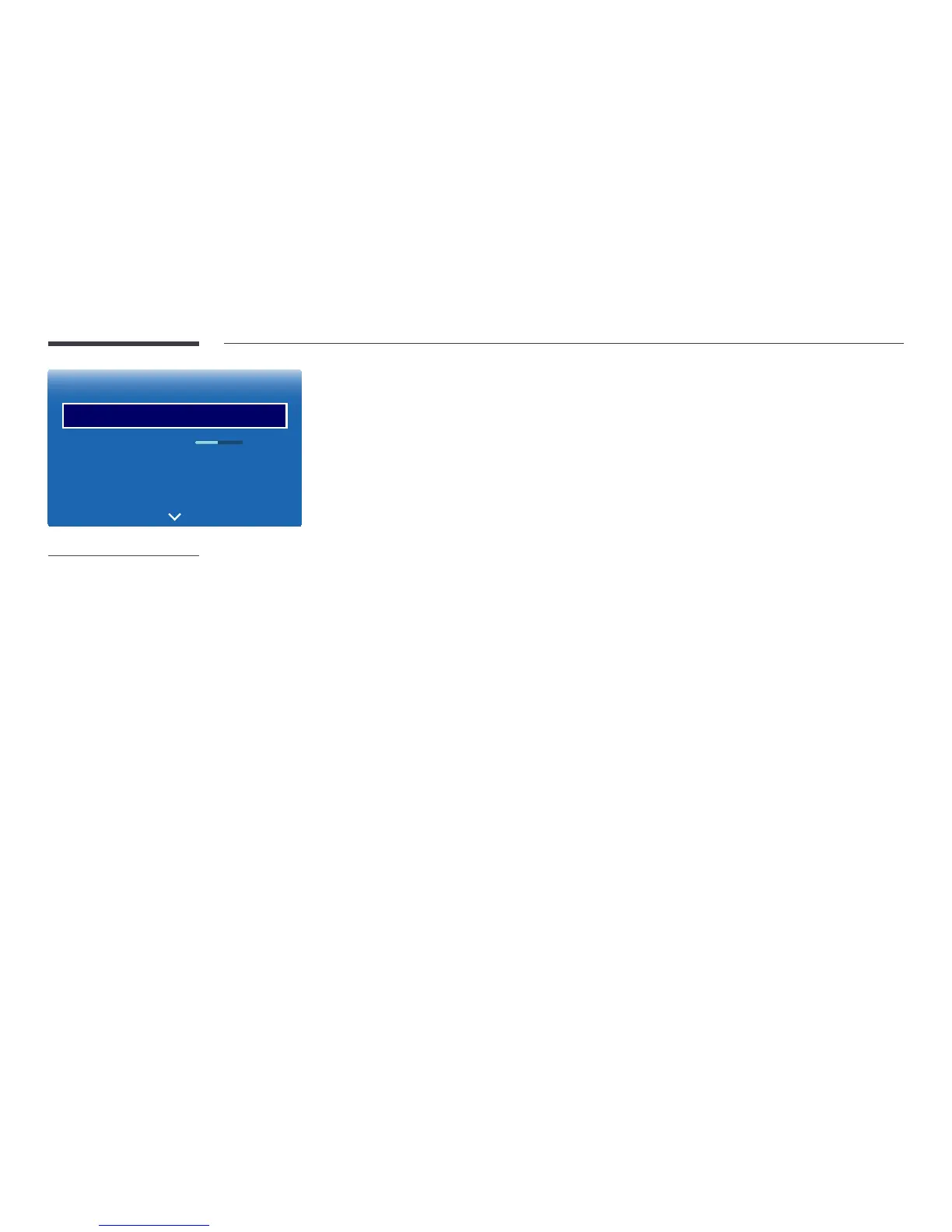
The displayed image may differ depending on the model.
Colour Tone
If the input source is PC, HDMI1 (PC connection), HDMI2 (PC connection).
•
Off / Cool / Standard / Warm
If the input source is AV, HDMI1, HDMI2 or TV.
•
Off / Cool / Standard / Warm1 / Warm2
―
Warm1 or Warm2 will be deactivated when the Picture Mode is Dynamic.
―
Settings can be adjusted and stored for each external device connected to an input on the product.
Colour Temp.
Adjust the colour temperature (Red / Green / Blue). (Range: 3000K–15000K)
―
This option is available when Colour Tone is set to Off.
Digital Clean View
If the broadcast signal received by your product is weak, you can activate the Digital Clean View feature to reduce any static
and ghosting that may appear on the screen.
•
Off / Low / Medium / High / Auto / Auto Visualisation
―
Auto Visualisation: When changing analogue channels, displays signal strength.
―
When the signal is weak, try all the options until the the product displays the best picture.
MPEG Noise Filter
Reduces MPEG noise to provide improved picture quality.
•
Off / Low / Medium / High / Auto



 To Next Page