83
-
Press HOME or MagicInfo Player I on the remote control to access the application more
quickly.
-
The displayed image may differ depending on the model.
Schedule
Play configured schedules.
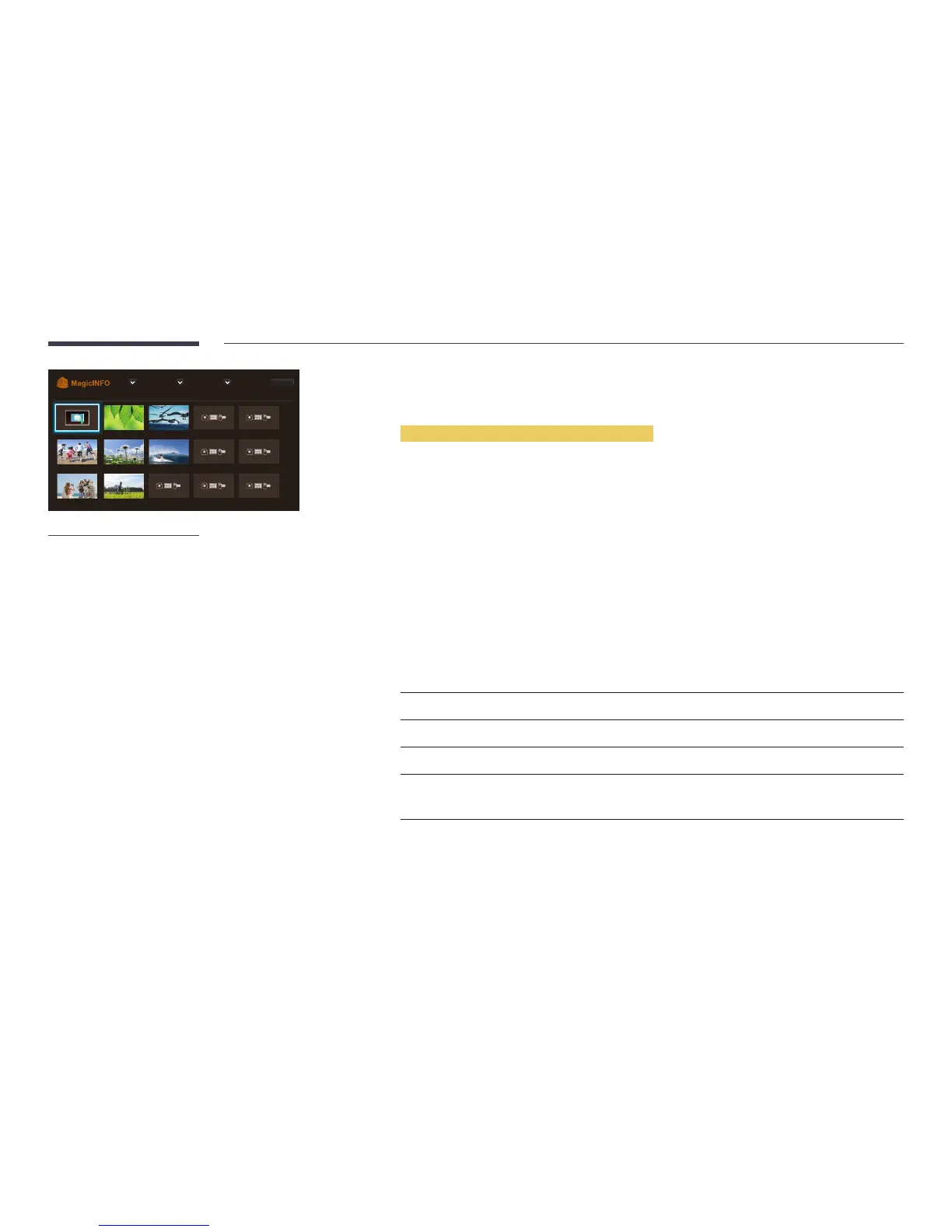
Available features in the MagicInfo page
The MagicInfo list page provides the following features.
•
Device
-
Select either Internal Memory or USB to search for a desired device list.
All / Internal Memory / USB
•
Content
-
Select a content type as criterion to search for a desired content list.
All / My Templates / Video / Image
•
Sort by
Specify the content sort criterion.
-
File Name / Recently played
•
Options
Options menu items in the MagicInfo screen
Option Name Operations
Play Seleted
Select and play desired content.
Send
Copy content to another storage device.
Delete
Delete desired content.
Settings
Configure detailed properties of content.
―
See the following page for details on the Settings feature.
Device : All
Schedule
Content : All Sort by : File Name Options



 To Next Page