118
Reset All
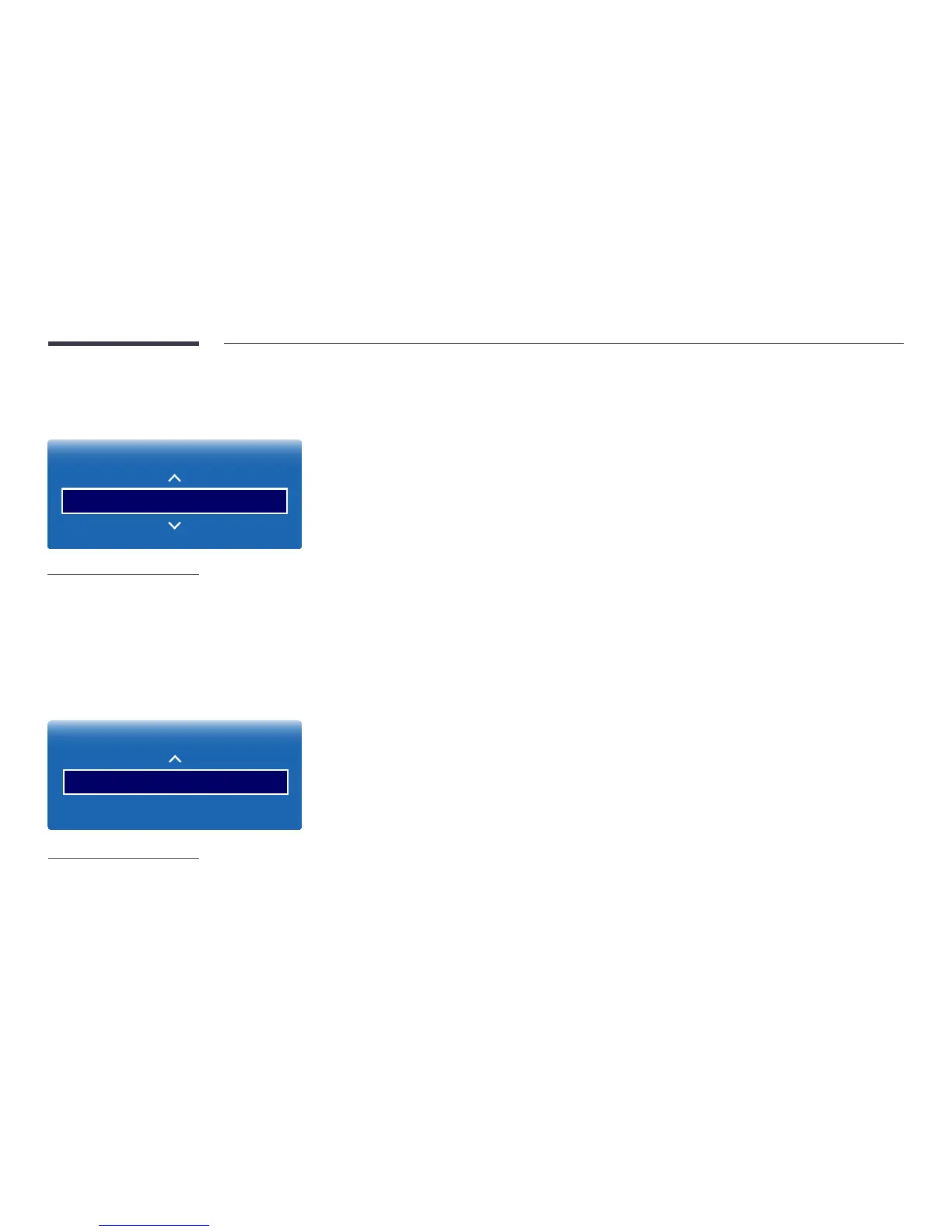
MENU m → System → Reset All → ENTER E
System
Reset All
-
The displayed image may differ depending on the model.
This option returns all the current settings for a display to the default factory settings.
DivX
®
Video On Demand
MENU m → System → DivX® Video On Demand → ENTER E
System
DivX
®
Video On Demand
-
The displayed image may differ depending on the model.
Shows the registration code authorized for the product.
If you connect to the DivXⓇ web site and register using that code, you can download the VOD registration file.
For more information about DivXⓇ VOD, visit “http://vod.divx.com”.



 To Next Page