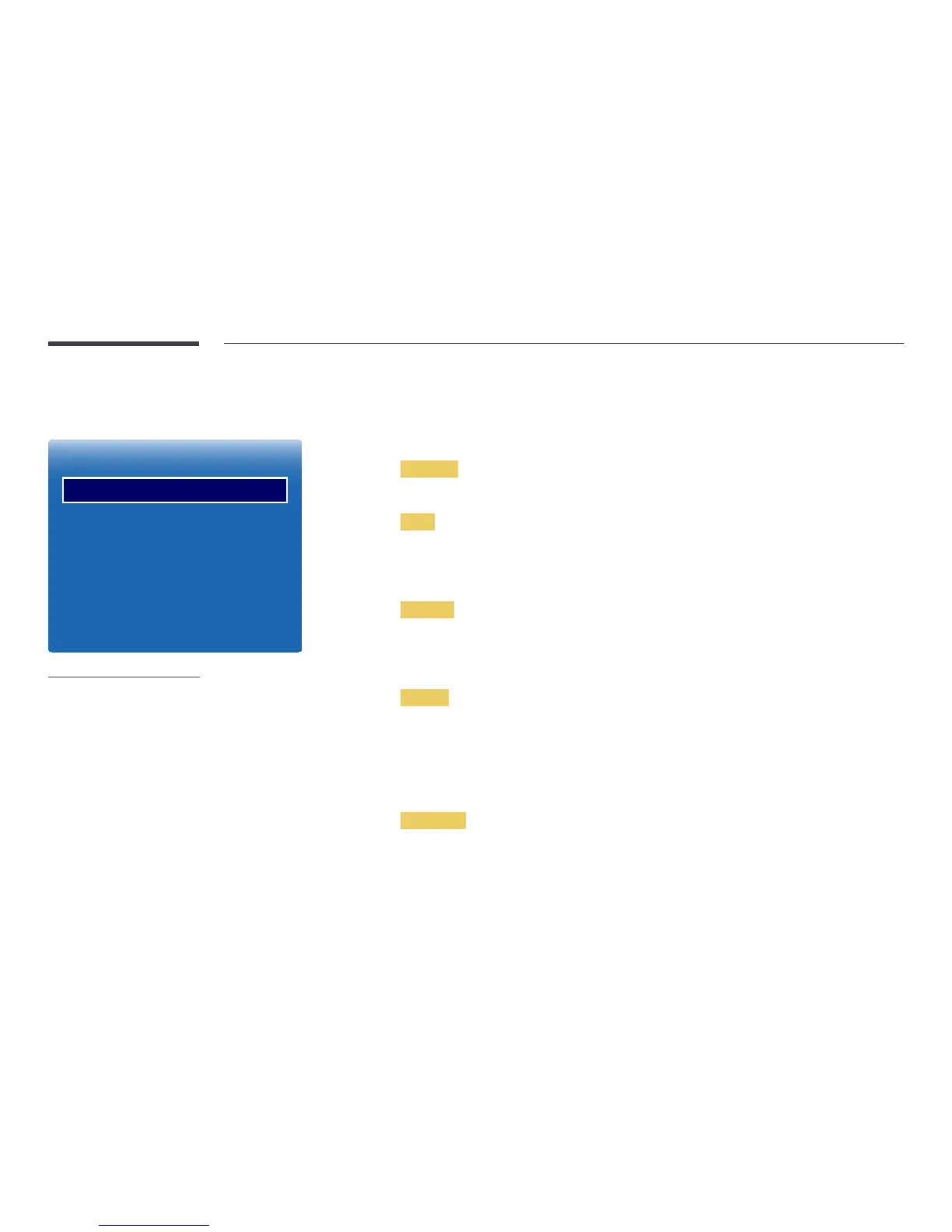
Ticker
Ticker
O
-
The displayed image may differ depending on the model.
-
The Ticker function is only available when Menu Language is set to English.
Ticker
Input text while a video or image is displayed and display the text on the screen.
•
Off / On
―
Message, Time, Position, Motion, and Font options are enabled only when Ticker is set to On.
Message
Enter a message to display on the screen.
Time
Set the Start Time and End Time to display a Message.
•
Start Time
•
End Time
Position
Select an orientation to display a Message from Horizontal and Vertical.
•
Horizontal (Left / Centre / Right)
•
Vertical (Up / Middle / Down)
Motion
Specify the Direction and Speed to display a Message.
•
Motion (Off / On)
•
Direction (Left / Right / Up / Down)
•
Speed (Slow / Normal / Fast)
―
Direction and Speed are enabled only when Motion is set to On.
Font Style
Configure the message font options.
Message
Time
Position
Motion
Font Style
O



 To Next Page