38
Position
·
·
Picture Size
Picture Size
Resolution Select
Zoom1
Position
4:3 Screen Size
-
The displayed image may differ depending on the model.
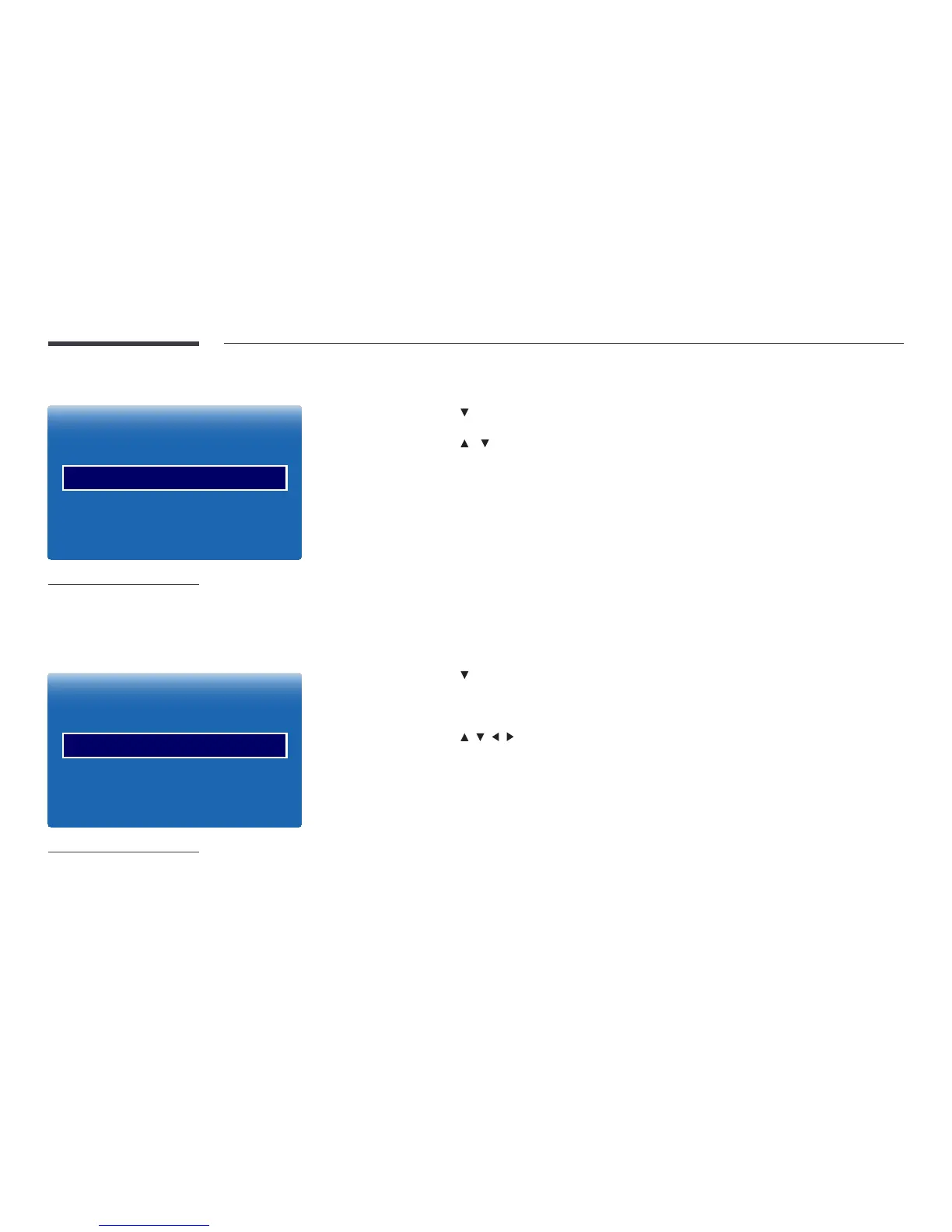
Adjusts the picture position. Position is only available if Picture Size is set to Zoom1, Zoom2, Wide Fit or Screen Fit.
―
To use the Position function after selecting Zoom1, Zoom2, Wide Fit or Screen Fit, follow these steps.
1
Press the button to select Position. Press the E button.
2
Press the or button to move the picture up or down.
3
Press the E button.
―
If you want to reset the picture to its original position, select Reset in the Position screen.
―
The picture will be set to its default position.
Zoom/Position
·
·
Picture Size
Picture Size
Resolution Select
Custom
Zoom/Position
4:3 Screen Size
-
The displayed image may differ depending on the model.
Adjusts the picture zoom and position. This option is available when the input source is set to HDMI1, HDMI2 (1080i/1080p) or
AV (1080i/1080p). Picture Size must be set to Custom for the option to be available.
1
Press the button to select Zoom/Position. Press the E button.
2
Select the Zoom or Position. Press the E button.
3
Press the / / / button to move the picture.
4
Press the E button.
―
If you want to reset the picture to its original position, select Reset in the Zoom/Position screen.
―
The picture will be set to its default position.



 To Next Page