31
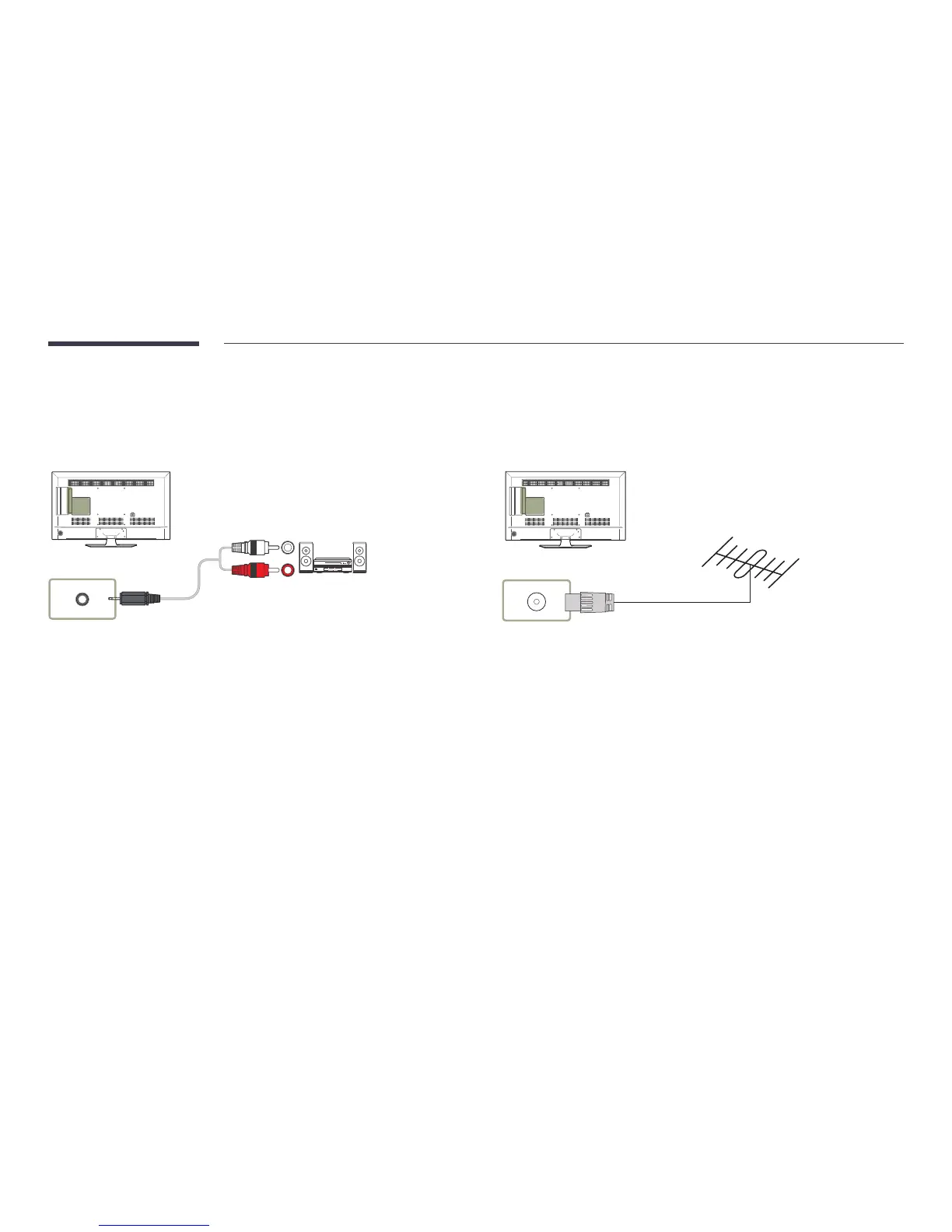
Connecting to an Audio System
―
Connecting parts may differ in different products.
AUDIO OUT
Connecting the Antenna
―
Connecting parts may differ in different products.
―
When the product is powered on for the first time, basic settings are configured automatically.
Take extra care to ensure the wires inside the antenna cable are not bent.
ANT IN
AIR / CABLE



 To Next Page