66
Channel Settings
MENU m → Broadcasting → Channel Settings → ENTER E
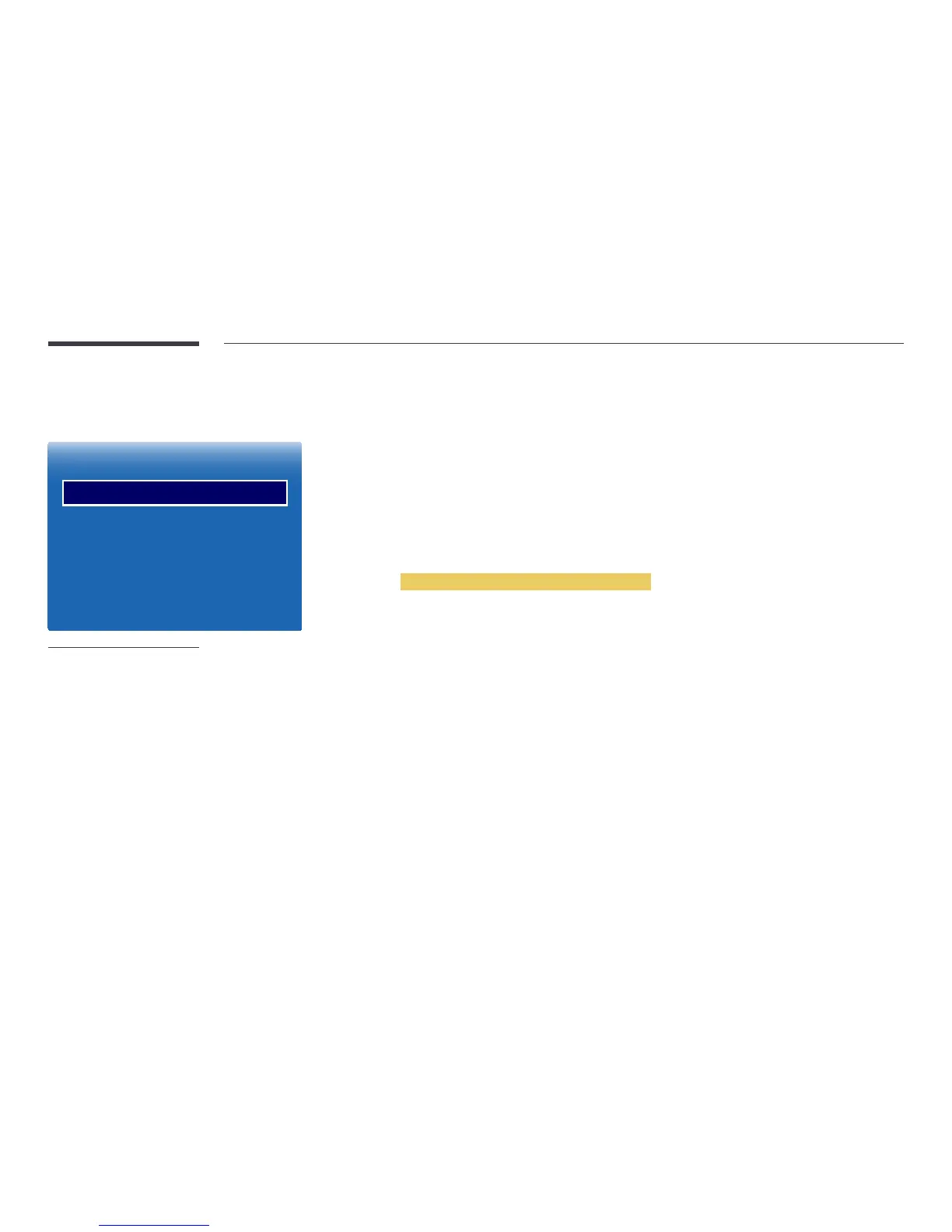
Channel Settings
Country (Area)
Manual Tuning
Fine Tune
Transfer Channel List
Delete CAM Operator Prole
-
The displayed image may differ depending on the model.
-
Available in TV mode only.
Country (Area)
Select your country so that the TV can correctly auto-tune the broadcasting channels. This depends on the country or region.
When the PIN input screen appears,enter your 4 digit PIN number.
•
Digital Channel: Change the country for digital channels.
•
Analogue Channel: Change the country for analogue channels.
Manual Tuning
Scans for a channel manually and stores in the TV.
If a channel is locked using the Channel Lock function, the PIN input window appears.
This function depends on the country and region.
When Aerial Source is set to Air or Cable
•
Digital Channel Tuning: Scans for a digital channel.
1
Select the New.
―
When selecting Aerial → Air: Channel, Frequency, Bandwidth
―
When selecting Aerial → Cable: Frequency, Modulation, Symbol Rate
2
Select the Search. When scanning has finished, a channel is updated in the channel list.
•
Analogue Channel Tuning: Scans for an analogue channel.
1
Select the New.
2
Set the Programme, Colour System, Sound System, Channel and Search.
―
Channel
C (aerial channel mode) / S (cable channel mode): These two modes allow you to select a channel by entering the
assigned number for each aerial broadcasting station or cable channel.
3
Select the Store. When scanning has finished, a channel is updated in the channel list.



 To Next Page