45
Advanced Settings
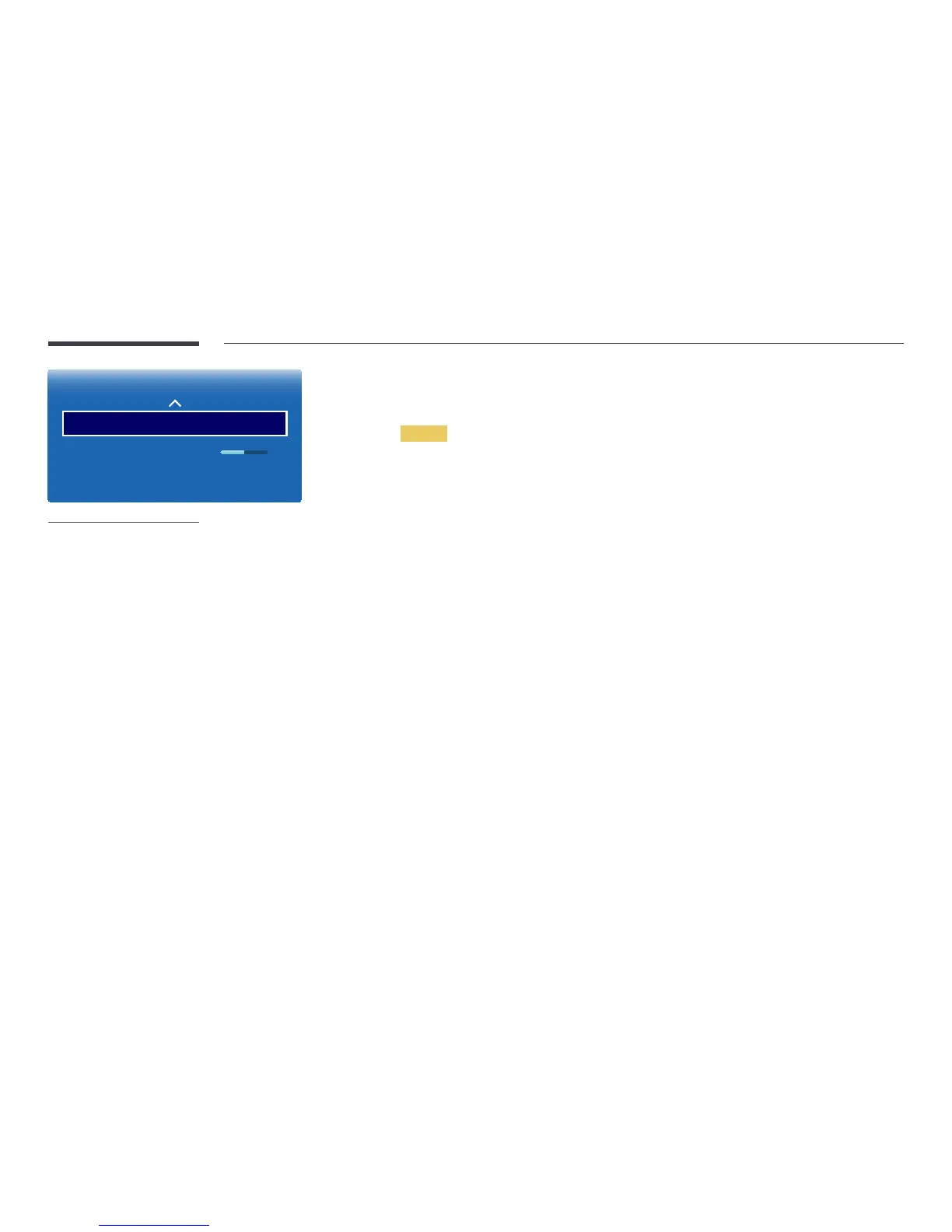
White Balance
Gamma 0
Motion Lighting O
-
The displayed image may differ depending on the model.
White Balance
Adjust the colour temperature for a more natural picture.
2 Point
•
R-Offset / G-Offset / B-Offset: Adjust each colour’s (red, green, blue) darkness.
•
R-Gain / G-Gain / B-Gain: Adjust each colour’s (red, green, blue) brightness.
•
Reset: Resets the White Balance to its default settings.
Gamma
Adjust the primary colour intensity.
Motion Lighting
Reduces power consumption by reducing screen brightness when the picture on the screen is in motion.
•
Off / On



 To Next Page