30
playback
A-B Repeat Playback
You can repeatedly play back a designated section of a
DVD.
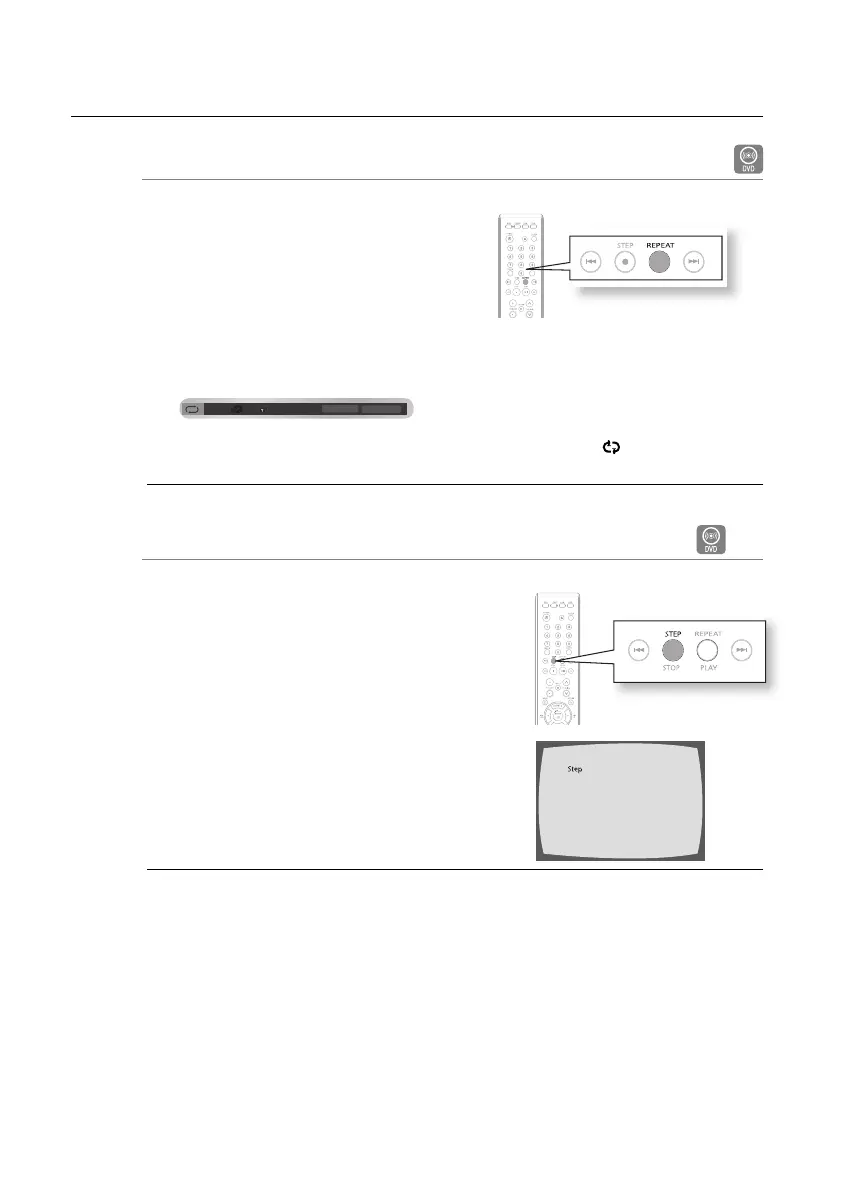
Press the REPEAT button.
Press the Cursor
√ or ®
button to select A- and then
press the ENTER button.
When the ENTER button is pressed, the selected
position will be stored in memory.
Press the ENTER button at the end of the desired segment.
The specifi ed segment will be played repeatedly.
d To return to normal playback, press the Cursor
√ or ®
button to select OFF.
The A-B Repeat function does not operate with DivX, MP3 or JPEG discs.
Step Function
D
Press the STEP button.
The picture moves forward one frame each time the button is
pressed during playback.
No sound is heard during step motion playback.
1.
2.
•
3.
•
M
•
M
Off
01
B
01 A-B
01
A
B
ENTER
REPEAT
02107H-RTSE10-XME.indd 3002107H-RTSE10-XME.indd 30 6/20/08 11:05:05 AM6/20/08 11:05:05 AM






 To Next Page