operating _37
03 OPERATING
Remote Control Configuration Sequence
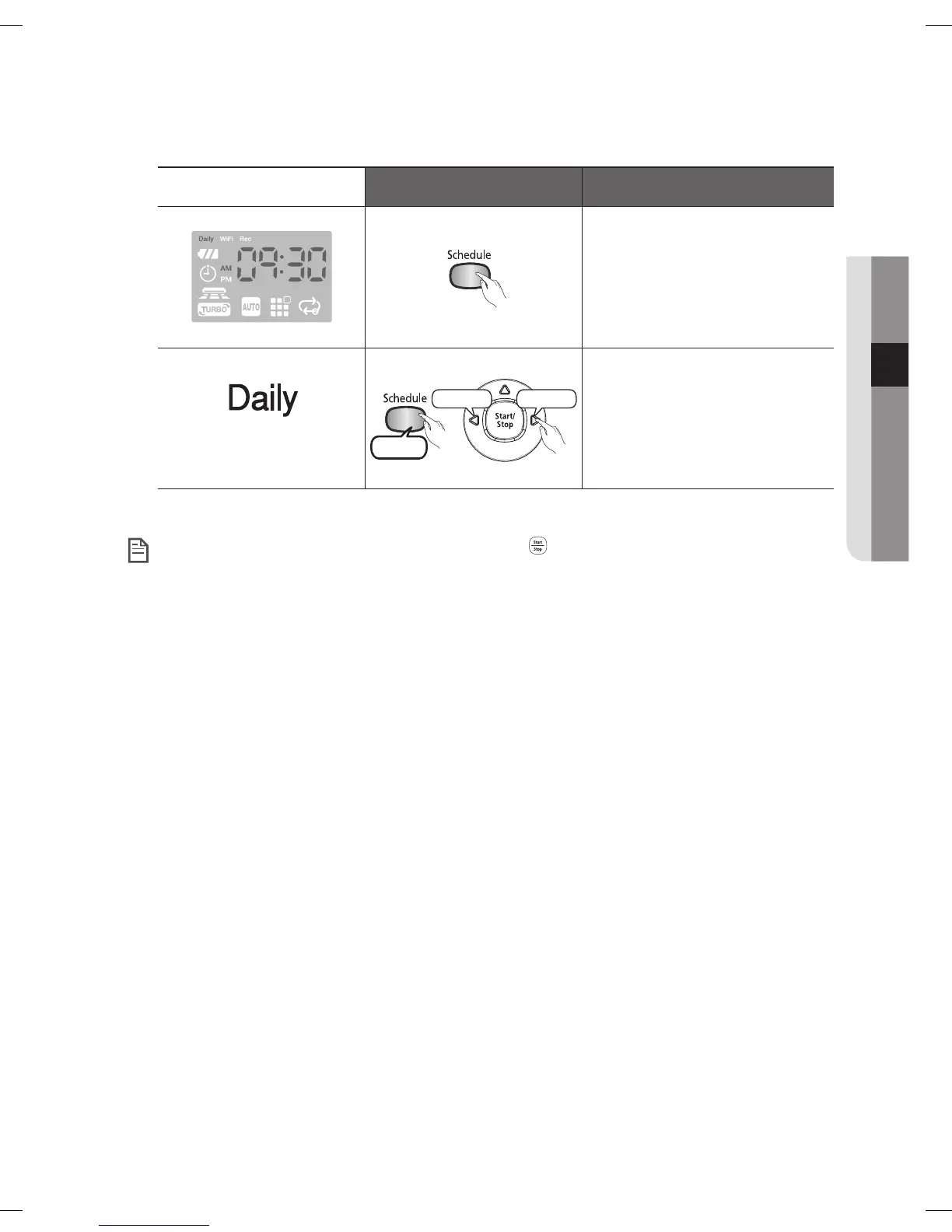
6. Complete the settings.
The icon is turned off.
Decrease Increase
3 second
Cancel the settings.
When completing the settings, and you press the ( ) button instead of the Delay/Daily button,
Daily Cleaning mode is exited.
NOTE
DJ68-00630D (EN)-00.indd 37 2014. 7. 23. �� 6:14



 To Next Page