CA-5 SATEL
9
5. „HOLD
DOWN”
USER FUNCTIONS
The functions are available to every user of the protected site (without using the access
code). They are activated by holding down the function key until audible signal sounds in
the keypad. The first three functions refer to viewing the alarms and troubles. Depending on
the keypad type the viewing is done in different ways.
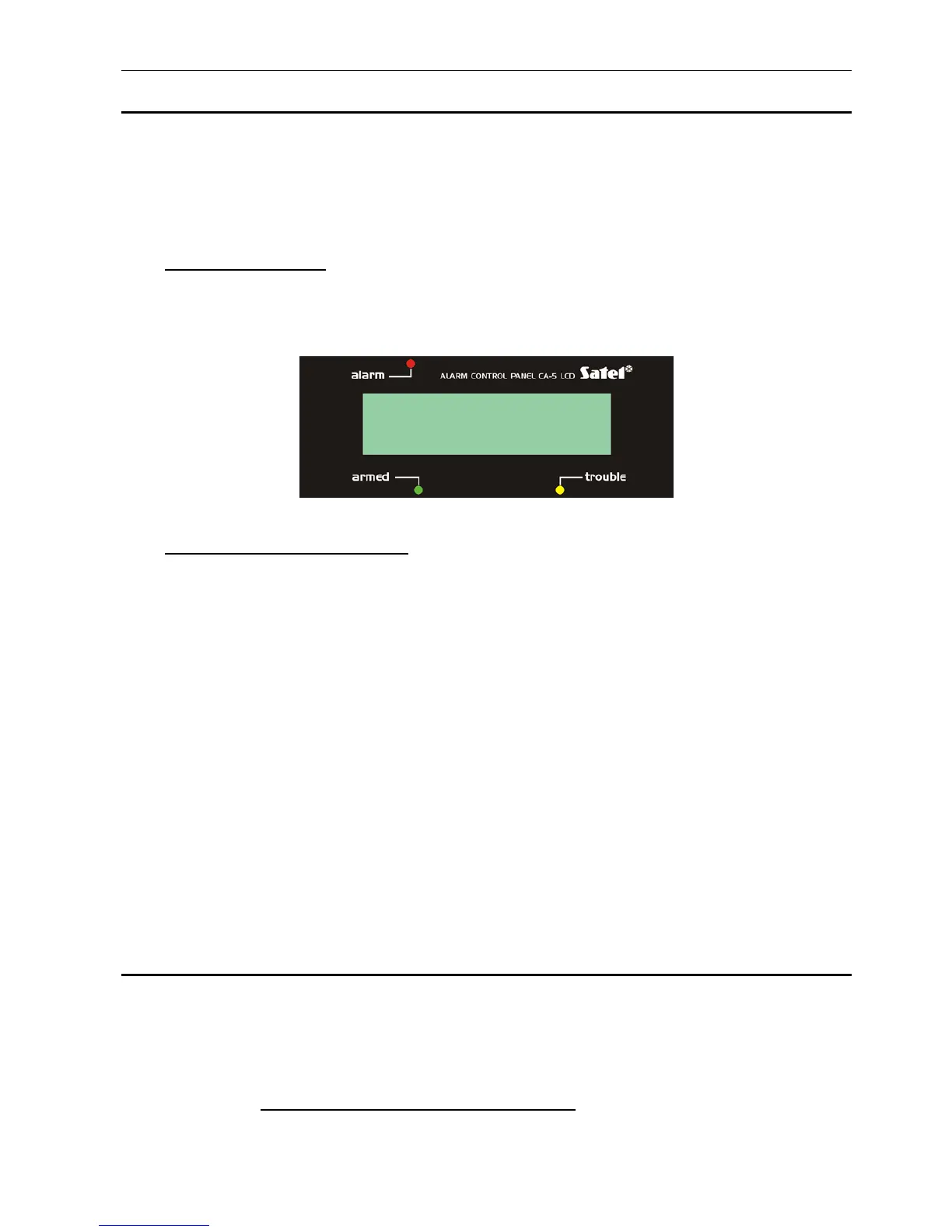
5.1.1 LCD keypad
To start the viewing, call the function and press any of the arrow keys - information on
the most recent alarm condition, referring to selected function, will be displayed. The
([
S
],[
T
]) arrow keys on the right side of the keypad allow the user to scroll through the
list of events provided by the alarm control panel. The events are displayed
chronologically ([
S
] - earlier ones, [
T
] - later ones).
Fig. 3. Example of events description.
The event description contains:
date - day and month
time of event - hour and minutes
source code (if possible) - kpd. keypad
- zo.n, n=1,2,..,5 - zone number,
- us.n, n=1,2,..,5 - ordinary user number
n=6 - master user
n=7 - service
name of event - description in words
The ([
W
],[
X
]) arrow keys on the left side of the keypad make it possible to display the
user name (default one or entered into the control panel memory by the installer using
the DLOAD10 computer program). Pressing the same key again will restore the
previous mode of event information display.
Pressing the [
*
] key terminates the viewing function.
The method of reading information from the LED keypad is described together
with particular functions.
5.2 A
LARM MEMORY REVIEW
[5]
Holding down the [5] key (until a single beep is heard) will display information on the most
recent alarm condition. The PROGRAM LED will be blinking, and the LEDs 1-5 will indicate
the cause of the alarm. Pressing any key (except for the [
*
] key, which gives you the option to
quit the memory log review immediately) displays the previous alarm conditions, up to the
earliest item recorded:
• zone alarms: one of the LEDs 1 to 5 is always lit up (burglary, panic, fire, tamper, and
other alarms, depending on how the zone functions have been set up by the installer),
04.07 14:01 zo.5



 To Next Page