User Manual CA-5
16
disarming or their manual unbypassing with the same function. The unbypassing consists in
extinguishing the LEDs (digits) which correspond to the bypassed zones.
Bypassing/unbypassing a zone generates an event saved in the control panel memory.
Upon arming, the indication of bypassed zones is switched off.
Bypassing the Arm/Disarm type zones makes impossible the remote arming/disarming of the
system, as well as the alarm clearing. This operation must then be performed by entering the
access code from the keypad.
EXAMPLE: bypassing the zones 3 and 4 (user access code = 12321).
[12321] [
*
] - calling the "user function" mode, confirmed with three short beeps and in the LED
keypad additionally with slow blinking of the PROGRAM LED,
[4] [#] - calling the "bypass zones" function, confirmed with two short beeps (in the LCD keypad
this function may be called using arrow keys),
[3][4] - selecting the numbers of zones to be
bypassed – in the LED keypad the LEDs
3 and 4 will light up, in the LCD keypad
digit 3 and 4 will be displayed,
[#] - accepting the entered data - four short
beeps and a long one signal end of the
function.
Note: The 24h zones (which are on duty, whether the system is armed or not) can only by
bypassed by means of the service code.
6.6 A
RM
S
ILENT
[CODE][
*
][5][#]
In the silent armed mode, the alarms are not signaled on the OUT1 output and on the output
programmed as
BURGLARY ALARM
. They are only signaled in the keypad and by sending
a message to the monitoring station. The function is unavailable for service.
EXAMPLE: activating the silent armed mode (user code = 1230).
[1230] [
*
] - calling the "user function" mode, confirmed with three short beeps and in the LED
keypad additionally slow blinking of the PROGRAM LED,
[5] [#] - activating the silent armed mode - four short beeps and a long one signal the end of
the function (in the LCD keypad this function may be called using arrow keys).
Note: If a zone monitored during armed mode activation is violated on calling the function,
the control panel will refuse to perform the function.
6.7 S
ET TIME
[CODE][
*
][6][#]
The function permits setting the control panel clock (day, month, hour). Present year is set by
the installer with the service function. The real indications of time and date ensure correct
interpretation of the events recorded in the panel memory log. The history of events may be
downloaded by means of the LCD keypad or the computer and its program managing the
CA-5 alarm control panel.
The programming procedure is as follows:
- HOURS, MINUTES - acknowledge ([H][H][M][M][#]),
- MONTH, DAY - acknowledge ([M][M][D][D][#]),
The hour should be given in the 24-hour format (with "zero" before the hour less than 10).
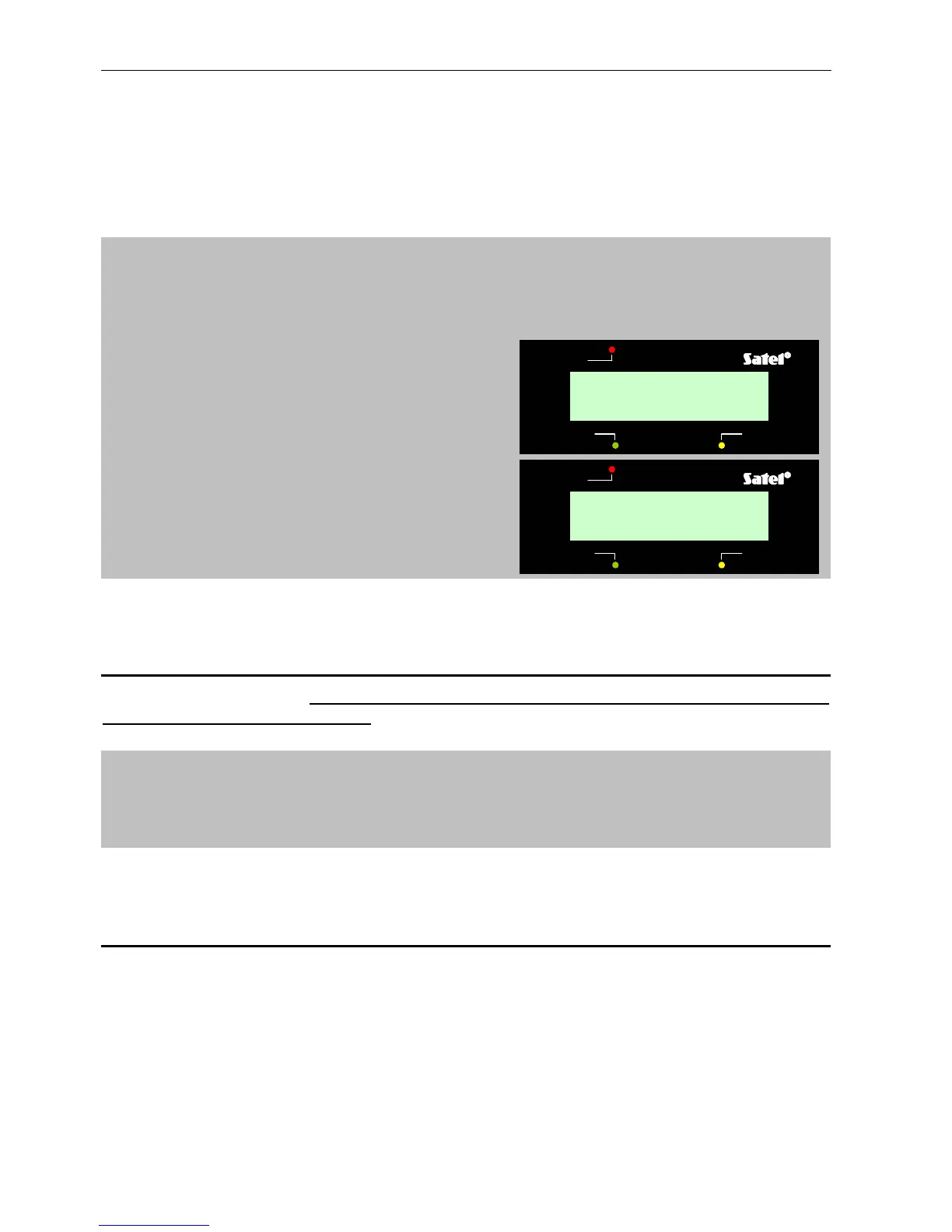
trouble
ALARM CONTROL PANEL CA-5 LCD
armed
alarm
8 Jul, 12:23:40



 To Next Page