User Manual CA-5
14
The meaning of audible signals generated on activating the function:
− three long beeps mean that the line is engaged by monitoring – wait and then repeat the
function calling attempt,
− two long beeps mean lack of the programmed computer number or unavailability of the
function to the given user.
Notes:
• The function enables connection between the panel and the computer, when the option to
establish communication from outside (from the computer) is blocked.
• Initiation of the programming from the outside may be useful e.g. when the user is often
absent from the site, and there is an urgent need for service intervention or remote testing
of the security system .
• Programming the computer telephone number (when the function initiating the
programming from the outside is available) is an extra safeguard against the panel being
accessed by any computer except the service one (in case unauthorized persons know the
communication access codes).
• It is possible to block the service computer access to the control panel for the time of
armed mode.
6.2 C
HANGE ACCESS CODE
[CODE][
*
][1][#]
The function permits changing the access code of the user who has activated the function. It
is only unavailable to the user 4, if a special „duress action” authority level has been selected
for him. Such an access code can only be changed by the master user by deleting and re-
entering it.
Having called the function, enter the new access code and press the [#] key.
In the LED keypad the number of the lit up LED (1-5) indicates which access code is being
changed. When changing the master code or the service code none of the LEDs 1-5 is on.
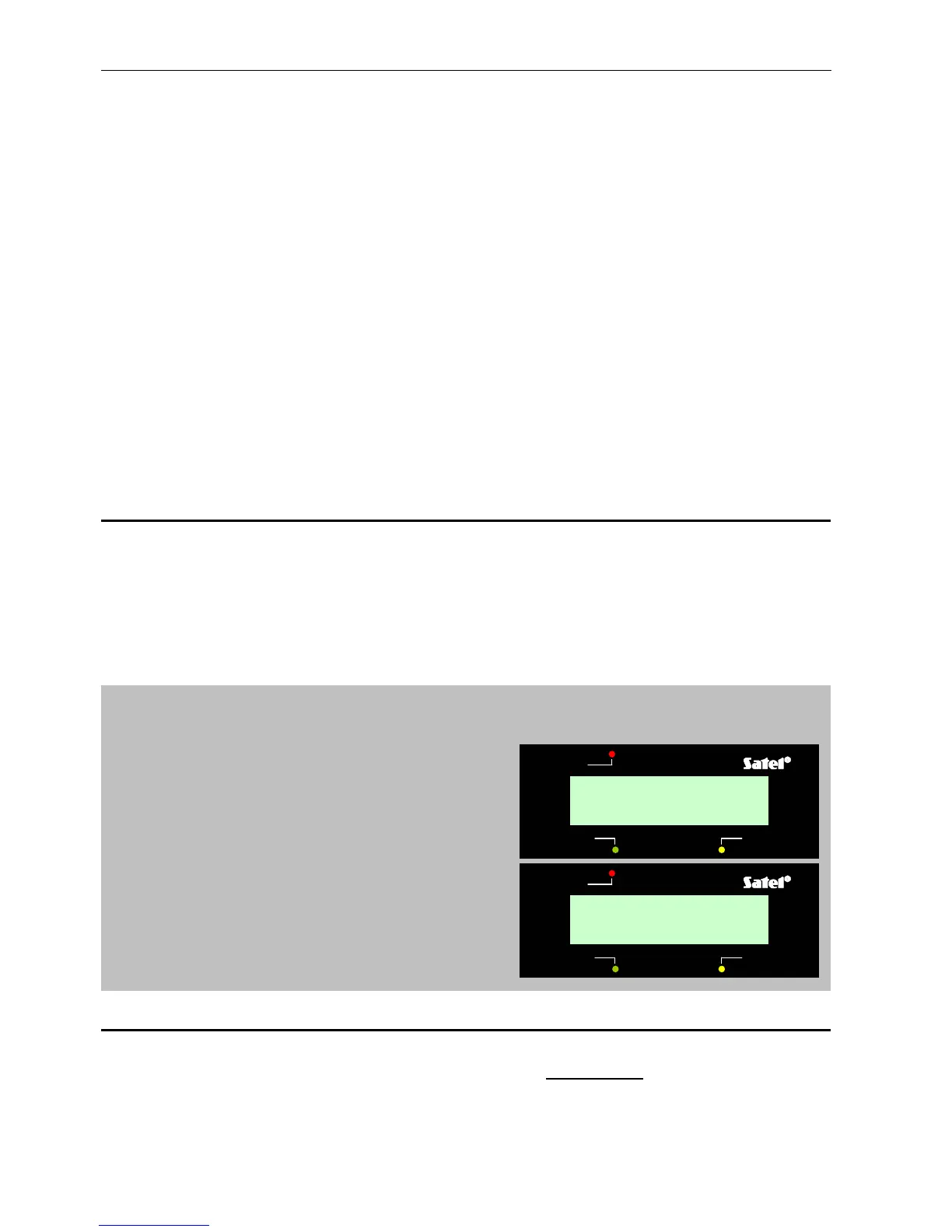
EXAMPLE: changing the access code from 1234 to 7890.
[1234] [
*
] - calling the "user function" mode, confirmed with three short beeps and in the LED
keypad additionally with slow blinking of the PROGRAM LED,
[1] [#] - calling the "change code" function,
confirmed with two short beeps and in the
LED keypad additionally with fast blinking
of the PROGRAM LED (in the LCD
keypad this function may be called using
[►] or [#] keys),
[78[90] [#] - entering the digits of a new code and
accepting it, confirmed with four short
beeps and a long one – return of the
control panel to the normal operating
mode.
6.3 A
DD USER
[CODE][
*
][2][#]
This function permits adding new users of the system (i.e. the access codes capable of
controlling the panel operation). It is only available to the Master code user.
As new users are added to the system, they are automatically assigned consecutive numbers
by the panel. If the function is called after the number of entered users has reached five, the
control panel will generate three long beeps and will quit the user function mode. If any of the
trouble
ALARM CONTROL PANEL CA-5 LCD
armed
alarm
1.Change code:
2.Add user
trouble
ALARM CONTROL PANEL CA-5 LCD
armed
alarm
New code:
7890



 To Next Page