User Manual CA-5
12
5.7 A
UXILIARY ALARM
[0]
The meaning of this alarm is specified depending on the needs. The function may transmit
information on the auxiliary alarm to the monitoring station (it may be, for example, a call for
medical assistance, as it was adopted in the Contact ID monitoring format).
The function may be disabled by the installer.
5.8 P
ANIC ALARM
[#]
This function makes it possible to trigger the panic alarm from the keypad. The control panel
activates signaling on the OUT1 output in the keypad and sends an appropriate code to the
monitoring station. The function can be disabled by the installer or limited to the keypad and
monitoring only (the SILENT panic alarm).
6. U
SER FUNCTIONS ACCESSIBLE WITH ACCESS CODE
If the control panel is not armed and is signaling no alarm, the users can access several
functions useful in everyday operation of the security system.
The user functions described in this section are activated by entering the user access code
and confirming it with the [
*
] key (not the [#] key as is the case when arming the system).
LED keypad
The panel confirms entering the user function mode by the slowly blinking PROGRAM LED.
Next , press the key with the number of selected function and then the [#] key.
LCD keypad
The panel confirms entering the user functions mode with three short beeps and displays the
two first names out of the currently accessible user functions.
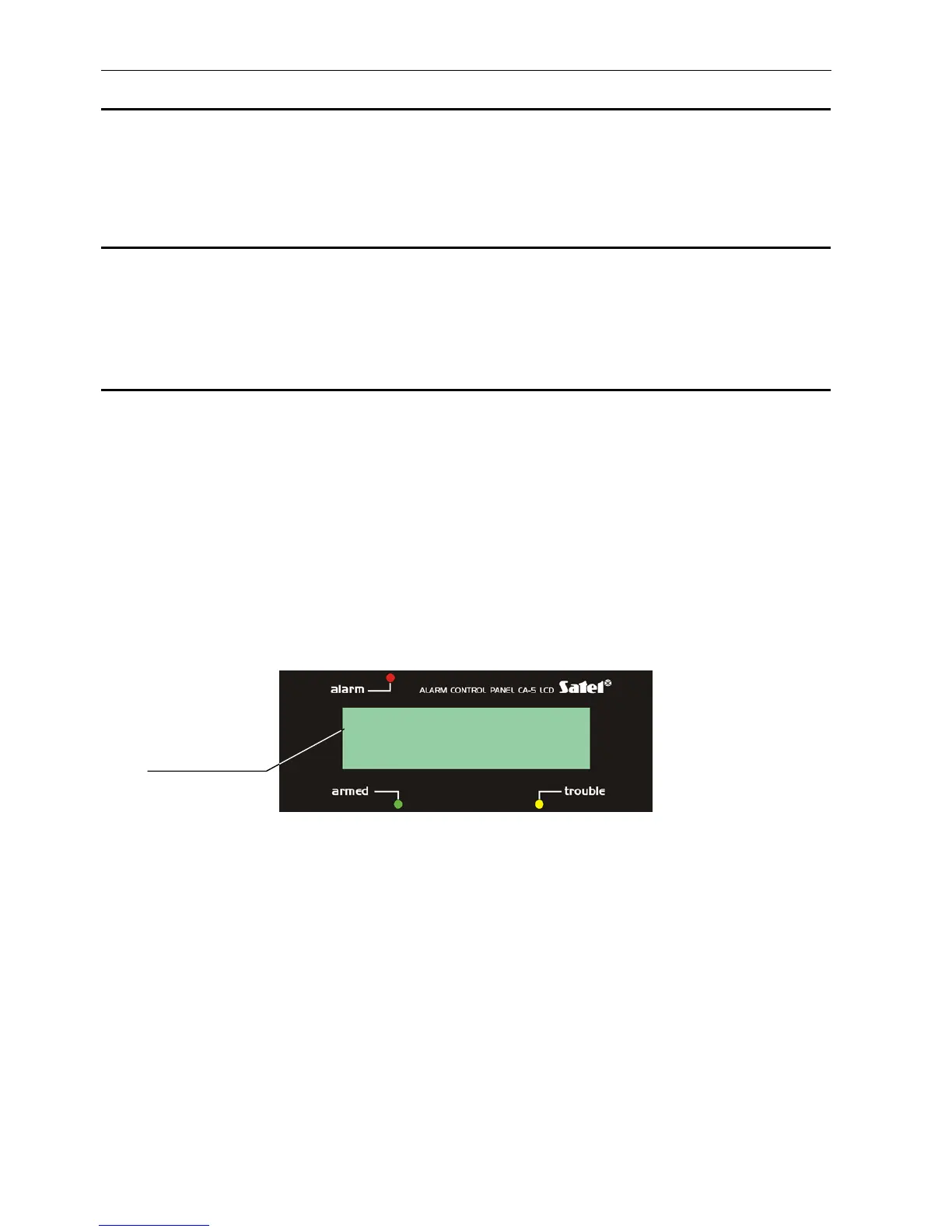
Fig. 4 Fragment of user functions menu - example.
To reach the required menu function, press the key with selected function number, or,
alternatively, move the „
´
”
selection
cursor up or down using the
[▲], [T] keys so that it
indicates the suitable function. The function is activated upon pressing the [#] or [X] keys.
When activated, some functions require that data be entered or selection be made; if this is
the case, the control panel waits for the user to take action (a corresponding message will
appear on the LCD display; the PROGRAM LED will be blinking fast in the LED keypad).
cursor of function
selection
´
1.Change code



 To Next Page