CA-5 SATEL
17
It is possible to leave the function earlier after programming the time (the date will remain
unchanged) by pressing the ([#]) key twice.
Note: In order to reset the „Clock loss” trouble signal, the time and date must be
programmed.
EXAMPLE: programming time: 7:45
and date: 25 July. (user access code = 1230)
[1230] [
*
] - calling the "user function" mode, confirmed with three short beeps and in the LED
keypad additionally with slow blinking of the PROGRAM LED,
[6] [#] - calling the “set time” function confirmed with two short beeps and in the LED keypad
additionally with fast blinking of the PROGRAM diode (in the LCD keypad this function
may be called using arrow keys),
[0745] [#] - entering the hours and minutes confirmed
with two short beeps,
[0725] [#] - entering the month and day confirmed
with four short beeps and a long one,
quitting the function.
The LCD keypad display present time, but in the LED keypad it is possible to check the
current hour and date set in the control panel. In order to check the settings, call the user
function 6 and pressing the [
*
] key twice look through the digits displayed on the LEDs (from
2 to 5) as they were programmed. The first digit is displayed immediately on calling the
function.
Digits are presented in the binary code according to the table:
LED INDICATIONS
LED No.
DIGIT
2 3 4 5
0
1
2
3
4
5
6
7
8
9
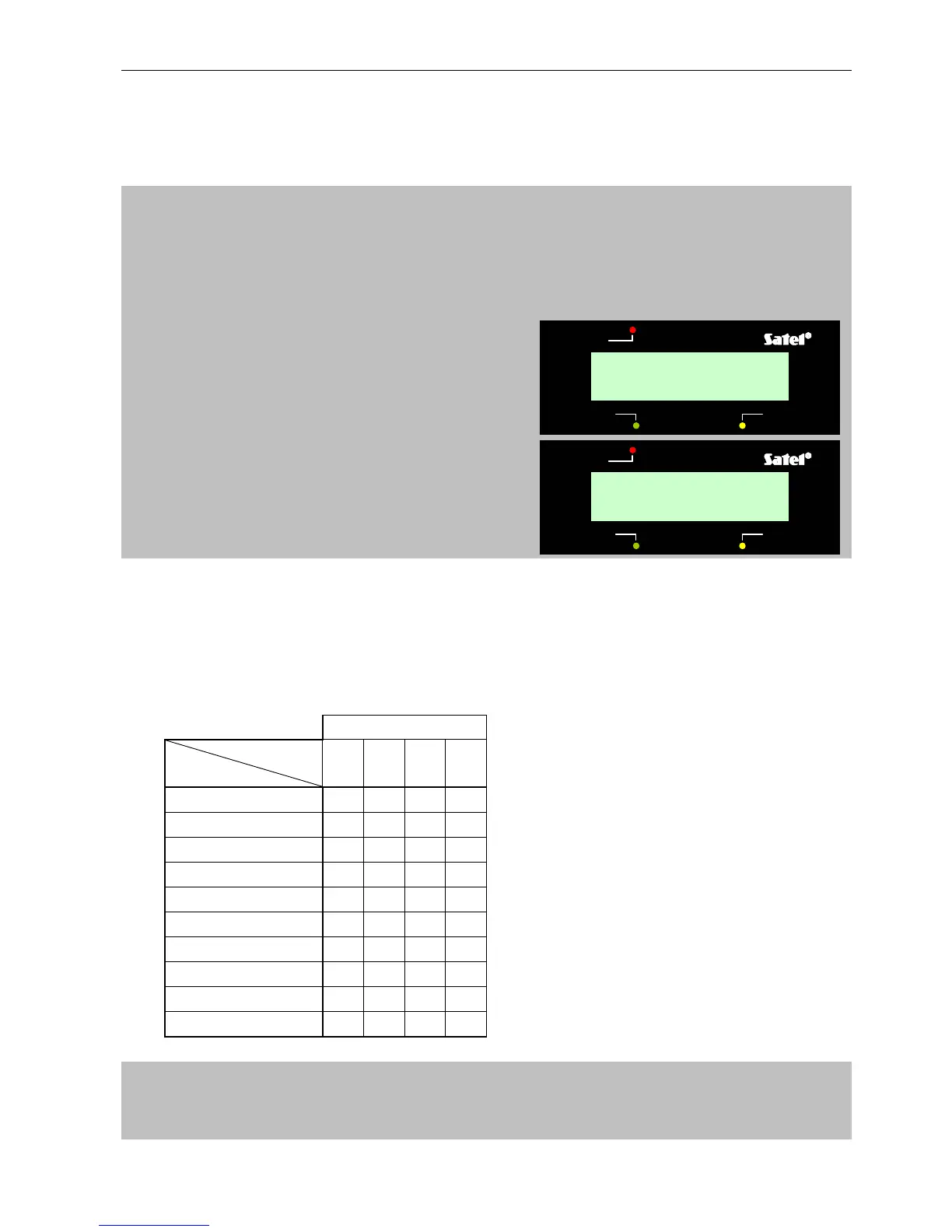
EXAMPLE: checking the time and date of the panel clock (user access code = 1230) - next to the
keys are shown examples of LED indications.
[1230] [
*
] - calling the "user function" mode confirmed with three short beeps and slow
blinking of the PROGRAM diode,
trouble
ALARM CONTROL PANEL CA-5 LCD
armed
alarm
Date (mm:dd):
07.25
trouble
ALARM CONTROL PANEL CA-5 LCD
armed
alarm
Time (hh:mm):
07:45
- LED off
- LED on



 To Next Page