14 ETHM-1 Plus SATEL
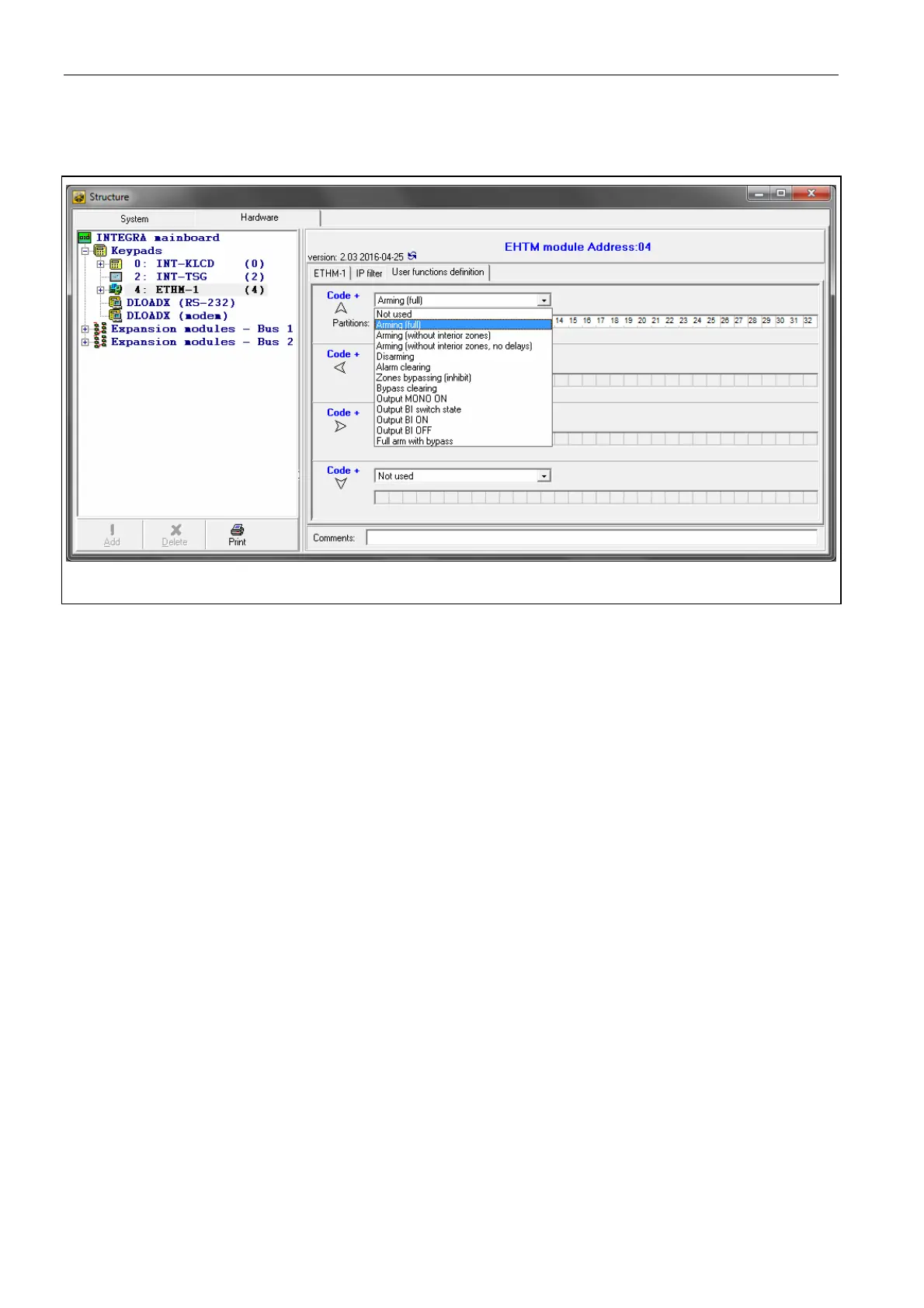
6.1.4 User functions
If the INTEGRA CONTROL application is used in the mobile device, the virtual keypad allows
you to quickly start user functions after entering the code and pressing an arrow key.
Fig. 8. Program DLOADX: “User functions definition” tab.
6.1.5 Virtual keypad
The virtual keypad allows you to operate and program the alarm system in much the same
way as using a physical keypad. You can use the virtual keypad in the DLOADX and
GUARDX programs, web browser and in the mobile device (after installation of the INTEGRA
CONTROL application).
Parameters and options of the virtual keypad available in the DLOADX program can be
programmed using:
LCD keypad: S
ERVICE MODE STRUCTURE HARDWARE LCD KEYPADS SETTINGS
DLOADX
RS,
DLOADX program: “Structure” window “Hardware” tab “Keypads” branch
“DLOADX (RS-232)” item.
Settings of the virtual keypad available in the GUARDX program, web browser or mobile
device can be programmed using:
LCD keypad: SERVICE MODE STRUCTURE HARDWARE LCD KEYPADS SETTINGS
GUARDX ADDR. n [n = module address],
DLOADX program: “Structure” window “Hardware” tab “Keypads” branch
[module name] branch “GUARDX/INTEGRA CONTROL” item (Fig. 9).
For description of the keypad parameters and options, please refer to the programming
manual for INTEGRA / INTEGRA Plus control panel (only some of these parameters and
options are available for the virtual keypad).



 To Next Page