36 ETHM-1 Plus SATEL
The alarm system user can check the module network address, MAC address and ID
using the LCD keypad (IP/MAC/IMEI/ID user function available in the TESTS submenu
– see the control panel user manual).
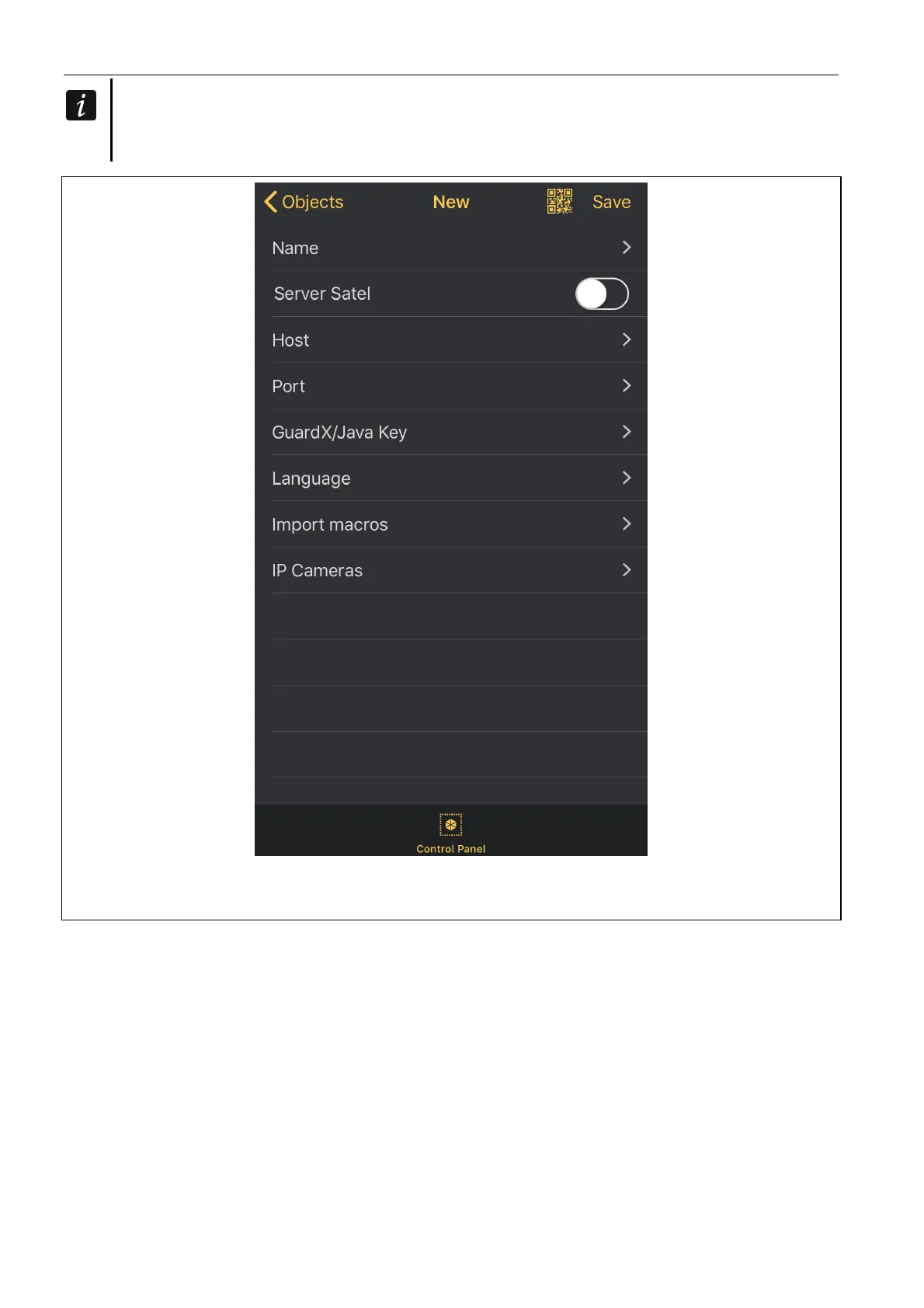
Fig. 22. INTEGRA CONTROL application (iOS system): screen with communication settings
before entering data.
6. Define the language of alarm control panel.
7. Define how the macro commands should be handled. Default settings provide for
importing macro commands from the module (they will be downloaded during the first
connection). If the macro commands are not to be imported or are to be imported from
file, touch the screen in the “Import macros” area and change the settings.
8. Tap “Save”, to save the settings.
7.3.3 Establishing the communication
Tap the name of the alarm system. The virtual keypad will be displayed.



 To Next Page