SATEL ETHM-1 Plus 35
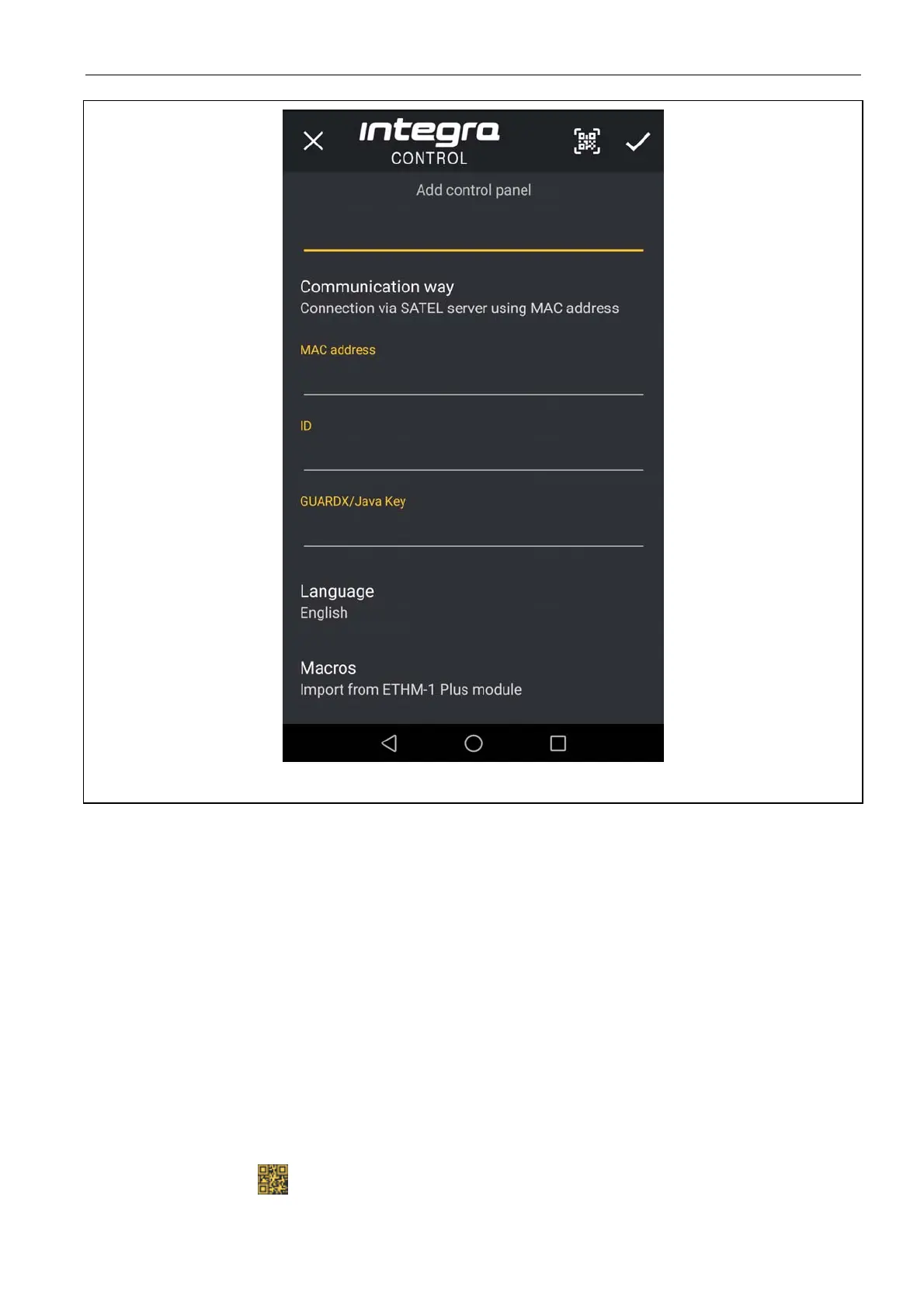
Fig. 21. INTEGRA CONTROL application (Android system): “Add control panel” screen.
7.3.2 Configuring the settings in INTEGRA CONTROL application (iOS)
When you launch the application for the first time, the “Systems” tab will be displayed.
1. Tap “Edit”.
2. Tap “New”.
3. Enter the name for alarm system. The name helps to identify the system when the
application is in use (you can define settings for multiple alarm systems).
4. Specify the method of communication. The default settings provide for communication
directly with the Ethernet module. If the application is to connect via the SATEL server,
enable the “Server Satel” option.
5. Enter parameters required for the selected method of communication:
direct communication with the module: module network address, TCP port number and
data encryption key (GUARDX KEY),
communication via SATEL server: module MAC address, module ID and data
encryption key (GUARDX KEY). If you wish to enter these parameters by using the
QR code, tap and read the QR code.



 To Next Page