SATEL ETHM-1 Plus 29
7.1 GUARDX program
Connection between the GUARDX program and the control panel via the ETHM-1 Plus
module can be established using one of the following ways:
1. Connection initialized from the GUARDX program. If communication takes place in a wide
area network, the Ethernet module must have a public IP address.
2. Initiating the connection from the keypad (through the control panel). The alarm system
can be managed remotely only with the knowledge of the control panel user, from the
address programmed in the control panel. If communication takes place in a wide area
network, the computer with GUARDX program module must have a public IP address.
3. Initiating connection by SMS message. The computer with GUARDX program must have
a public IP address. The INT-GSM module must be connected to the ETHM-1 Plus
module.
4. Establishing connection via the SATEL server (Connection Setup Service). The control
panel can be operated from any location. No public IP address is required for the control
panel or the computer with GUARDX program.
Required settings of the module for all methods of establishing connection:
enabled GUARDX option,
programmed data encryption key (GUARDX KEY).
7.1.1 Configuring the GUARDX program settings
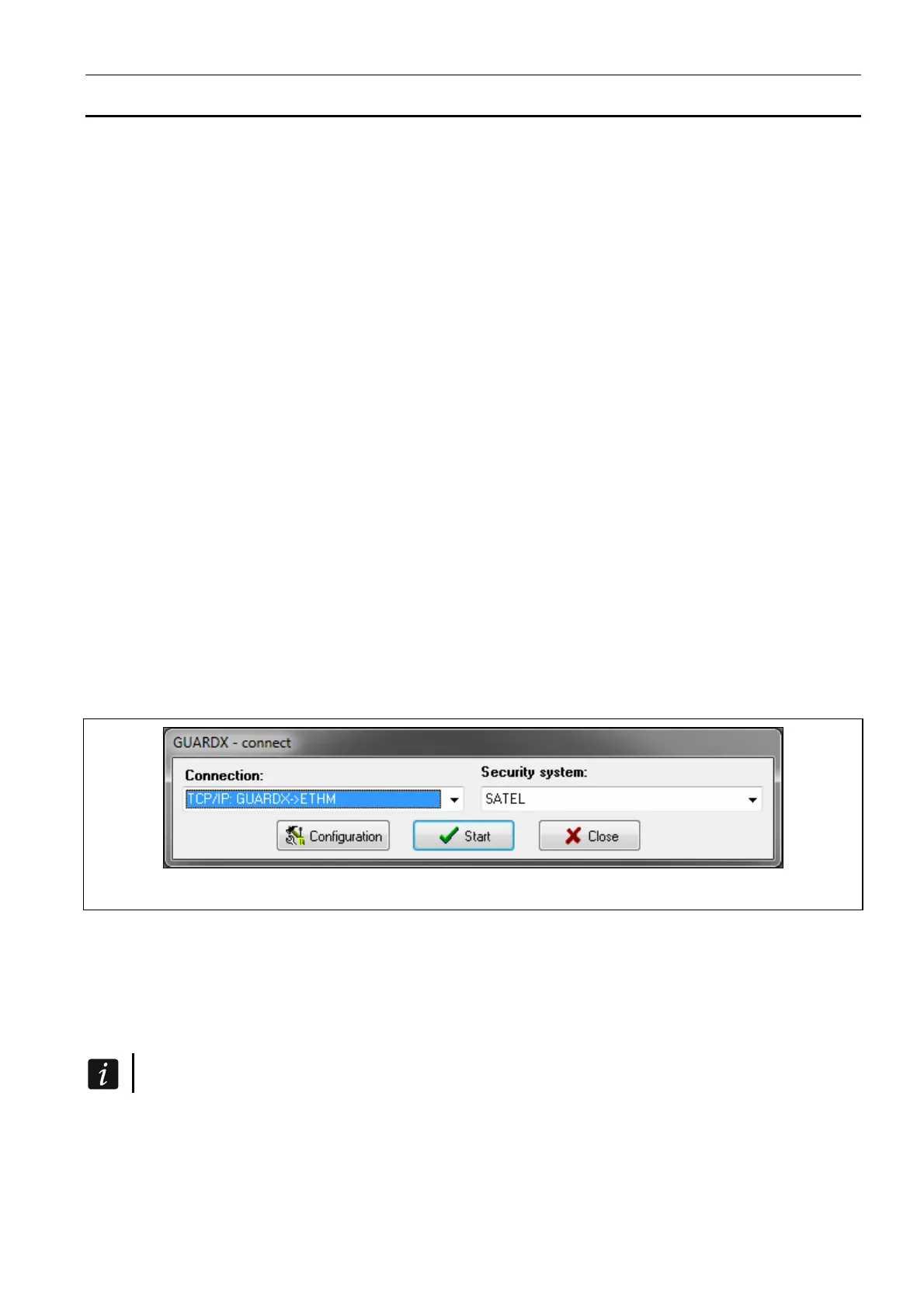
To configure the settings related to communication with the alarm system, click on the
“Configuration” button in the startup window of GUARDX program (Fig. 15).
If you want to configure the settings for communication with the alarm system, select the
communication method in the GUARDX program startup window, “Connection” field
(“TCP/IP: GUARDX->ETHM”, “TCP/IP: GUARDX<-ETHM/INT-GSM” or “TCP/IP: SATEL
server”), and then click on the “Configuration” button (Fig. 15).
Fig. 15. GUARDX program: startup window.
“Communication Identifiers” tab
Panel’s identifier – identifier of the alarm control panel. It must consist of 10 characters
(digits or letters from A to F).
PC identifier – identifier of the computer with GUARDX program. It must consist of 10
characters (digits or letters from A to F).
You must enter the same identifiers in the GUARDX program and in the control panel.



 To Next Page