www.satlabgps.com
15
2. Receiver Physical Appearance
To insert/remove SIM card:
1. Turn o the device.
2. Remove baery cover by pushing the slide buon towards the “open lock” symbol. The cover
will parally eject.
3. Remove the baery by pushing it towards the “open” direcon if there is any.
4. Insert the SIM card into the SIM card slot with the contacts facing down. In order to remove
the SIM card, gently slide the SIM card out of the slot.
TIPS:
Before using SIM card,
- disable PIN code
- make sure that internet is available in the subscripon.
- GPS correcons require very small bandwidth due to very small amount of data per second
(<20kbs) but connuous connecon. Consequently, it is advisable to try to nd a stable internet
connecon instead of fast connecon
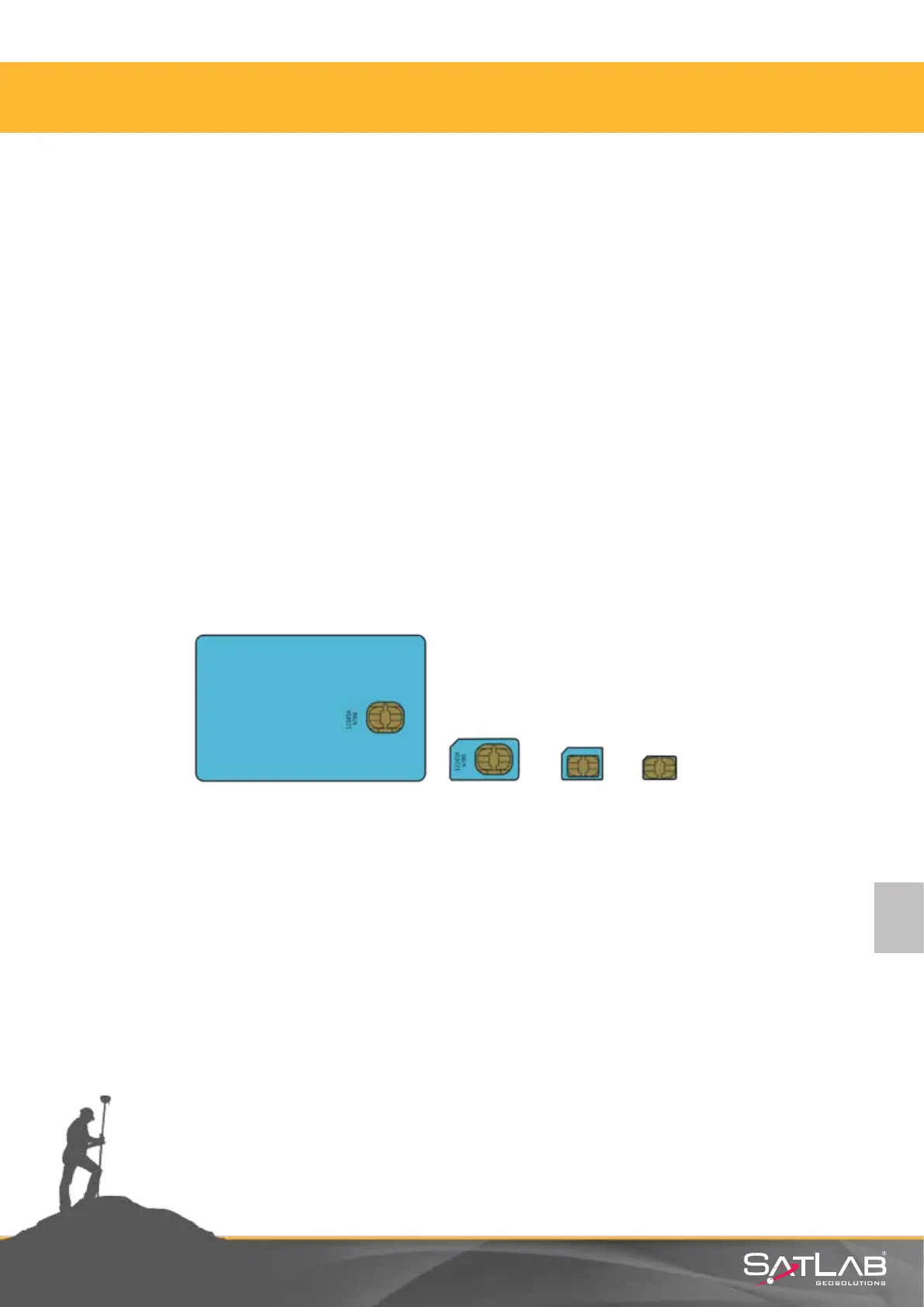
- There are four SIM card size namely, full size, mini, micro and nano as it is seen in the
following gure. Mini SIM which has been standard size for any industrial systems. Mini is the correct
size. Avoid using micro or nano with adapters to t into Mini SIM slot.
Figure 2.9 SIM Size
Full Size Mini Size Micro Size Nano Size



 To Next Page