www.satlabgps.com
49
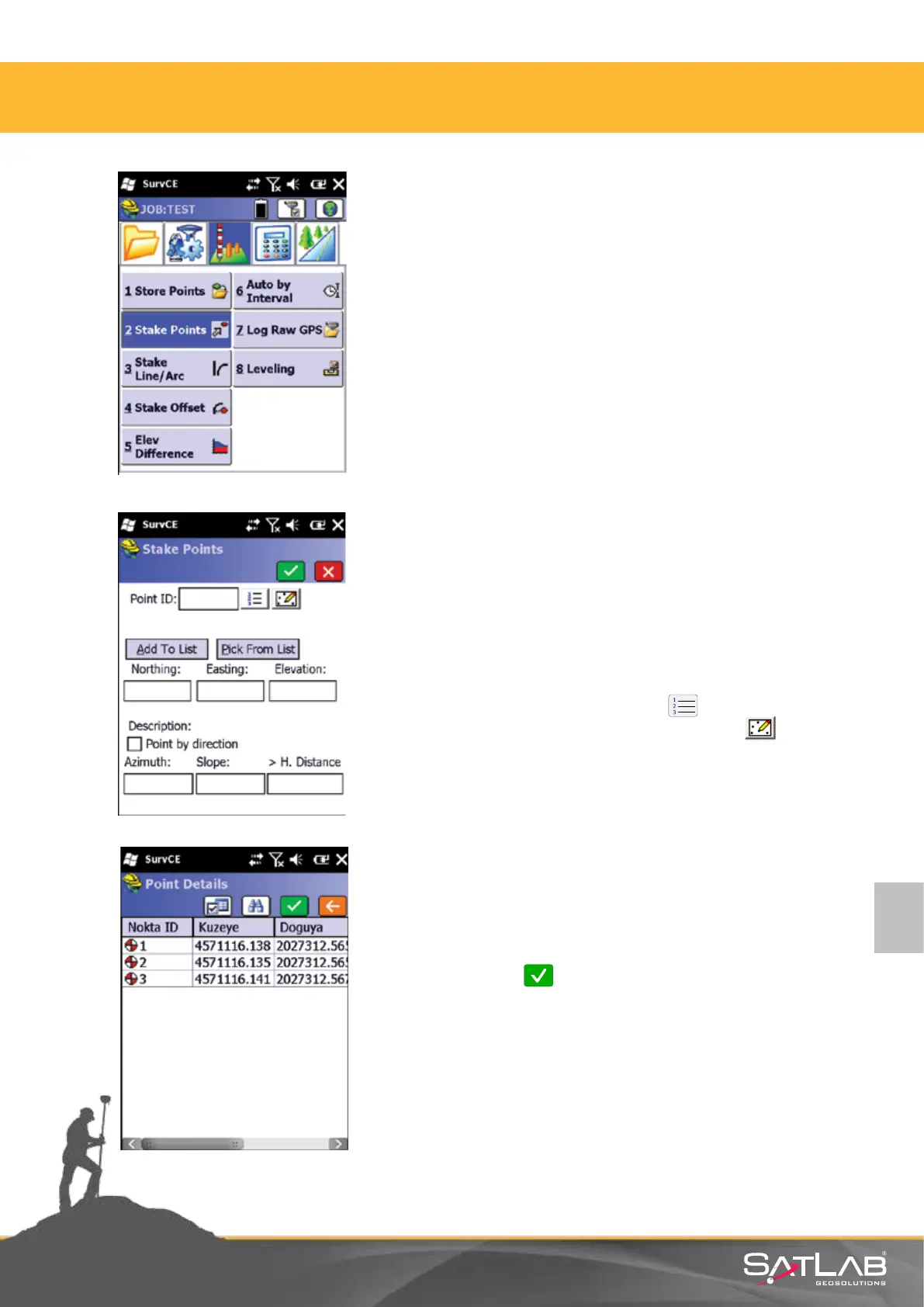
Select Stake Points buon in the Survey menu.
A window opens where you dene points to be staked out:
A point that should be staked out can be selected in three ways;
1. Manual entry of coordinates
2. From the Point List by pressing the buon
3. From the graphic Map Screen by pressing the buon.
4.8. Stake Out
Point list: Click on the point to be staked out and
select by pressing Okay.
4. Satlab SurvCE Guide



 To Next Page