www.satlabgps.com
28
3. Operaon
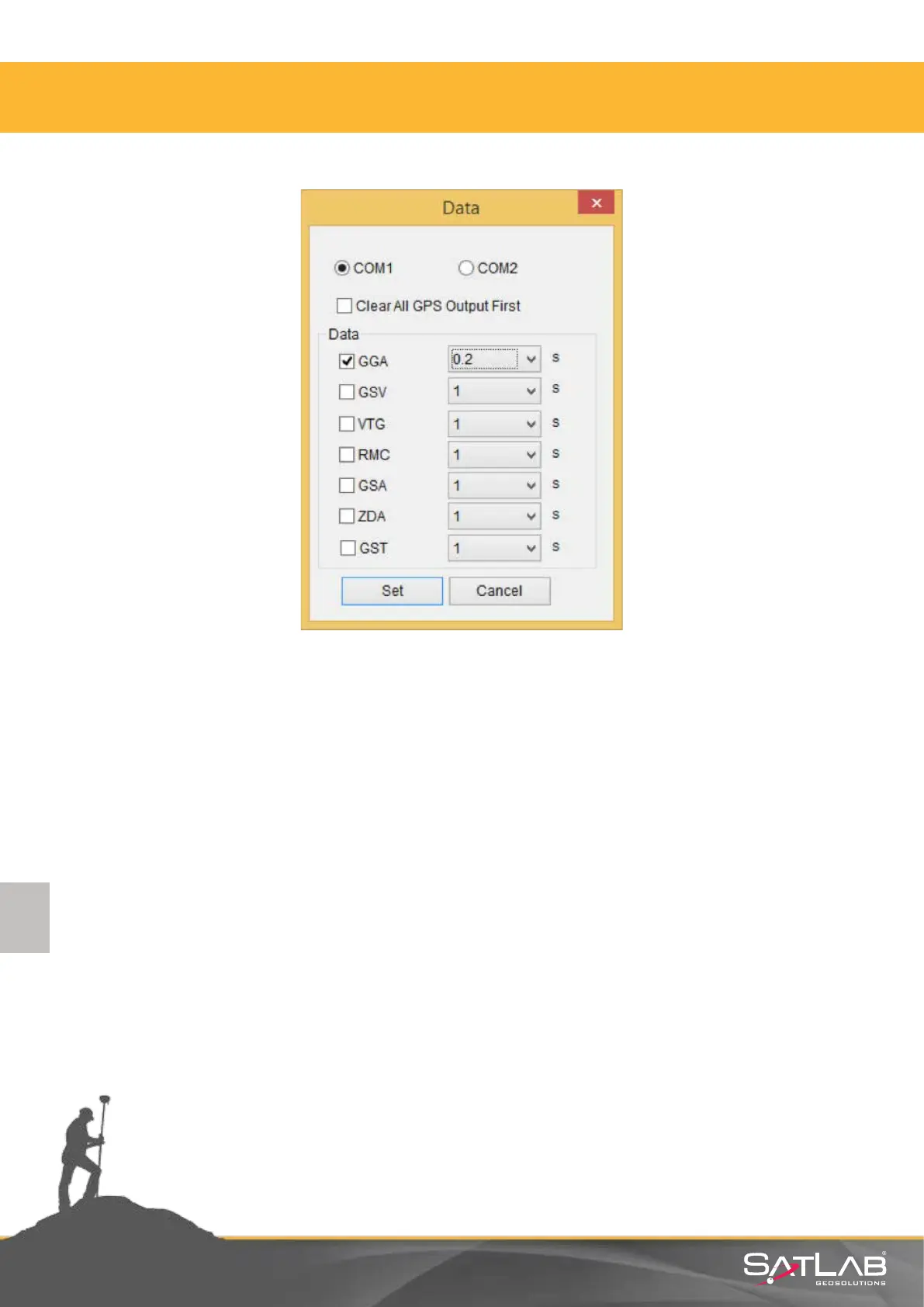
Figure 3.6 Data Output
3.2.2. Satlab UHF Radio Management Soware
Satlab SL600 with P/N of 0201020269 is equipped with 2 was transceiver UHF radio. Usage of UHF
radio is regulated by local authories in most of the countries in the world. Due to regulaons, using
licensed frequency and bandwidth is important not to violate the rules.
Communicaon with Satlab SL600 can be done by using RS232 Y cable with serial connecon to a PC.
Soware requires a simple RS232 connecon without any ow control. Any Windows operang system
from Windows XP should work as long as there is a RS232 serial driver.
Note: In order to start communicang with Radio modem, Telemetry mode needs to be set to UHF by
using either buons (double Click F2 and Press Power to set) or Field Soware.



 To Next Page