www.satlabgps.com
48
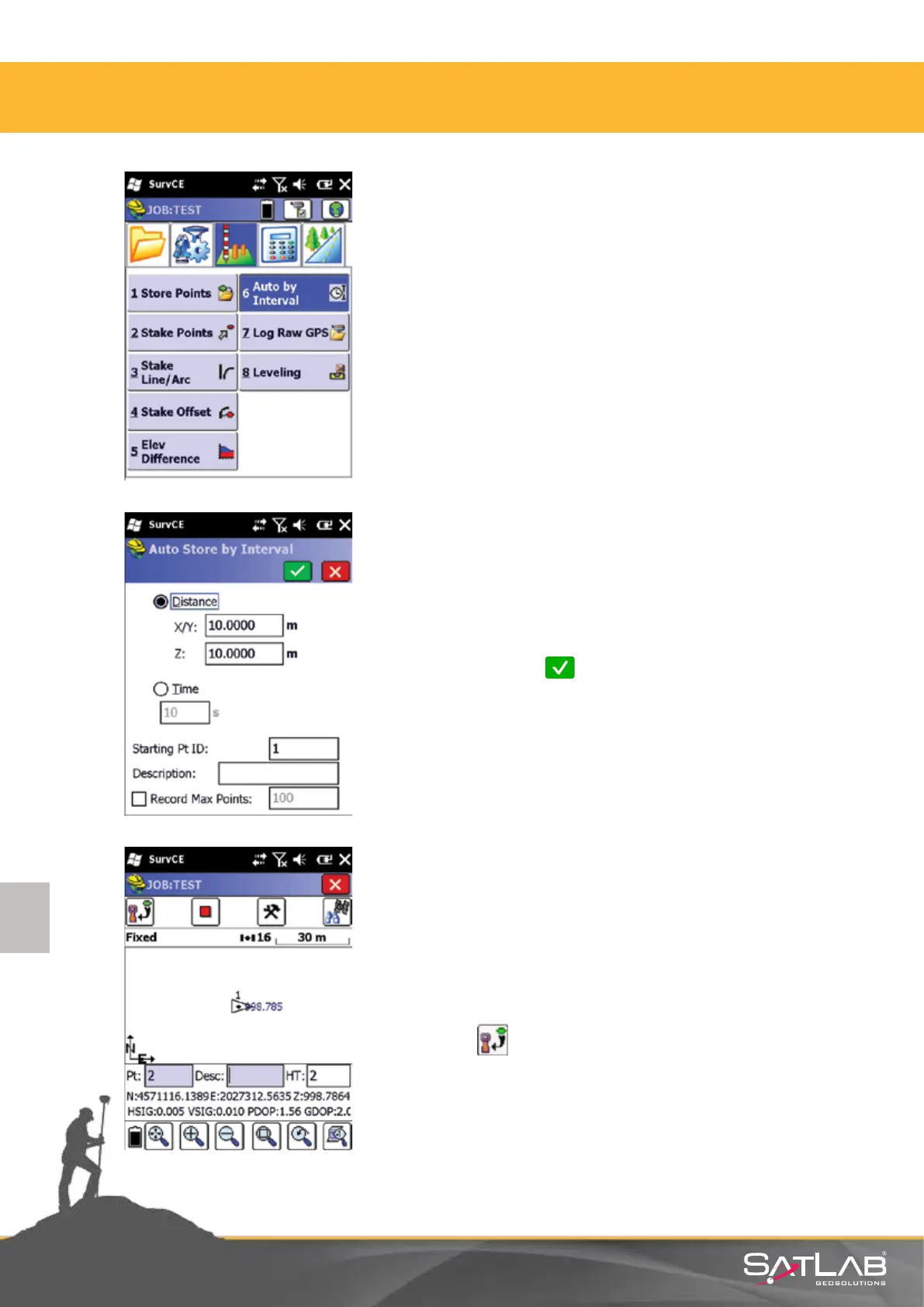
Select the Auto by Interval in the Survey menu.
4.7. Auto Recording
Select necessary sengs depending on the required point storing
intervals.
Write the Starng Pt ID, where the automac point storing will be
started and click on Okay. Automac point storing will begin
as you move your posion accordingly.
Cauon: If only the horizontal move should be taken into
consideraon, 0 shall be wrien to Z: window.
Press red stup buon to stop automac point storing. During the
automac point storing you can also store points manually by
clicking on buon.
4. Satlab SurvCE Guide



 To Next Page