www.satlabgps.com
17
2. Receiver Physical Appearance
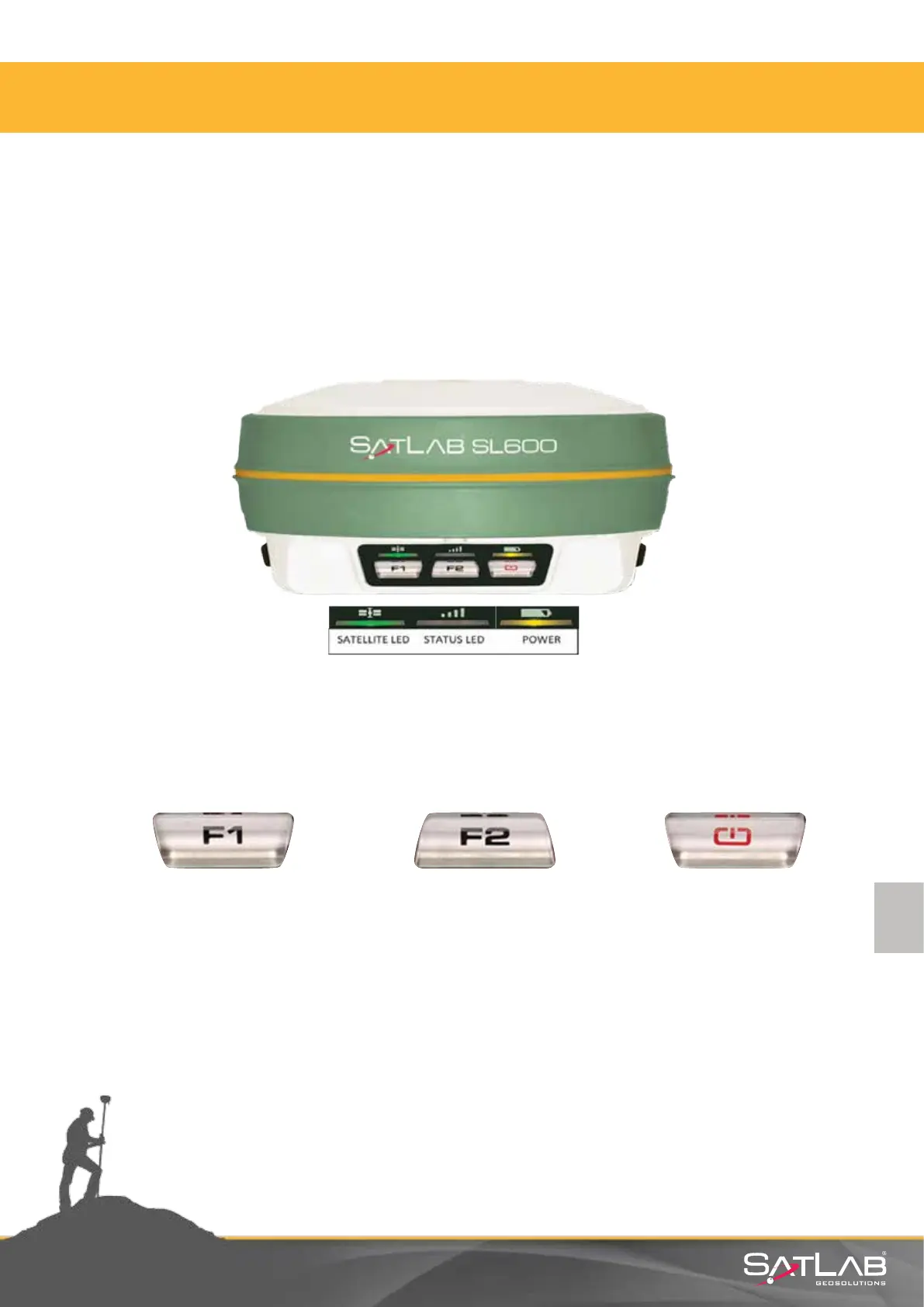
2.3.2. Control Panel
Satlab SL600 receiver can be controlled by front panel buons, SurvCE or Satlab Field Tools soware.
For the operaon by SurvCE or Satlab Filed Tools soware, please refer to corresponding chapters.
Here, operaon by front panel will be explained.
Control panel is in the middle part of the receiver. It contains the F1 key (funcon key 1), F2 key
(funcon key 2) and the power buon, 3 indicator LED’s which are respecvely Satellite LED, Status LED
and the Power LED. The three funcon buons allows seng up dierent SL600 receiver modes and
funcons.
Figure 2.11 Satlab SL600 front panel.
SL600 has three funcon, test and control keys in the GNSS receiver. These are oen used to reset the
measure without using any GNSS control unit.
ON/OFF Power Key:
Allows seng
conrmaon, voice
switches and other help
funcons.
Table 2.2 Buons
F1
Allows sengs of
working mode, UHF
radio transming power,
satellite elevaon angle,
sengs for automac
base staon, reseng
receiver and also
features a self-test.
F2
Allows seng of data
link, UHF radio channels,
collecon interval and
the opon to restore the
unit to factory sengs.



 To Next Page