www.satlabgps.com
53
In order to import points for staking out or export surveyed points, rst of all the connecon between
the controller and the computer must be established. The users with Windows XP as operang system
shall install Microso AcveSync, while the users who have Windows Vista and Windows 7 as operang
system shall install the Microso Mobile Device Center.
Imporng Points to the Controller
Extension of the points to be installed in the control unit can be .CSV, .XYZ, .ASC, .TXT. Before the
installaon, check if space, comma, tab, or special forms of separaon are used in format of the le that
includes the point coordinates.
4.9. Download/Upload Points
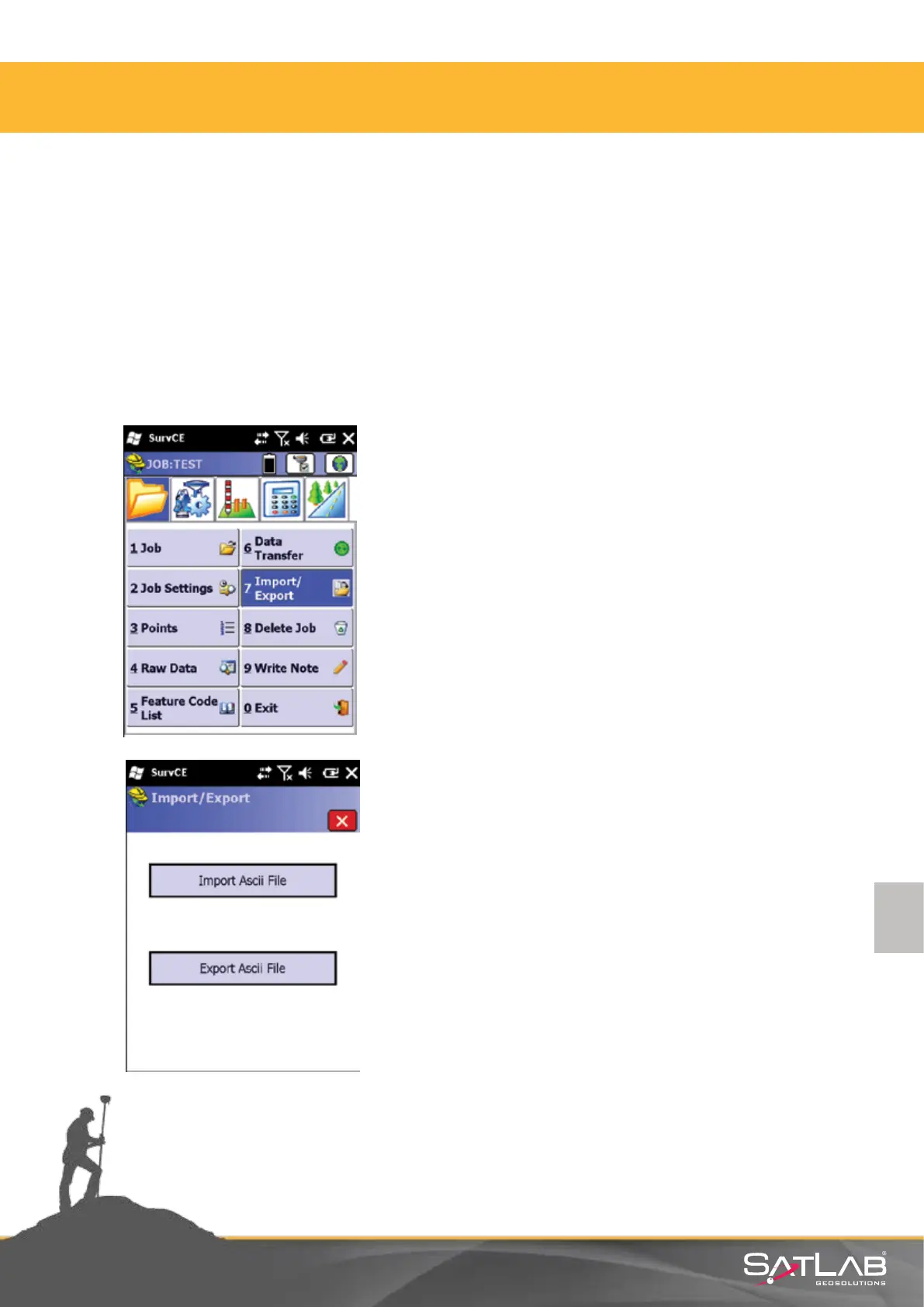
Select Import Ascii File.
Click on the Import/Export buon in the
File menu.
4. Satlab SurvCE Guide



 To Next Page