www.satlabgps.com
46
Before iniang the survey with storing points, enter a point name in the Pt: line. HT: connotes the
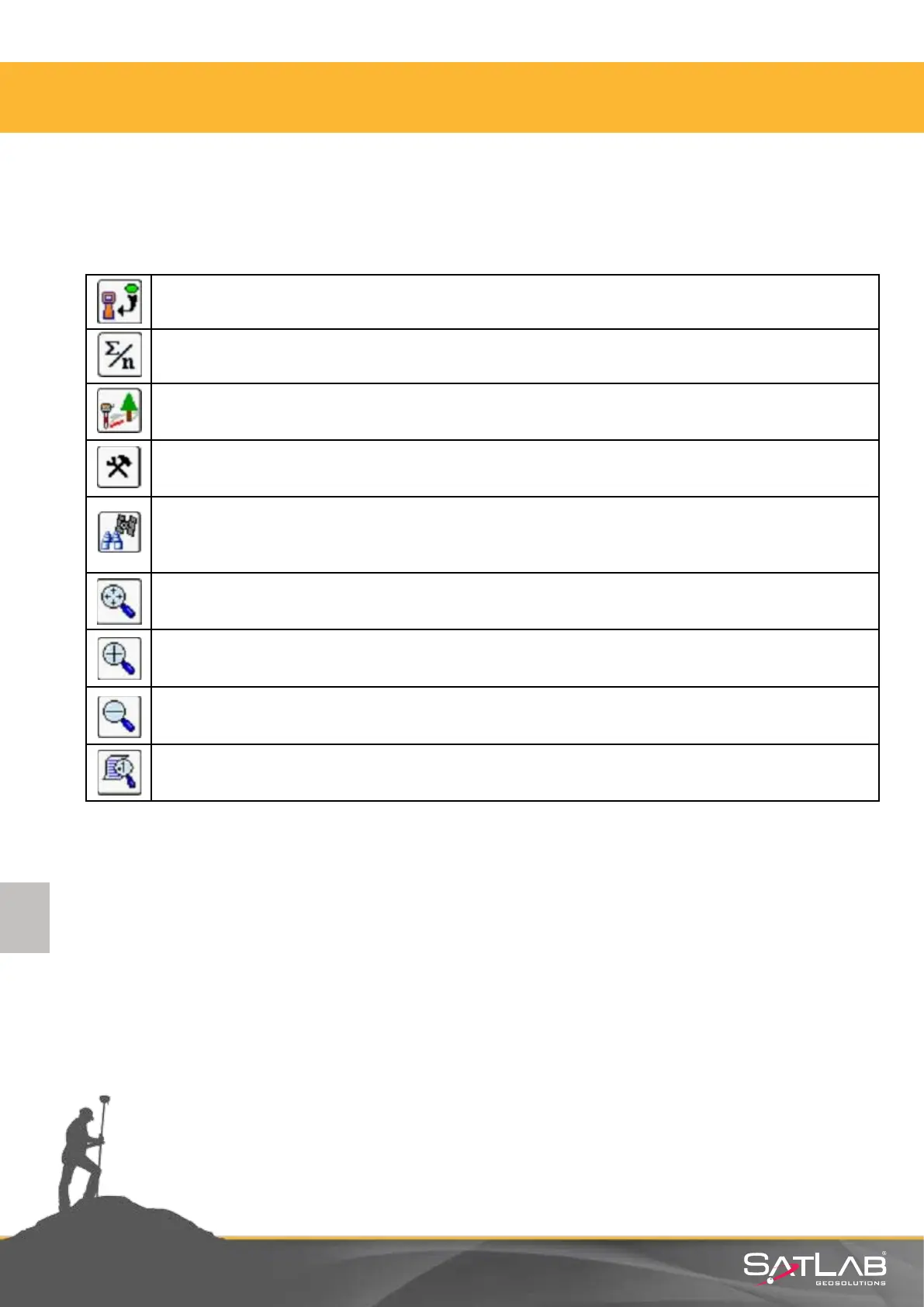
height of the antenna which you enter according to your antenna height. The funcons of the buons
you see on the screen are as follows:
Measures once and saves automacally. The ENT key on the control unit keyboard also
fulls this funcon.
Measures as much as the desired number and saves automacally.
The oset funcon for unreachable places. This will be explained in
detail in the next secon.
The sengs for point storing are made here.
This is the menu for satellite tracking and observaon. The informaon about the
satellites tracked, DOP informaon, correcon status situaon and informaon about
reference staon can be obtained here.
Fits the screen at the background to its limits.
Zoom in the graphic screen.
Zoom out the graphic screen.
Point aributes and layer status can be changed from here.
4. Satlab SurvCE Guide



 To Next Page