24
SA408 - User’s Manual
Loading Ribbon
The following steps only apply to thermal transfer printing mode only.
Direct thermal does not need ribbon to be installed.
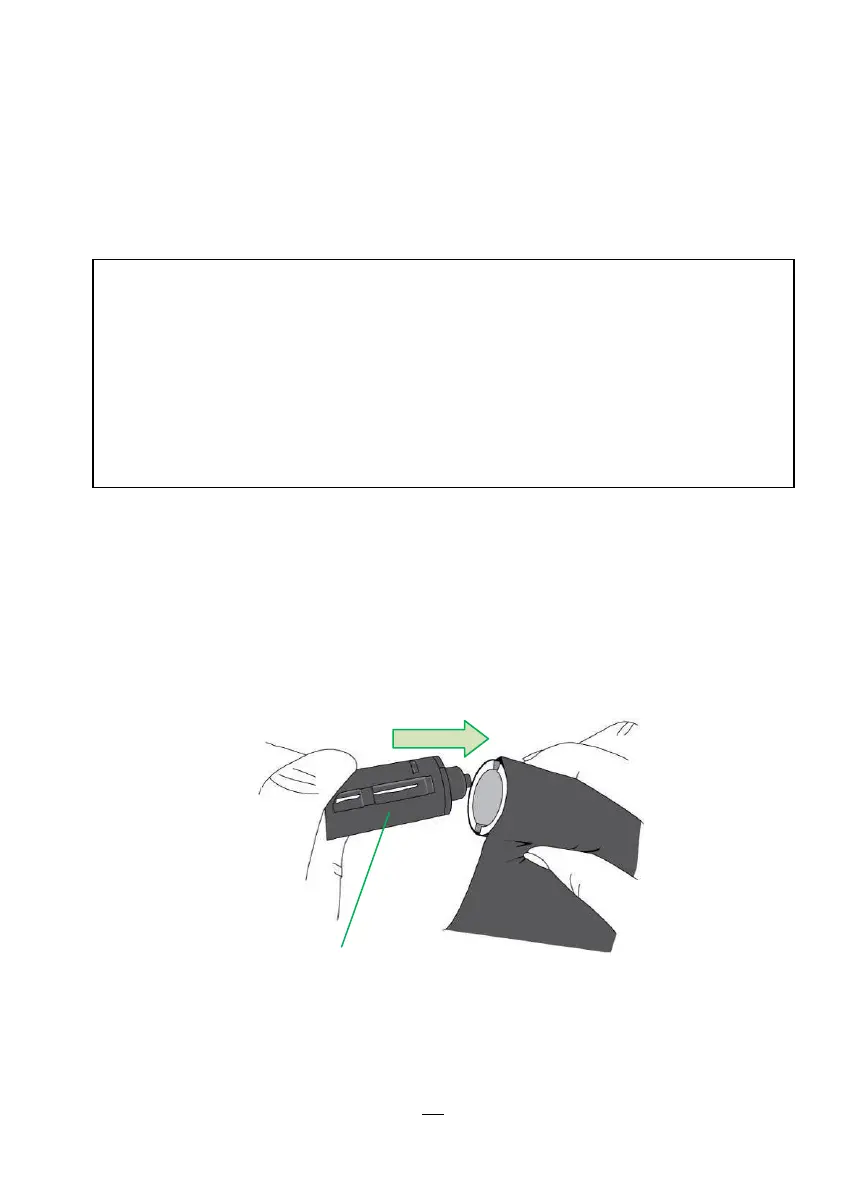
Preparing Ribbon
Find the two Ribbon Core Adaptors in printer package and fix them
into new ribbon rolls from the left to the right.
Placing Ribbon Rolls
Note:
- Media and ribbon types should be matched to provide with
optimal print results.
- Always use ribbon that is wider than the media to protect the print
head from wear.
- For direct thermal printing, do not load ribbon in the printer.


 To Next Page