Schaeffler Technologies
BA 68
43
Search function and filters
The search function can be used in various sections of the
OPTIME app and helps refine search results for assets, machines or
sensors according to specific criteria.
Filters can be set based on an inputtable search string, the criticality
of the machine and the machine type. The filters can be reset using
the [
Clear Filters
] button.
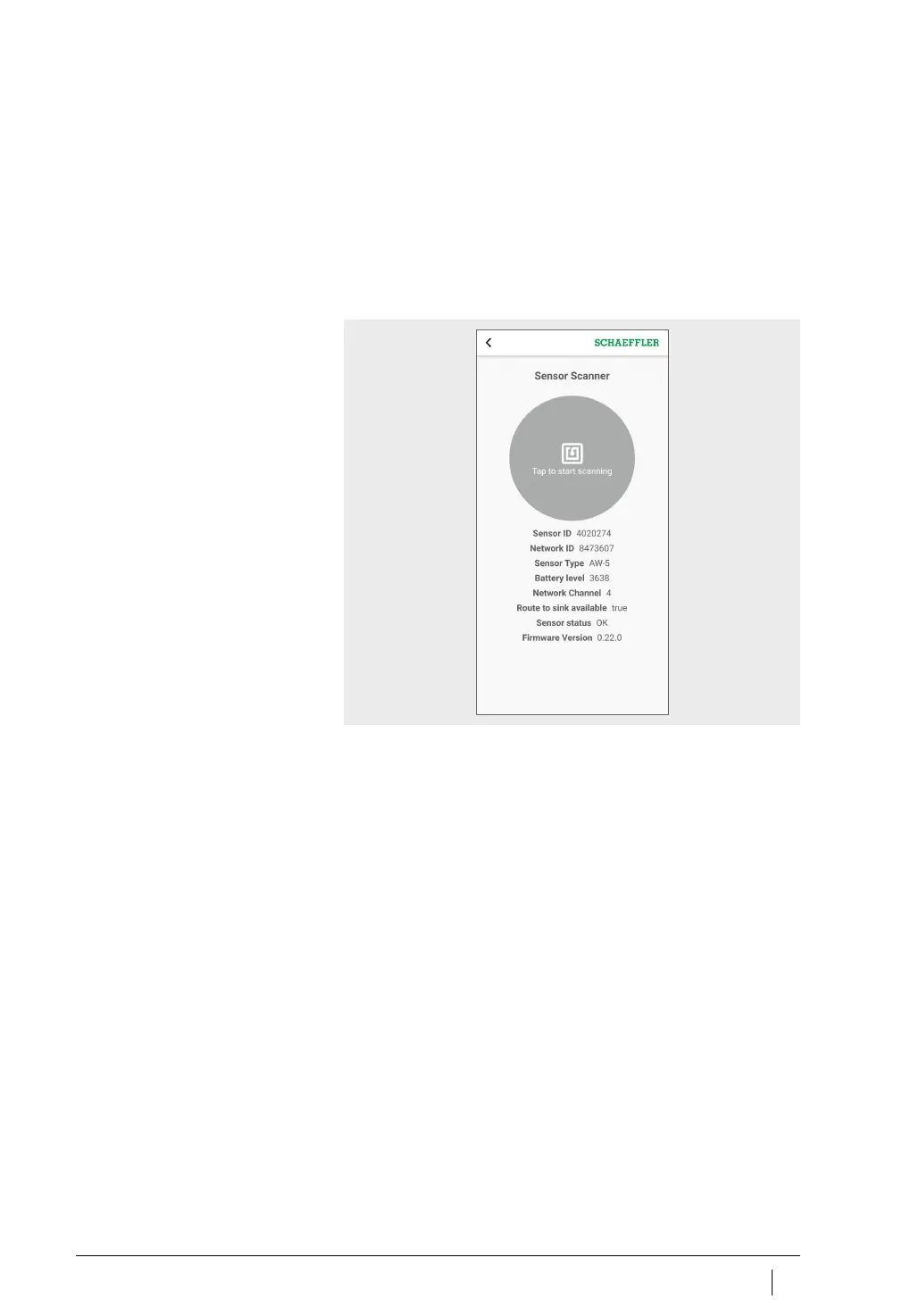
Scan sensor
The sensor settings can be read using the [
Scan Sensor
] button.
Figure 27
Sensor Scanner



 To Next Page