Schaeffler Technologies
BA 68
47
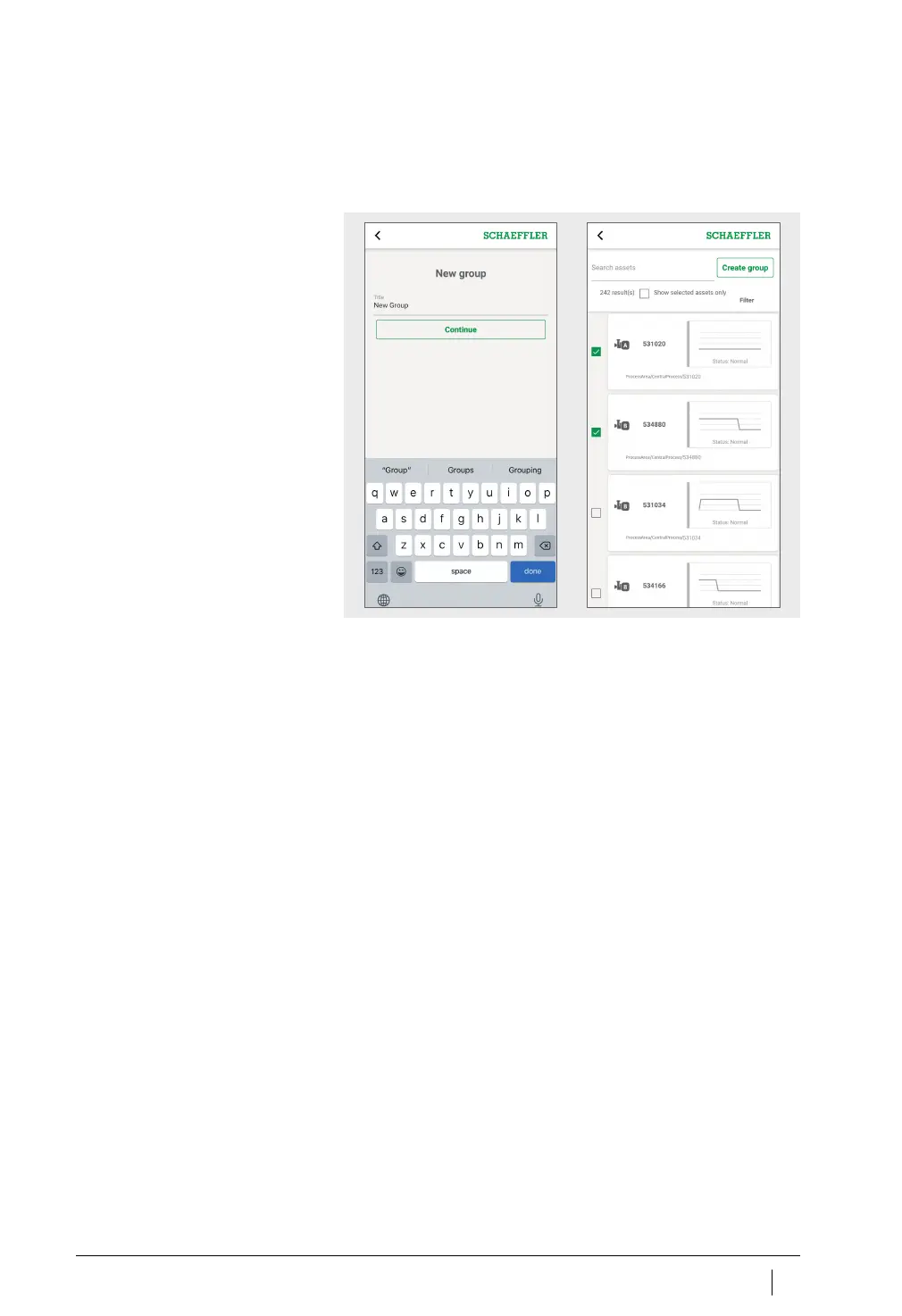
Add new group
To add a dedicated group:
Tap the [
Add Group
] button.
Enter the name of the group.
Tap the [
Continue
] button.
A list of all machines is displayed.
Use the search function and filters to refine the choice
of machines.
Place a check mark against the machines that you want to add
to the group.
Tap the [
Create group
] button.
Your group will be displayed under [
My groups
].
Figure 30
Add new group



 To Next Page