Schaeffler Technologies
BA 68
51
Manage machine sensors
The machine management screen shows which sensors are assigned
to the machine. The sensors can be edited in the sensor manage-
ment screen by tapping on the sensors.
To add a new sensor for the machine, use the [
Add sensors
] button.
For further information on sensor management, see page 53.
For further information on adding a sensor, see page 57.
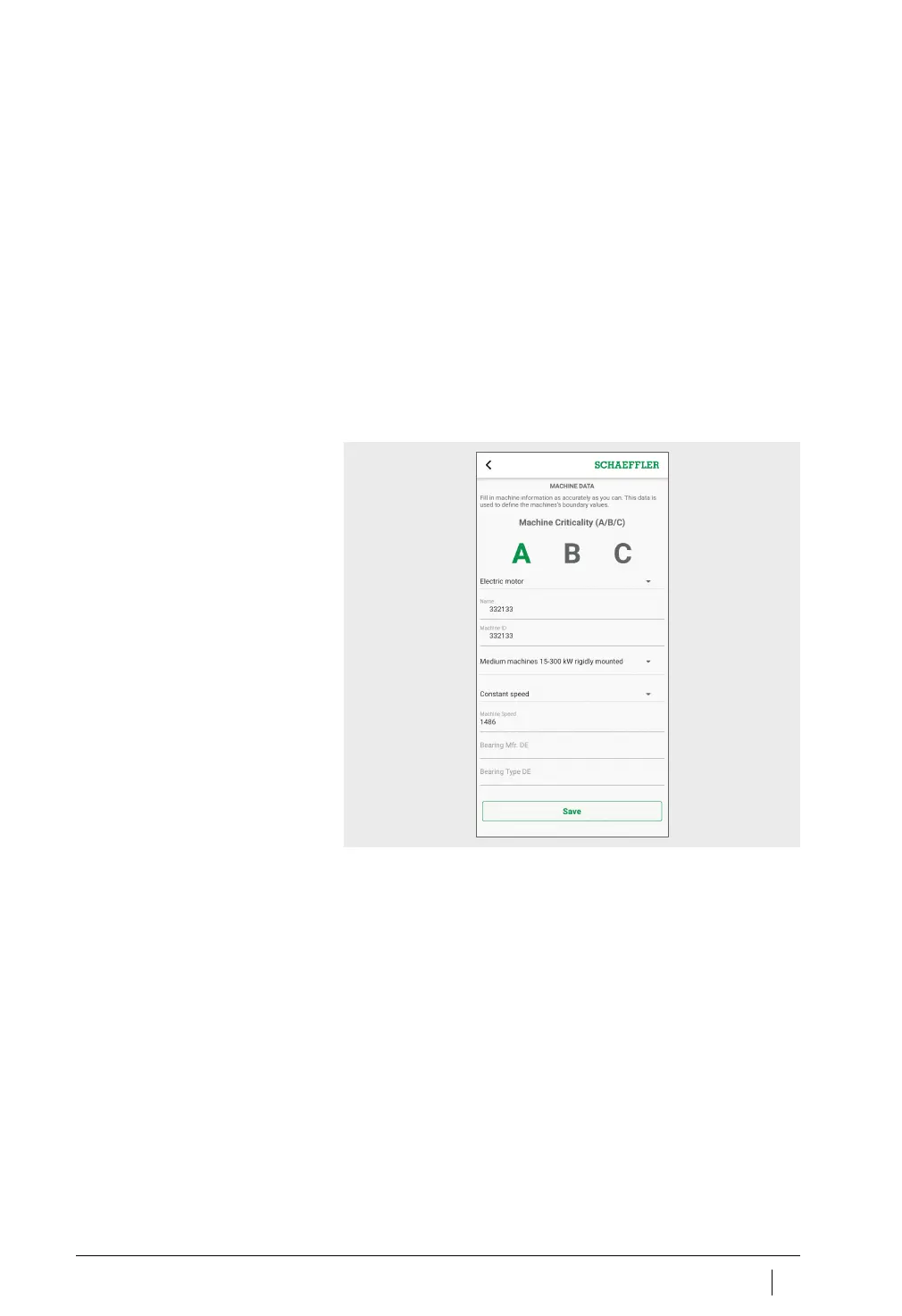
Edit machine
All machine properties can be edited. You should enter machine
information as accurately as you can. This data is used to define
the threshold values for the machine and to improve the results
of the analysis.
The criticality of the machine is indicated by a letter: “A” for critical
machines, “B” for fairly non-critical and “C” for non-critical.
The criticality is defined by the user.
Figure 33
Edit machine



 To Next Page