72
BA 68
Schaeffler Technologies
Schaeffler OPTIME
The [
Machine status
] is updated once a day and is based on the KPI
values determined for the sensor or sensors.
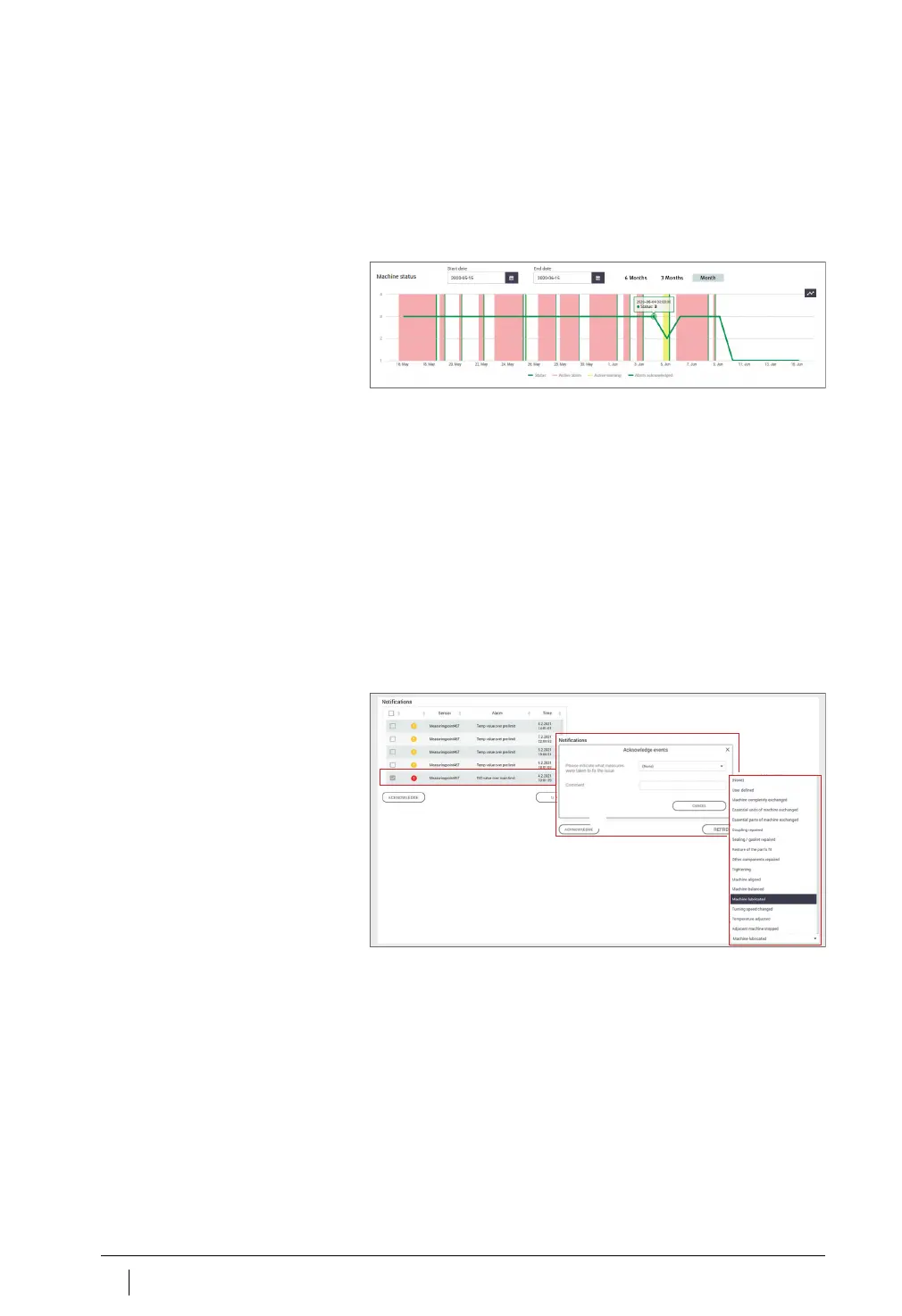
State diagrams
In the state diagrams the phases in which an alarm status is present
are represented in different colours according to their alarm level.
Active pre-alarms or main alarms are shown in the table with a yellow
or red background. The acknowledgement of an alarm notification by
the user is indicated by vertical green stripes. An active alarm occurs
when the data last transmitted still justify the alarm but the alarm
has not yet been acknowledged. An inactive alarm occurs if the data
last transmitted no longer justify the alarm. From the machine status
diagram, the user can also see the active and inactive alarms.
The inactive alarms are pale in colour and the active alarms are
a darker colour.
Moving the mouse cursor over the diagram reveals the tooltip,
which can be used for more precise determination of time and
machine status.
Alarm notifications for the machine
The pre-alarms, main alarms and possible causes are listed as alarm
notifications.
Figure 49
Detailed state diagram
Figure 50
Examples of alarm notifications



 To Next Page