Schaeffler Technologies
BA 68
73
An alarm notification can be acknowledged directly by inserting
a tick in the line to be confirmed. The [
ACKNOWLEDGE
] button opens
an input field. The action taken is then selected from the drop-down
menu. Further information can be entered in the Comments field.
The acknowledgement is completed by clicking on the [
CONFIRM
]
button. The alarm notification is saved in the history with a time
stamp and details on the user. Clicking on the lines in the list will
also take the user to the [
Alarms & Events
] view, which provides
more detailed information about the alarm notification.
History
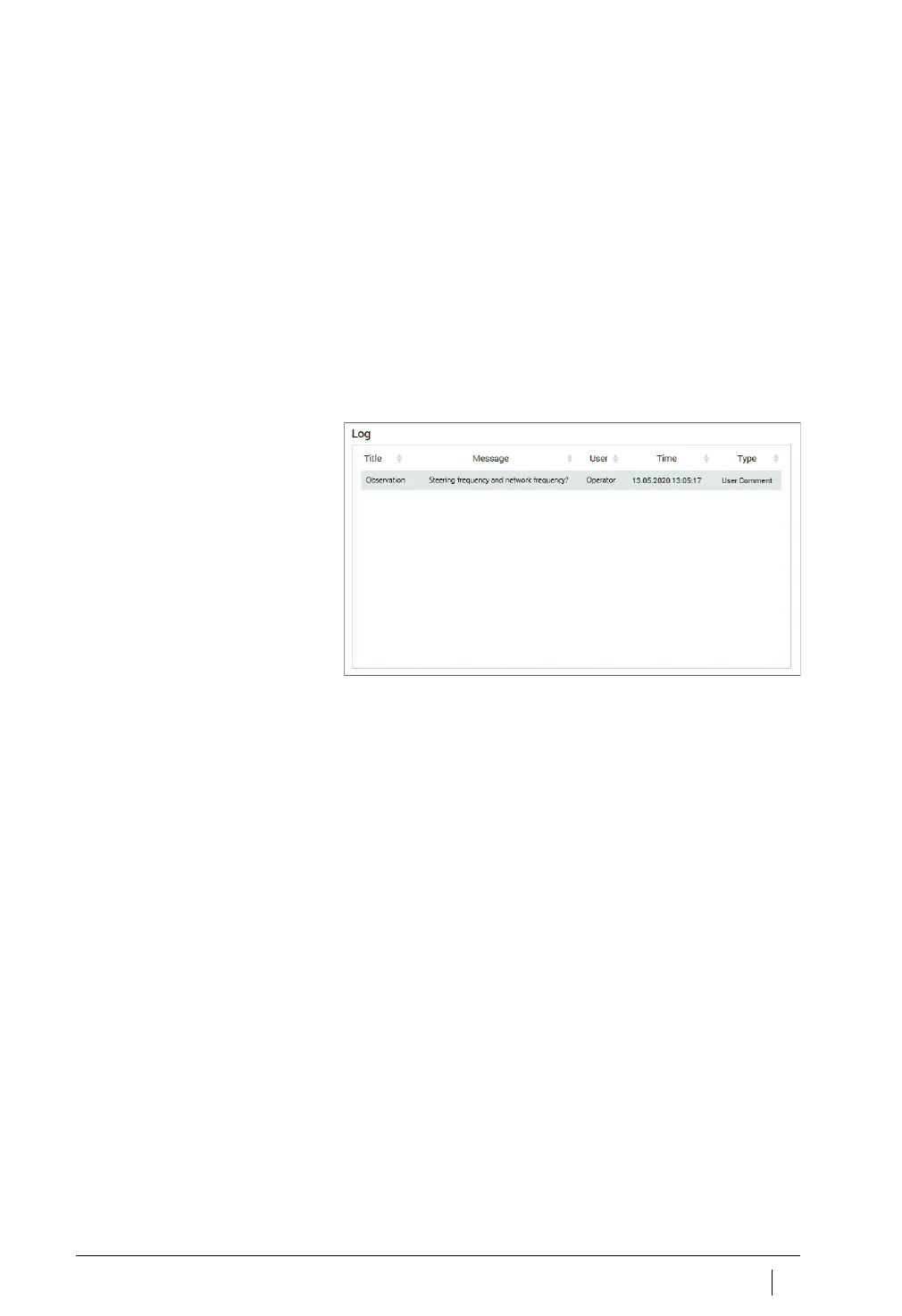
Alarm notifications and log entries by personnel are archived
chronologically in the history for each machine. Log entries perfor-
med by the operator in the OPTIME app are also visible in
the history.
Figure 51
Examples of entries in the history



 To Next Page