11
R
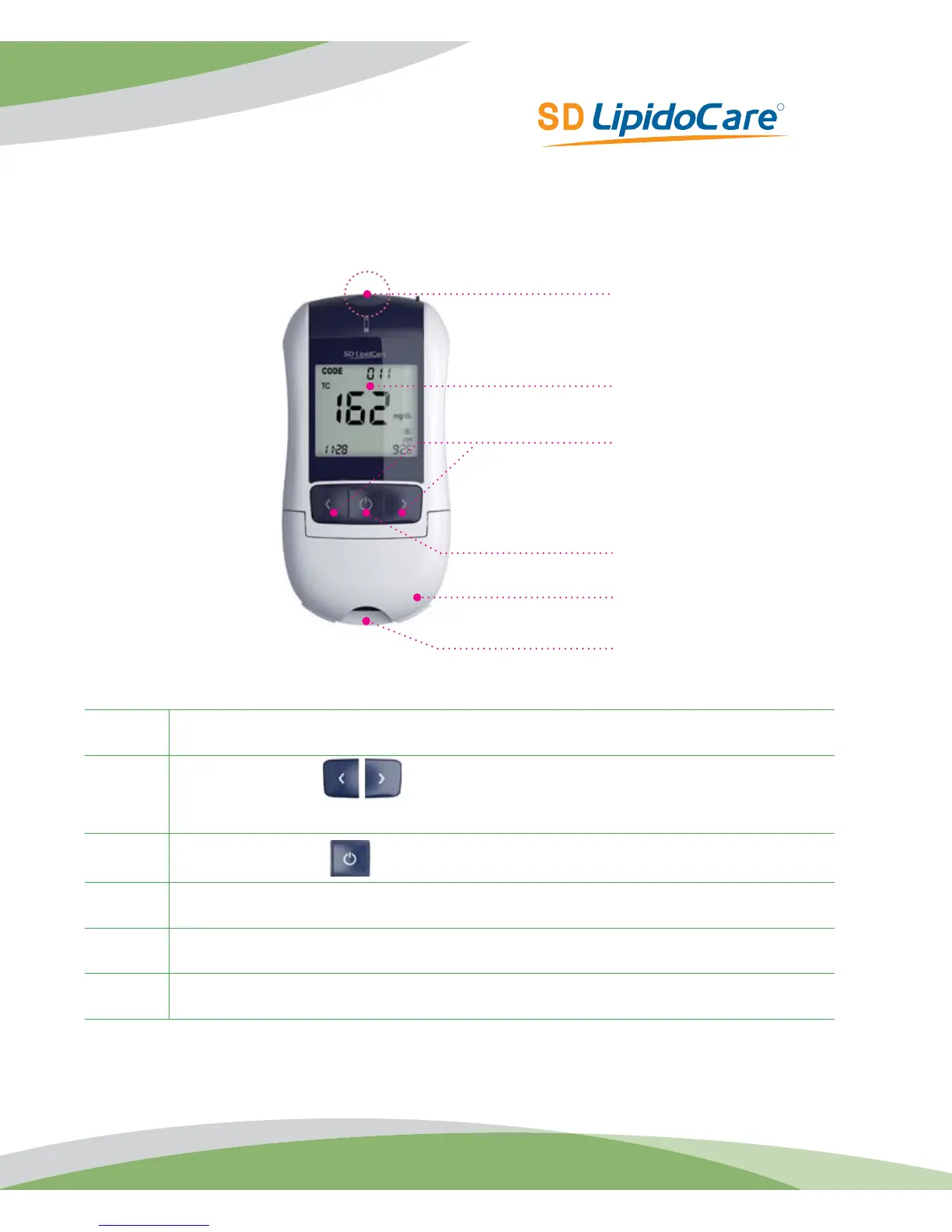
SD LipidoCare®Analyzer
A
Display
Shows a test result, messages, and the test results stored in memory.
B
Arrow Buttons
Used for setup and review of memory moving to the right and left.
C
ON/OFF Button
Press to turn Analyzer ON or OFF.
D
Lipid test strip slot
Insert a lipid test strip here.
E
Measurement chamber flap
Open to apply sample.
F
Glucose Test Strip Slot Insert a glucose test strip here.
F
A
B
C
E
D



 To Next Page