18
CHAPTER 2.
Testing the SD LipidoCare® Analyzer
1. Operating the Analyzer
Before using the Analyzer for the first time, perform the following steps:
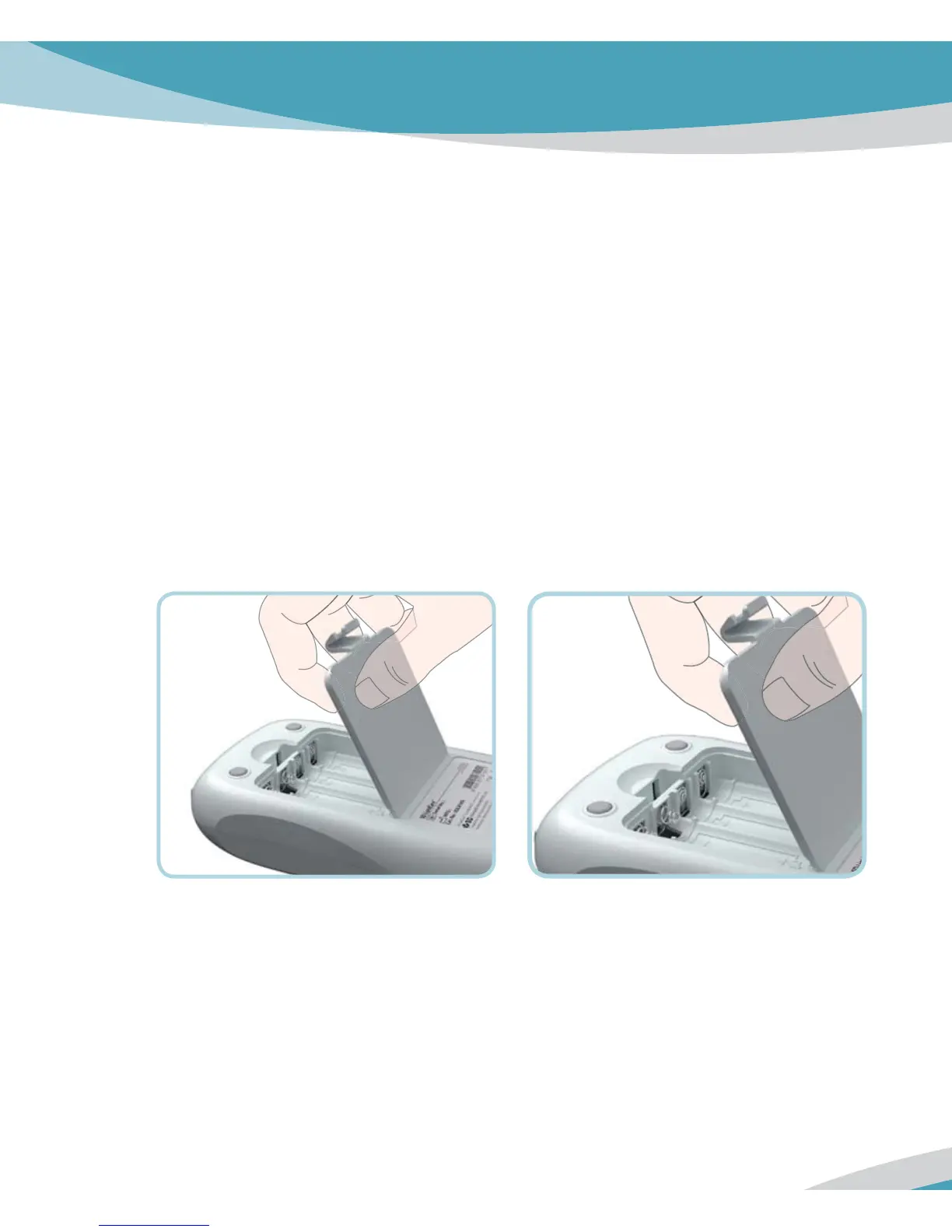
STEP 1. Insert batteries.
1. Ensure the Analyzer is switched off and turn it over.
2. Open the battery compartment lid by slightly pressing the tab towards the centre of the
Analyzer.
3. Lift the lid upwards to remove it from the Analyzer.



 To Next Page