54
CHAPTER 3.
Using the Analyzer Memory
1. Analyzer Memory
The SD LipidoCare® Analyzer has 7 modes, memory areas, each of which can be used to store up to
500
measured values together with date, time and flags letting your review them in order from the most
recent to the oldest. If the memory is full and a new result is added, the Analyzer deletes the oldest result.
The SD LipidoCare®Analyzer has the function to review the averages for only glucose parameter.
t ALL mode
t Lipid/Glucose mode : 7 sub-parameters: 1)TC, 2)TG, 3)HDL, 4)LDL, 5)LDL/HDL, 6)non-HDL,
7)Glucose
t TC·HDL mode : 3 sub-parameters: 1)TC, 2)HDL, 3)non-HDL
t TC mode
t TG mode
t HDL mode
t Glucose mode
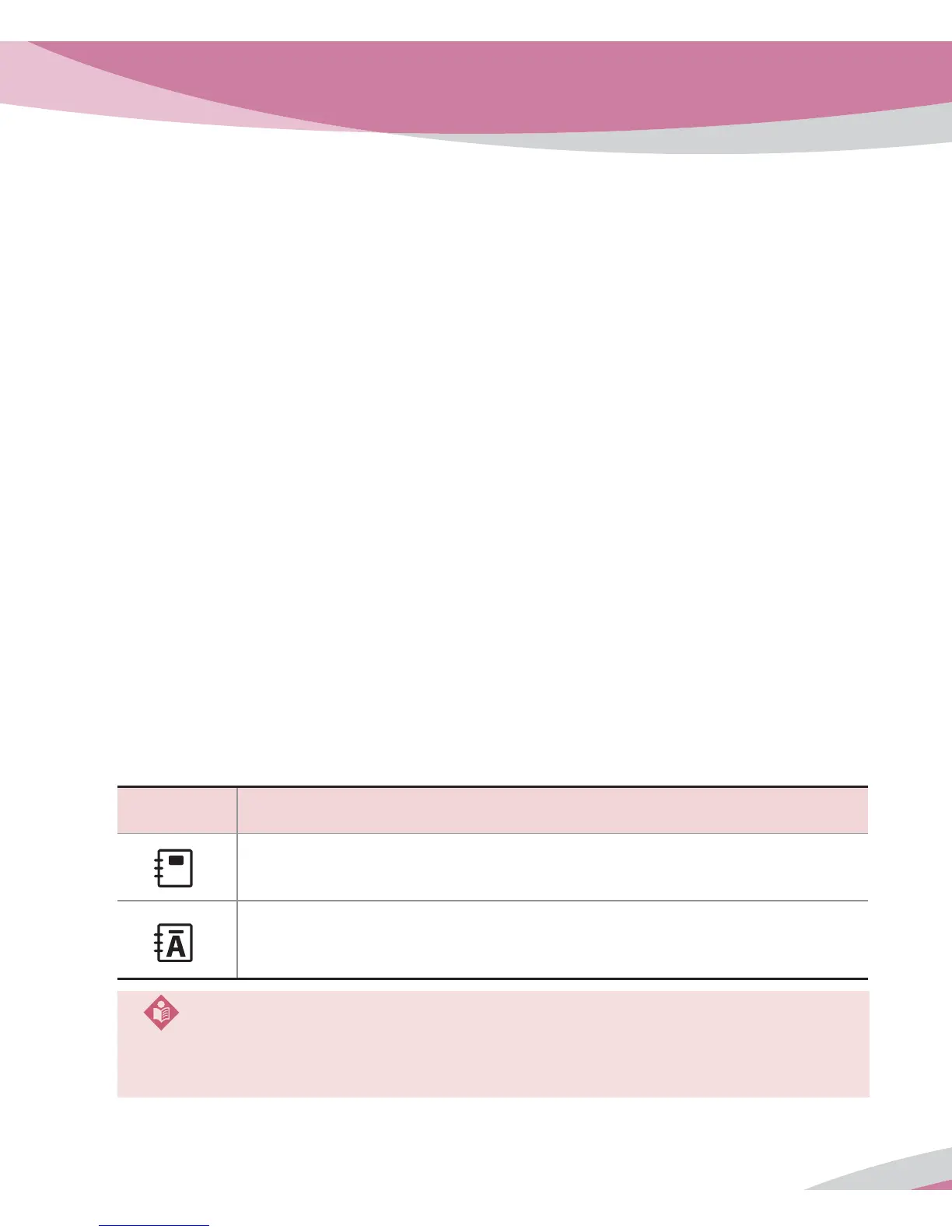
Symbol Details
t Indicates to display test results stored in memory by the each mode.
t Indicates to display test results stored in memory by memory index
regardless of mode. (ALL mode)
LCD Symbol of Memory
NOTE
t Each Parameter title is flashing in ‘ Lipid/Glucose ’ and ‘ TC·HDL ’ mode.
t When you enter ‘ ALL ’ mode, the initial ‘ A ’ will be appeared at the center of memory symbol.



 To Next Page